
Introduce yourself
Share your story in the comments:
What called you here?
What are you building or rebuilding?
What do you want to master this year?
We listen. We witness. You’re now among Pathfinders.
0%

Signal1The Spark: Getting Started with ChatGPT Pro
Igniting curiosity and establishing the foundation for your AI journey
This module introduces learners to the ChatGPT Pro environment, focusing on initial orientation and setup. By the end, users will confidently navigate the interface and understand the core value proposition of ChatGPT Pro.
0%

Signal 2 The First Flame:Core ChatGPT Pro Features
Exploring the essential capabilities that make ChatGPT Pro powerful
This module unveils the full toolkit available in ChatGPT Pro, focusing on the multimodal capabilities that distinguish it from basic versions. Users will discover how to leverage vision, browsing, and voice features to expand beyond text-only interactions.
0%
Signal3 The Tools: Prompt Engineering Fundamentals
Learning the language of AI to get the best possible results
This module teaches the critical skill of effective communication with AI. Users will learn structured prompting techniques that dramatically improve output quality and consistency, moving beyond basic queries to sophisticated instructions.
0%

Signal4The Mirror Custom Instructions & Personal
Reflecting your unique needs and preferences to create a personalized AI experience
This module focuses on tailoring ChatGPT Pro to individual needs through custom instructions and personalization settings. Users will learn how to create a consistent, personalized AI assistant that understands their preferences, writing style, and domain-specific requirements.
0%

Signal5 Walk Forward: Everyday Productivity Apps
Applying your knowledge to enhance daily workflows and solve real problems
This capstone module demonstrates practical applications of ChatGPT Pro for everyday productivity. Users will learn how to apply their knowledge to real-world tasks, from content creation to research and professional document preparation.
0%
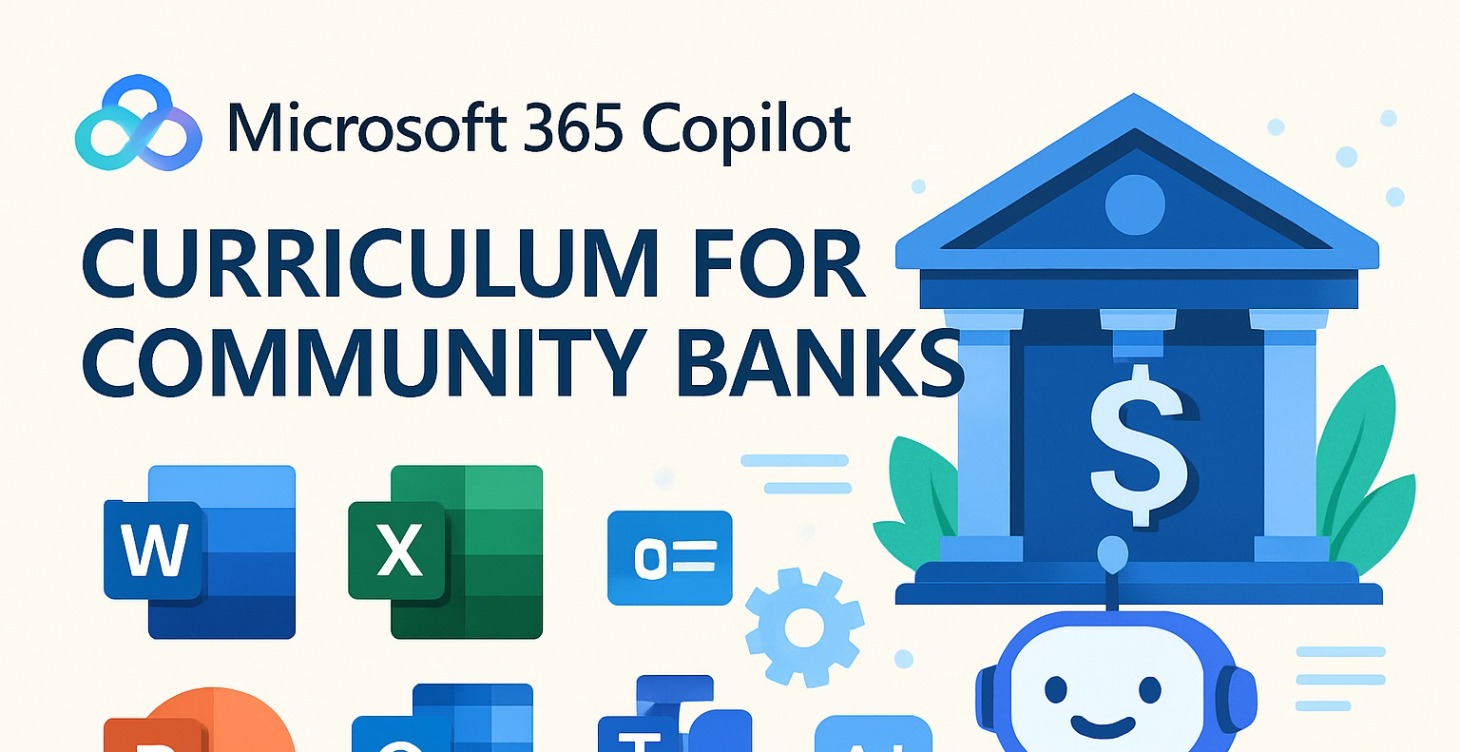
Intro to Microsoft 365 Copilot for Banks >3B
Introduces community bank professionals to Microsoft 365 Copilot, explaining its core capabilities, implementation considerations, and how it integrates with existing Microsoft 365 apps to enhance productivity in banking operations. Will gain a foundational insight can to build daily workflows.
365 Copilot's AI capabilities and how they apply to banking
Implementation for banks under $3 billion
Integration w/ 365 apps commonly used in banking
Security considerations for financial services
0%
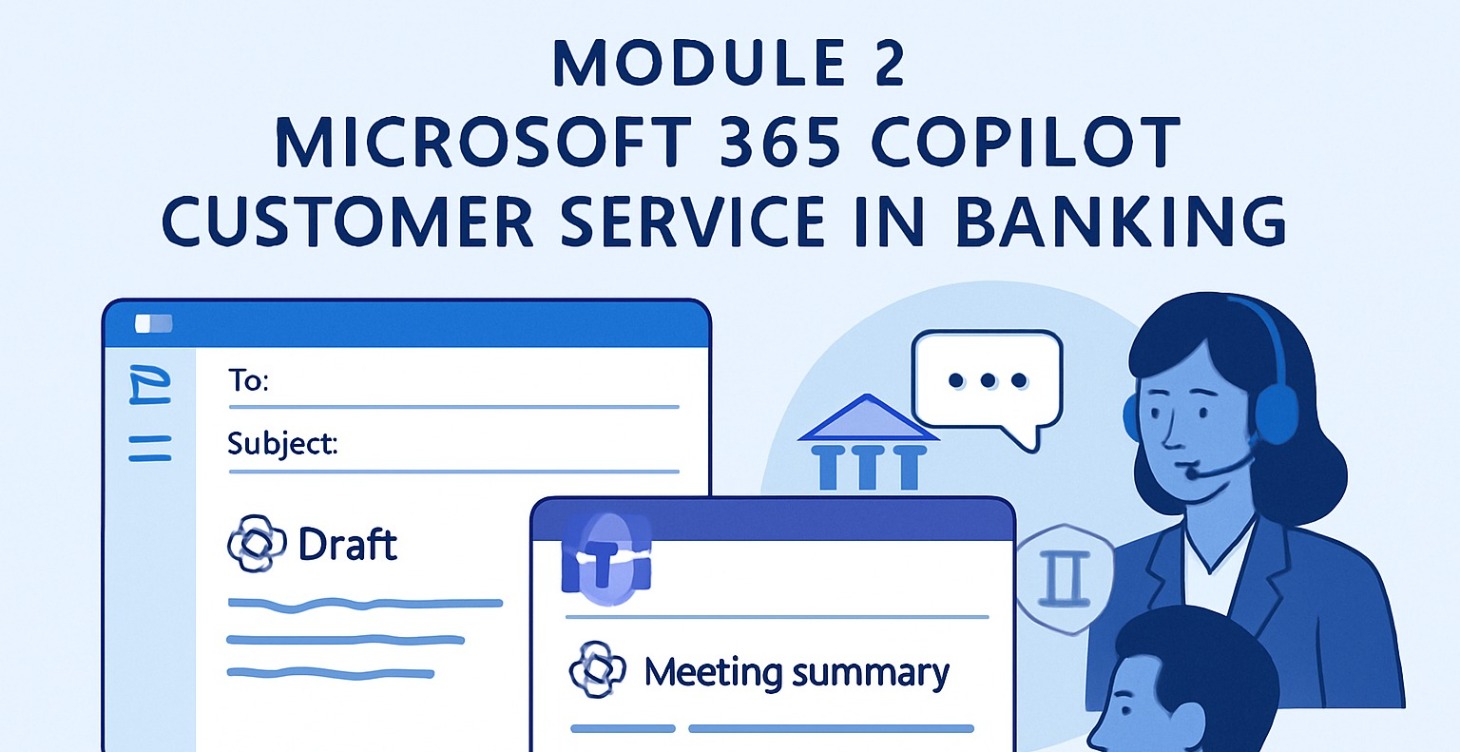
Module 2: Enhancing Customer Service
AI-Powered Banking
Learn to use Copilot in Outlook and Teams to enhance client communications while maintaining compliance.
This module shows community bankers how to draft personalized emails, summarize meetings, track action items, & manage client interactions efficiently, all w/ proper regulatory safeguards.
Key Topics
Using Copilot for client communications
Leveraging Copilot for summaries
Maintaining compliance in AI-assisted communications
Practical workflows for customer service reps
0%
Copilot in Excel for Banking
Excel AI for Financial Analysis
Master Copilot in Excel to transform financial analysis at your community bank.
Learn to automate reconciliation, create visualizations with natural language, extract insights from data, and streamline reporting all with minimal technical expertise and maximum compliance.
Using Finance agents for automated reconciliation
Creating visualizations with natural language prompts
Extracting insights from loan portfolio data
Streamlining month-end closing processes
0%
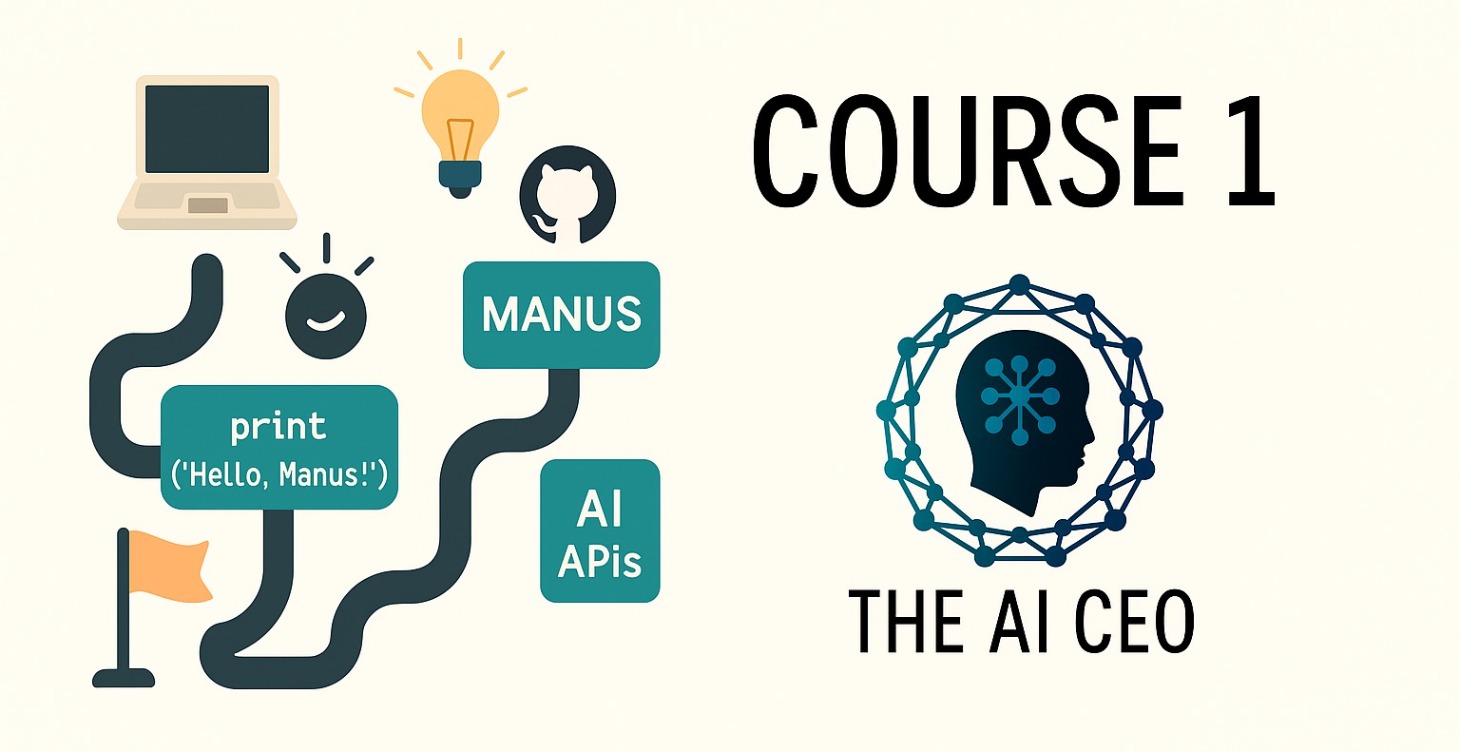
Manus Beginner's Learning Path
The simplest way to start coding with AI - no overwhelm, just progress Your 3-Tool Stack
Manus 2 (your coding environment)
GitHub (built into Manus - save your work)
Notion (track your progress)
0%
Unlock at Level 1
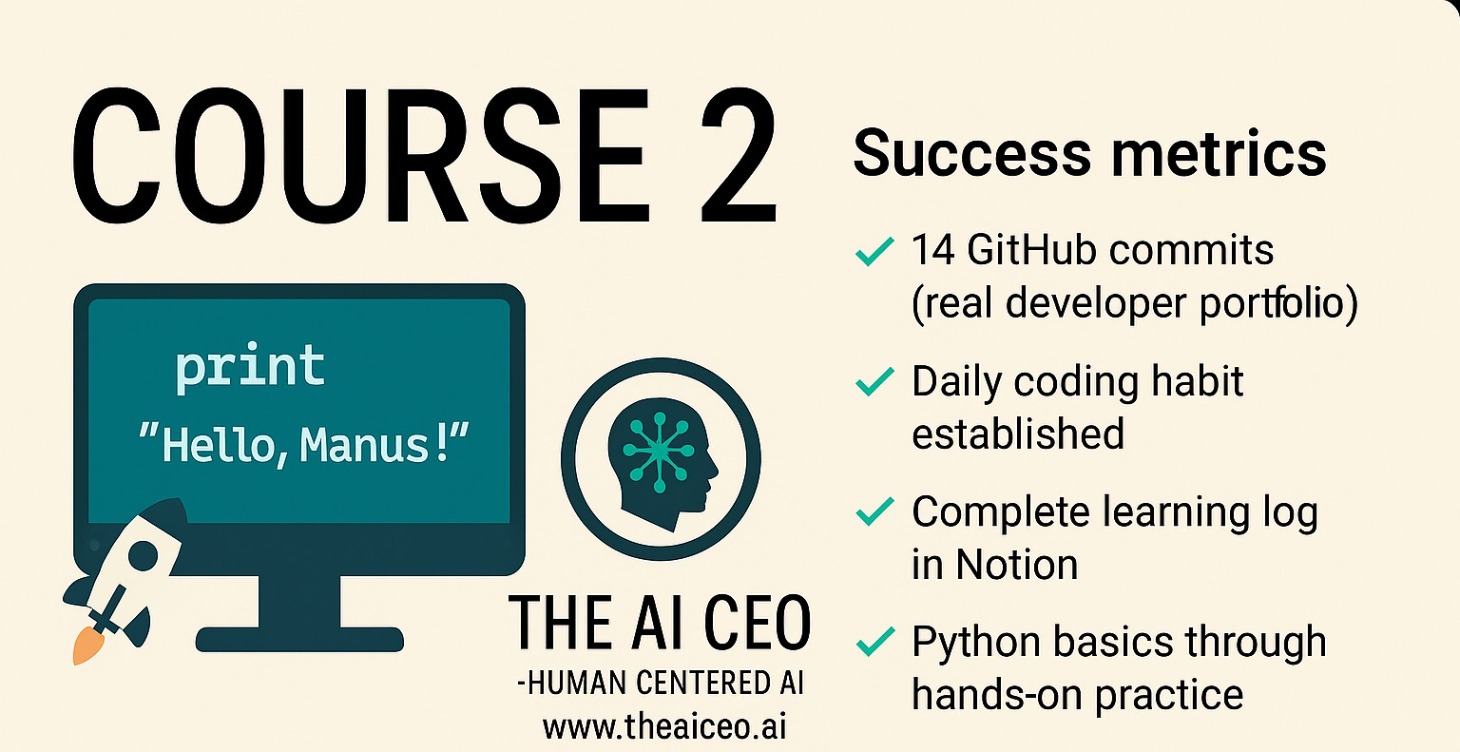
Manus Week 2 Evolution: Add AI
Success Metrics
After 2 weeks, you'll have:
✅ 14 GitHub commits (real developer portfolio)
✅ Daily coding habit established
✅ Complete learning log in Notion
✅ Python basics through hands-on practice
✅ Confidence to tackle bigger projects
Most importantly: You'll have momentum instead of overwhelm.
0%
All Python
All Python - Learn from the best!
0%

Copilot Prompting
You're exactly right — and your instinct is on point. Copilot for Microsoft 365 (including Copilot for Sales) is not currently designed for individual prompt persona customization the way tools like ChatGPT or Claude are. Here’s the reality:
🎯 Short Answer
No, individual users cannot create persistent, custom personas or reusable prompt behaviors directly inside Microsoft Copilot today.
Microsoft is focused on enterprise-wide integration (e.g., CRM, Outlook, Teams), but does not yet offer
0%
1-13 of 13