🥇Business Clarity OS
Private
27 members
$15/month

🔥
If you’re here, it’s probably because your business feels more chaotic than it should. You’re smart, capable, and hardworking — yet you’re still waking up wondering why your results don’t match your effort. You’re tired of guessing, tired of spinning, and tired of feeling like you should be further ahead by now. And you’re right. You should be.
The problem isn’t you — it’s the lack of a clear operating system. High‑level entrepreneurs don’t rely on motivation; they rely on structure, clarity, and predictable processes. That’s what Business Clarity OS gives you. A premium, founder‑level system that removes overwhelm, sharpens your focus, and turns your business into something calm, organised, and consistently growing. If you’re done tolerating chaos and ready to operate like someone who knows where they’re going, you’re in the right place.
powered by
skool.com/tourism-storytelling-hub-6198
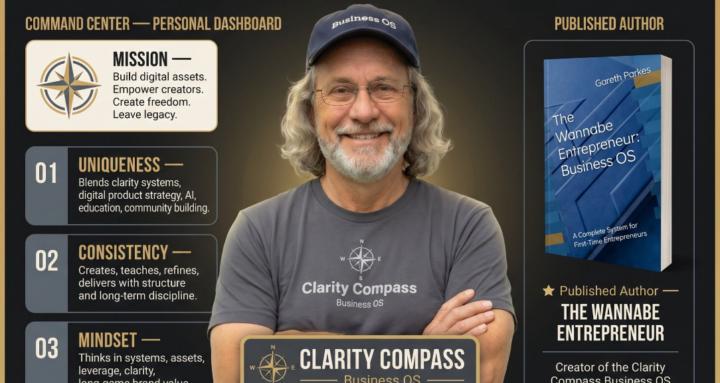
A business operating system for entrepreneurs, founders, solopreneurs, and small‑business owners who want clear systems and structured business growth