
Write something

18d •
📢 IT'S LIVE!! 🚨 How to Read Your Credit Report (Replay)
Missed the live? No worries! The replay is now available in the REPLAY VAULT inside the Classroom. If you don't already have your 3-bureau credit report, grab yours first, then follow along as I walk you through it step by step. In this training, you'll learn how to: ✅ Read your credit report like a pro ✅ Identify negative and derogatory accounts ✅ Spot unauthorized or unnecessary inquiries ✅ Review personal information for inaccuracies ✅ Understand public records and what they mean Knowledge is power. The better you understand your credit report, the better equipped you'll be to improve it. 💙📈 https://www.skool.com/the-credit-lounge-5292/classroom/269390bb?md=25b36549b5d14b9280871c8293bb2f36
0
0

20d •
Experian Removal Method In 10 Steps ✨
Experian Hack: This method can help you remove accounts attached to your address. If done properly, you should have no problem removing any negative accounts from Experian! 😃No GateKeeping here so here we Go!🚀 ✔️1. Log in to Experian. ✔️2. Click on the “Credit” tab in the top bar. Select “Credit Report.” ✔️3. Scroll to the “Quick Actions” section and click “File Dispute.” ✔️4. Proceed to the Dispute Center. If you encounter issues, repeat steps 2 through 5. ✔️5. In the Dispute Center, locate your Report Number (a 10-digit number formatted as xxx-xxx-xx) and write it down. HERE’s where the magic 🪄💥 happens! 👇🏾 ✅6. Open a new browser window and go to http://Experian.com/ncaconline/dispute. ✅7. Enter your Report Number, SSN, and Email, then click “Submit.” ✅8. Find your address under “Personal Information.” Note the last 4 digits of the Identification Number associated with that address. ✅9. Scroll to “Potential Negative Items,” click on any negative account, and check if the last four ID# matches the last 4 digits ID number from your address. If it does, remove the address as it is linked to the account. ✅10. After removing the address, dispute the accounts. *By removing the address, the account is unlikely to be verified due to the missing address, increasing the chances of account deletion.🏆📈🏆🔥🚀 Good LUCK! 🔥🚀🏆💯
0
0
21d •
🚨 NEW INQUIRY REMOVAL LETTER ALERT! 🚨
This updated hard inquiry removal letter includes applicable consumer law references while keeping the formatting simple and professional. Just insert your personal information, add the exact hard inquiry name and inquiry date, send it off, and see what comes back. No fluff. No complicated process. Just a ready-to-use template you can customize in minutes. Who's ready to clean up those unnecessary hard inquiries? 💳✨ #TheCreditLounge #CreditRepair #InquiryRemoval #CreditEducation #CreditTips #DIYCredit #CreditRestoration
0
0
May 10 •
🚨Disputes Should Point Out Inaccuracies🚨
One of the biggest mistakes people make when writing dispute letters is turning them into emotional complaints instead of factual disputes. The credit bureaus and furnishers are not focused on your personal situation — they are focused on the accuracy of the reporting. A successful dispute is not about explaining why you were late or why something feels unfair. It’s about identifying factual inaccuracies, inconsistencies, or FCRA violations within the reporting itself. For example, if the Date of First Delinquency reported by one bureau does not match another, that is a reporting inconsistency that must be investigated. Take the emotion out of it. Focus on the facts, the reporting, and the law.
23d •
You fixed your credit — now let's get you funded 💸
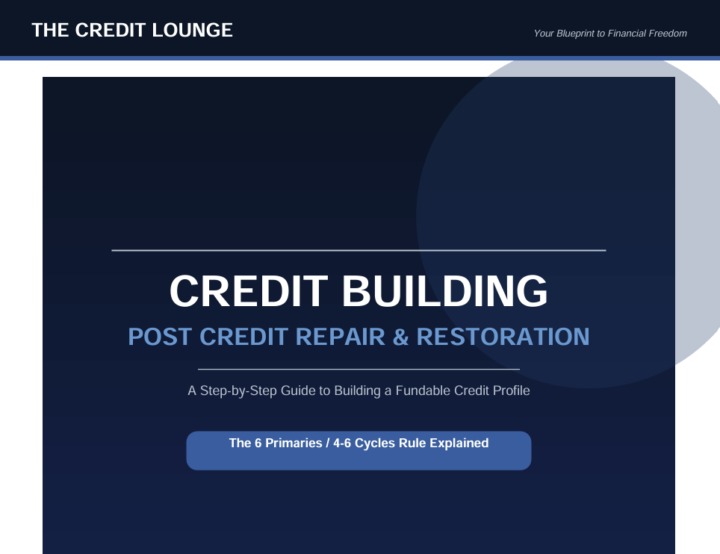
You fixed your credit — now let's get you funded. Grab the free blueprint that breaks down the 6 Primaries / 4-6 Cycles rule and shows you how to build a profile lenders actually approve. 🔑
0
0
1-19 of 19

skool.com/the-credit-lounge-5292
🙏 Restore your credit, rebuild your finances, and walk into financial freedom. Credit education, funding strategies, and community support.
Leaderboard (30-day)
1

+2
Powered by