
1h • General Discussion
📸 The Perfect Smile: Zero-Drift Identity Lock
Most image-to-image tools destroy a character's identity the moment you ask for a simple facial change. If you prompt an engine to turn a neutral expression into a smile, it doesn't just adjust the mouth muscles—it completely rewires their jawline, bone structure, and eye shape, turning them into a different person.
To fix this, you have to treat the prompt like a medical surgical brief. You must explicitly fence off the anatomical nodes that cannot move, and only give the AI permission to flex the specific muscle layers responsible for a natural smile.
Here is the exact framework to run inside your image-to-image or inpainting workspace to execute non-destructive facial modifications.
📐 The Master Expression Prompt
Drop your source image into your generator, mask the face if using an inpainting tool, and apply this exact text layout:
Change the facial expression of the person in this photo to SMILING. Keep the person's identity, age, bone structure, face shape, eye shape, nose, lips, and jawline exactly as in the original.
### ANATOMICAL PRESERVATION
- Preserve skin texture, pores, freckles, moles, facial hair, and hairstyle with absolute fidelity.
- Adjust ONLY the local muscles involved in the new expression—specifically the mouth, cheeks, eyes, and eyebrows—so the change looks anatomically natural.
- If the expression involves a smile or laugh, show teeth only if appropriate and keep them entirely consistent with the person's real teeth shape, spacing, and enamel color.
### ENVIRONMENTAL LOCK
- Preserve the original lighting direction, specular highlights, shadows, skin tone, and color grading.
- Do NOT change the head position, tilt angle, body pose, gaze direction, clothing, or background elements.
### QUALITY BAR
The result must look like a real photo of the exact same person captured a single split-second later with a natural, authentic expression shift. Zero digital artifacts, zero identity drift.
2
0 comments
📸 The Perfect Smile: Zero-Drift Identity Lock
skool.com/the-ai-advantage
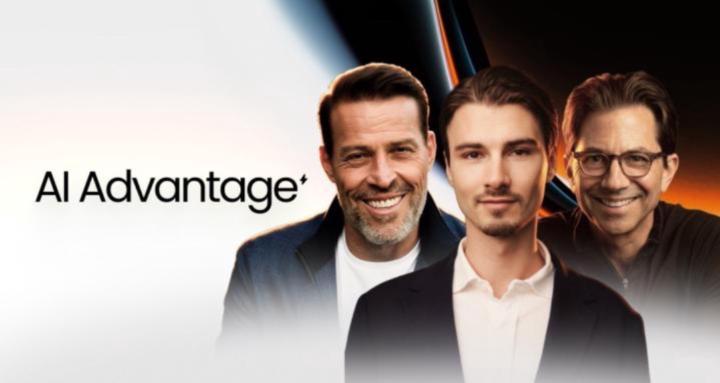
Founded by Tony Robbins, Dean Graziosi & Igor Pogany - AI Advantage is your go-to hub to simplify AI and confidently unlock real & repeatable results
Leaderboard (30-day)
1

+506
2

+358
3
+251
4

+170
5

+132
Powered by