SHE IS AI™ Hub
Private
112 members
$19 /month
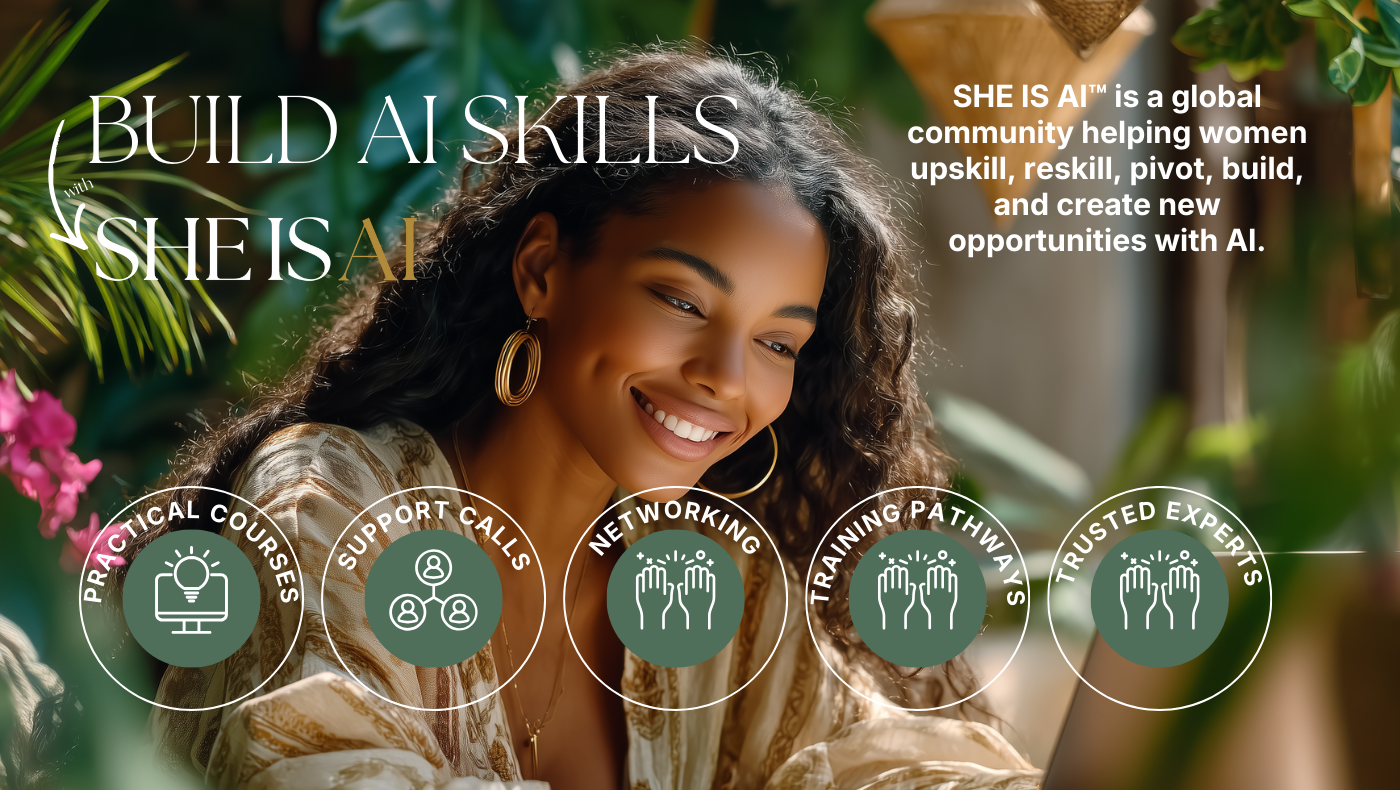
Most AI education teaches you tools. We teach you how to think about AI as a system.
Join our leading global community of women leaders, founders, educators, and professionals who are learning to use AI in a way that's practical, ethical, and useful in work and your life.
Inside, you'll find:
→ Daily support calls, regular live masterclasses led by AI experts
→ Practical AI tutorials, workflows and systems you can steal
→ A global network of women across 28 countries who are doing this together
→ Direct access to the SHE IS AI Founder & Educators
→ First access to events, offers, and paid opportunities
This is not another AI hype space. There are no bros.
No bots pretending to be thought leaders.
No "10x everything" energy.
This is a room full of smart, capable women who are building real AI capability together.
$19/month. Cancel anytime. 98-100% retention rate. Our members stay.
Because we show up with heart, ethics, passion, and collaboration.
That tells you about who's inside.

skool.com/she-is-ai-community
Where women learn to lead in the age of AI; ethically, strategically, and working together.
Powered by