
Write something

Sep '25 •
AI Tools for Interface Designers
This guide highlights the most impactful AI-powered tools that designers can use to speed up research, prototyping, communication, and product strategy. Each tool costs ≤ $25/month, integrates AI functionality, and has been validated through real practice stories. 🔊 ElevenLabs - AI Voice Generation 🔗 Link to a tool Description: A platform for creating natural-sounding voices in 70+ languages with multiple emotional styles. It powers narration, dubbing, and conversational agents./ Use Cases: - Voiceovers for presentations & showreels. Generate professional narration without hiring a voice actor. - API for AI chat. Add voice responses into your prototypes or AI-driven assistants. - Narrating prototypes. Bring flows to life in demos: instead of static screens, let the prototype “speak.” - Testing voice UX. Validate intonation, speed, and clarity with users before investing in professional recordings. - Learning guides. Deliver multilingual voice onboarding and help content. - Accessibility. Automatically narrate static screens and instructions for visually impaired users. 💬 Practice Story: During a client pitch, our design team used ElevenLabs to generate a compelling English voiceover for a product video. The added emotion and polish helped the concept stand out, and the client later admitted that the “professional voice” made the demo feel like a finished product rather than just a prototype. 💬 ChatGPT 🔗 Link to a tool Description: GPT-5 is available through web, API, and custom GPTs. It accelerates UX copywriting, research, and team documentation while enabling interactive prototypes. Use Cases: - Custom GPTs for teams. Example: a shared “UX Copy Assistant” GPT that generates consistent microcopy (button labels, onboarding, error states) in the brand voice. Shared across the whole design team, it saved hours of alignment. - API in prototypes. Embed ChatGPT into interactive demos to simulate AI-driven conversations. - Design system documentation. Generate and refine component usage guidelines automatically. - UX copywriting. Produce multiple tone/style variations of onboarding flows or notifications. - Illustration drafts. Quickly generate or refine visuals when paired with image models.
Oct '25 •
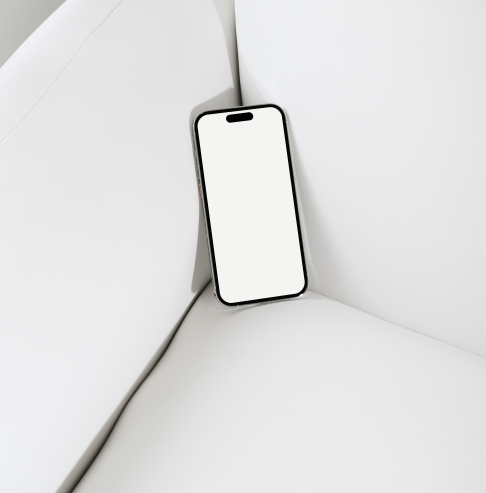
iPhone Mockup
https://drive.google.com/file/d/17l3huEIHRCHfe5tsDgC0t4JD8ABzX0zX/view?usp=sharing
3
0
Oct '25 •
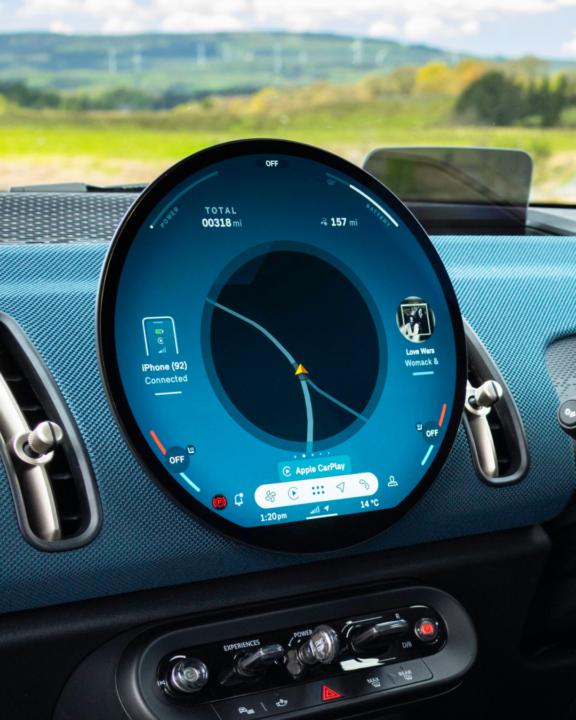
Car Unit UX
https://www.theturnsignalblog.com/the-problem-with-digital-instrument-clusters-and-how-to-design-a-better-one/?utm_source=chatgpt.com&fbclid=PAdGRleANMfPdleHRuA2FlbQIxMQABp0EOECjLIu-5uL_ZV6V2kU0WePYy5qE-SxnZaNXCXpjPiy6rZlNpkdahyArL_aem_13gtPQ4pRQdi87AbP-MInQ
3
0
Oct '25 •
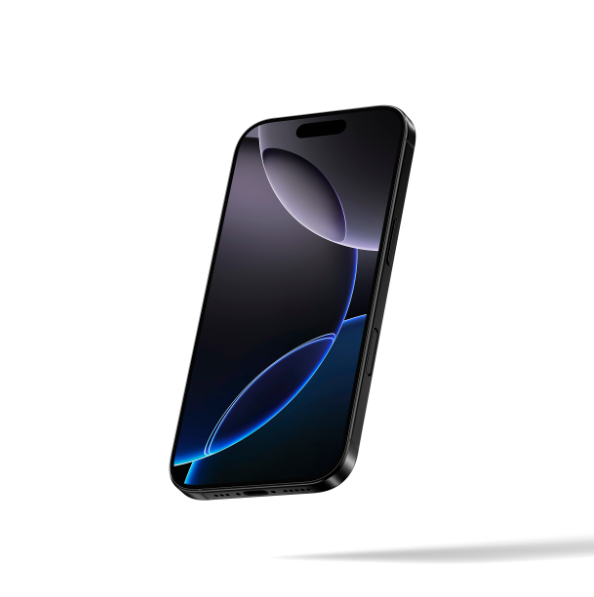
iPhone 16 Pro Mockup
https://drive.google.com/file/d/1xAN8S61850pJwDk0cR-RlVHeRwySp8Zg/view?usp=sharing
2
0
Oct '25 •
Do you have a lack of content for your website?
Use these prompts and create content for your websites: 1. Low-angle dreamy blurry motion shot of a basketball player jumping to dunk the ball, high-quality photography, basketball court, orange background, cinematic. 2. A male cyclist riding an his bike, wearing plain white and grey coloured jersey. Shot in studio against a white background, taken from low angle. The lighting is soft yet dramatic, highlighting every curve of their bodies as they ride at speed, showcasing dreamy motion blur 3. Close-up of a man running in white shorts and a red shirt, wearing white socks. The image was shot on Kodak Gold film, resulting in a grainy, motion-blurred effect. 4. A photograph of a tennis player, colored in light blue, wearing black shorts and a white cap with grey stripes, playing on a clay court. Dust is flying around them, and the shot is taken from a low angle, captured by a Canon EOS R5.
2
0

1-7 of 7
powered by

skool.com/rosty-design-growth-7920
Boost your design portfolio, get UI/UX career tips, and connect with like-minded creatives.
Suggested communities
Powered by