
Unlock at Level 2
Turn your Learning Objectives into Questions
This video course shows you how to turn you learning objectives into questions using Chatgpt.
0%
Unlock at Level 2
Get the AI tool to answer the learning objectives.
In the same chat where you turned your learning objectives into questions, paste your prompt and all your materials - text books, slides any other material your lecturer provided and hit enter. Remember to add page numbers to the prompt if uploading whole textbooks.
0%
Unlock at Level 2
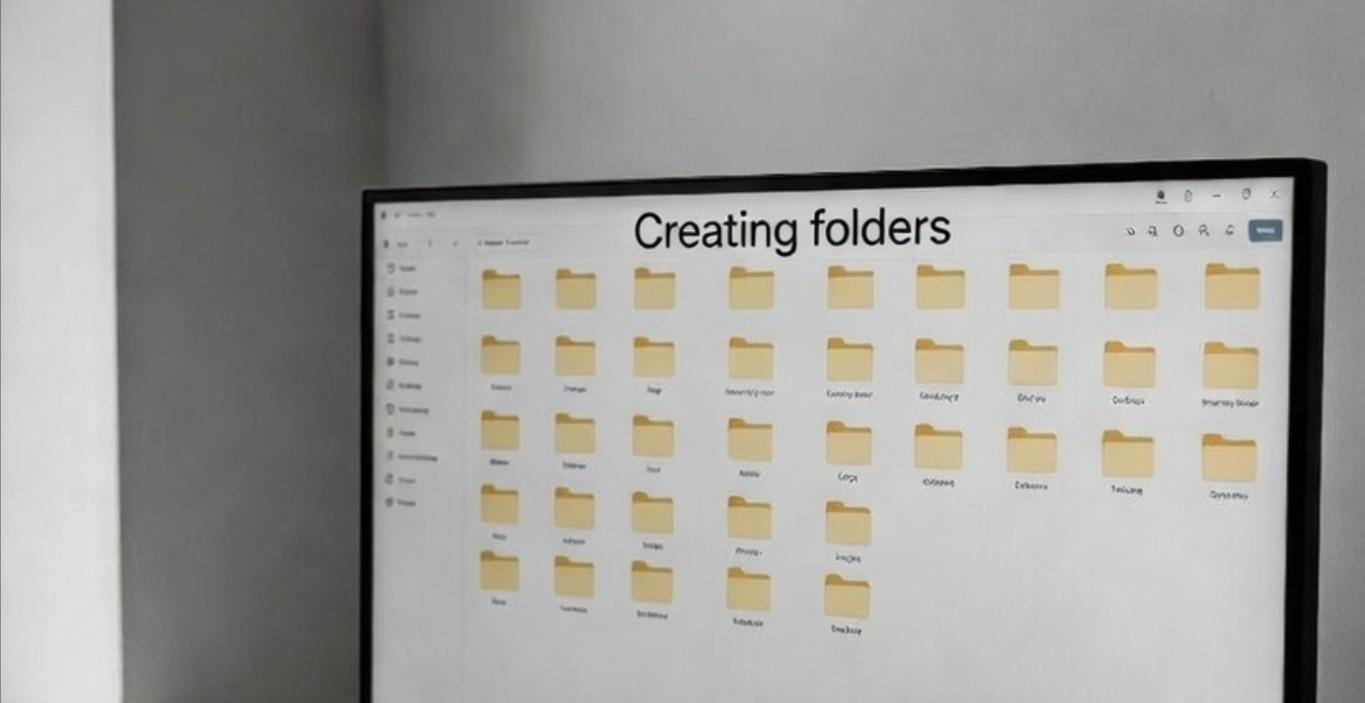
How to create your folders
Create a folder, name it nurse.
in your nurse folder - create a folder for each semester.
In the folder of your current semester, create a folder for each course.
In the folder for each course, create a folder for each week.
In each week's folder, store all your materials - textbook excerpts, lecture slides, notebooklm videos, audio, ai notes, html quizzes, ai links, etc, etc!
0%
Unlock at Level 2
How to use the Advanced Learning Prompt
The Advanced Learning Prompt turns your AI tool into a live tutor. You studying in real time. Your AI tool will teach you and test your judgement. It will also identify your area of weakness and provide teachings and questions to strengthen your knowledge. This course is in four video parts. Please watch them all. You can adapt this prompt to your peculiar study needs.
0%
1-4 of 4