
Oct '25 • 🔌Cable management🔌
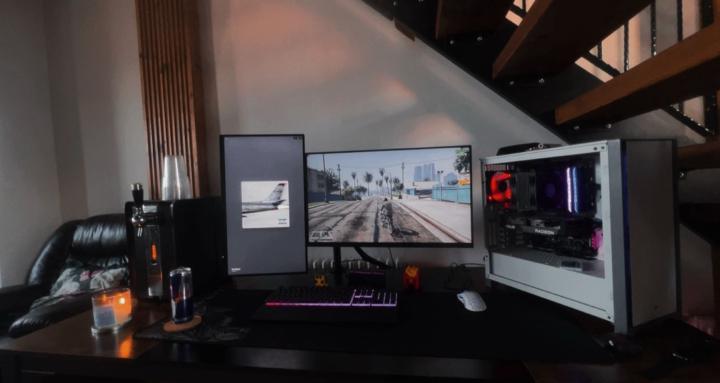
PC Internal Cable Management Tips
1. Use Pre-Sleeved or Custom Cables
- Looks cleaner than default PSU cables.
- Brands like CableMod offer customizable sets for aesthetics.
2. Fan and RGB Hubs
- Use a central hub for all fans or RGB devices, reducing the number of cables running to the motherboard.
3. Short Cable Extensions for Front I/O
- If your case’s front panel cables are too long, shorten them with extension kits or manage excess at the rear.
4. Daisy-Chaining (When Possible)
- Some fans and RGB strips support daisy-chaining, reducing clutter.
🔍 Pro-Level Finishing Touches
- Symmetry & spacing – keep cables evenly spaced and parallel where visible.
- Color coordination – match cables with your build’s color theme.
- Avoid tight bends – this reduces cable strain and increases longevity.
- Do a shake test – gently move cables to make sure they’re secure and don’t rattle or snag.
1
0 comments
PC Internal Cable Management Tips
powered by
skool.com/pc-world-3762
Whether you're a gamer, techie, content creator, or just love customizing your rig. Join us to share your builds, troubleshoot issues, and talk
Suggested communities
Powered by