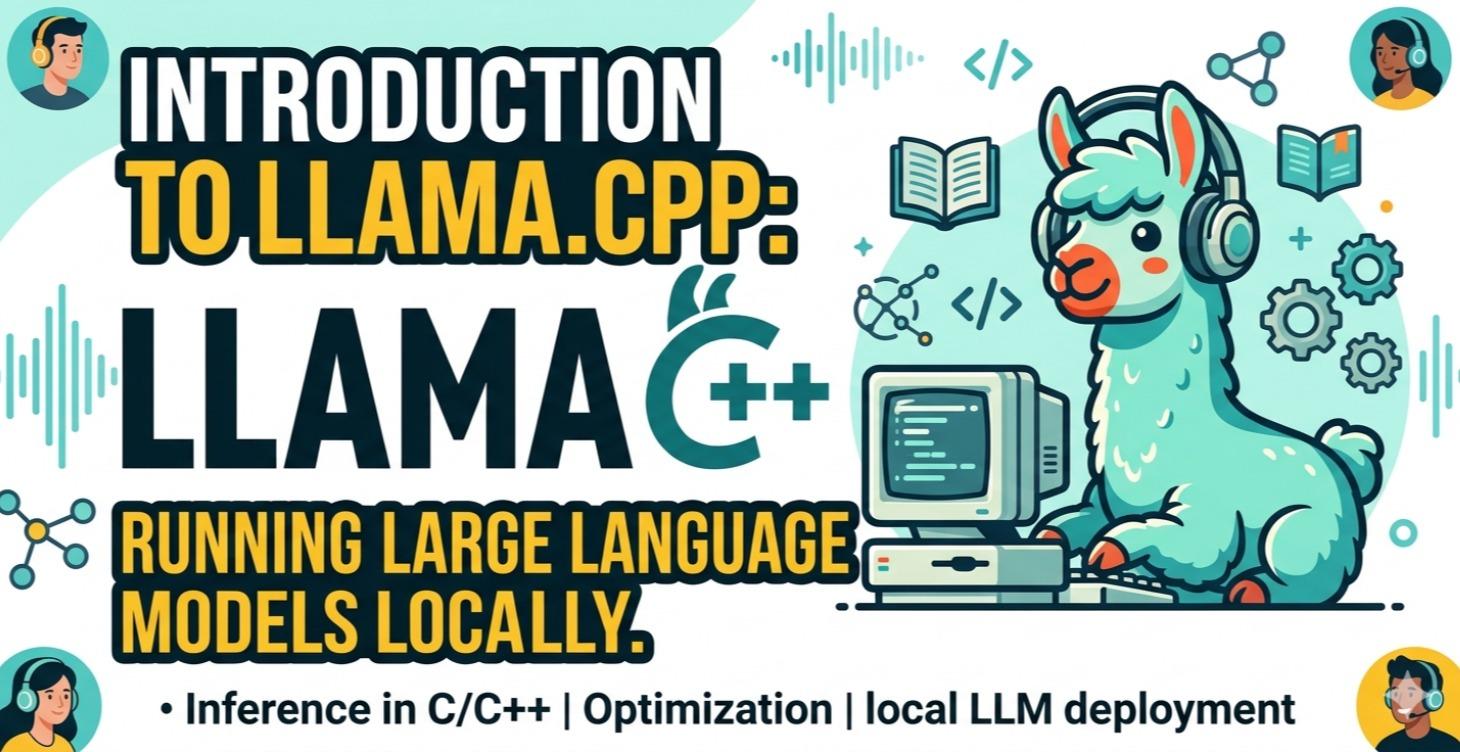
Setup your own LLM with llama.cpp
Learn how to set up and run your own local AI model using llama.cpp. This course walks through installing llama.cpp, downloading GGUF models, launching a local server, testing performance, and troubleshooting common GPU/CUDA issues. You’ll build a working local LLM setup that can become the foundation for private AI tools, experiments, and custom workflows.
This course covers:
✅ Local LLM installation
✅ Quantization (Q4/Q5/Q8)
✅ Network connection
✅ Performance Testing
0%
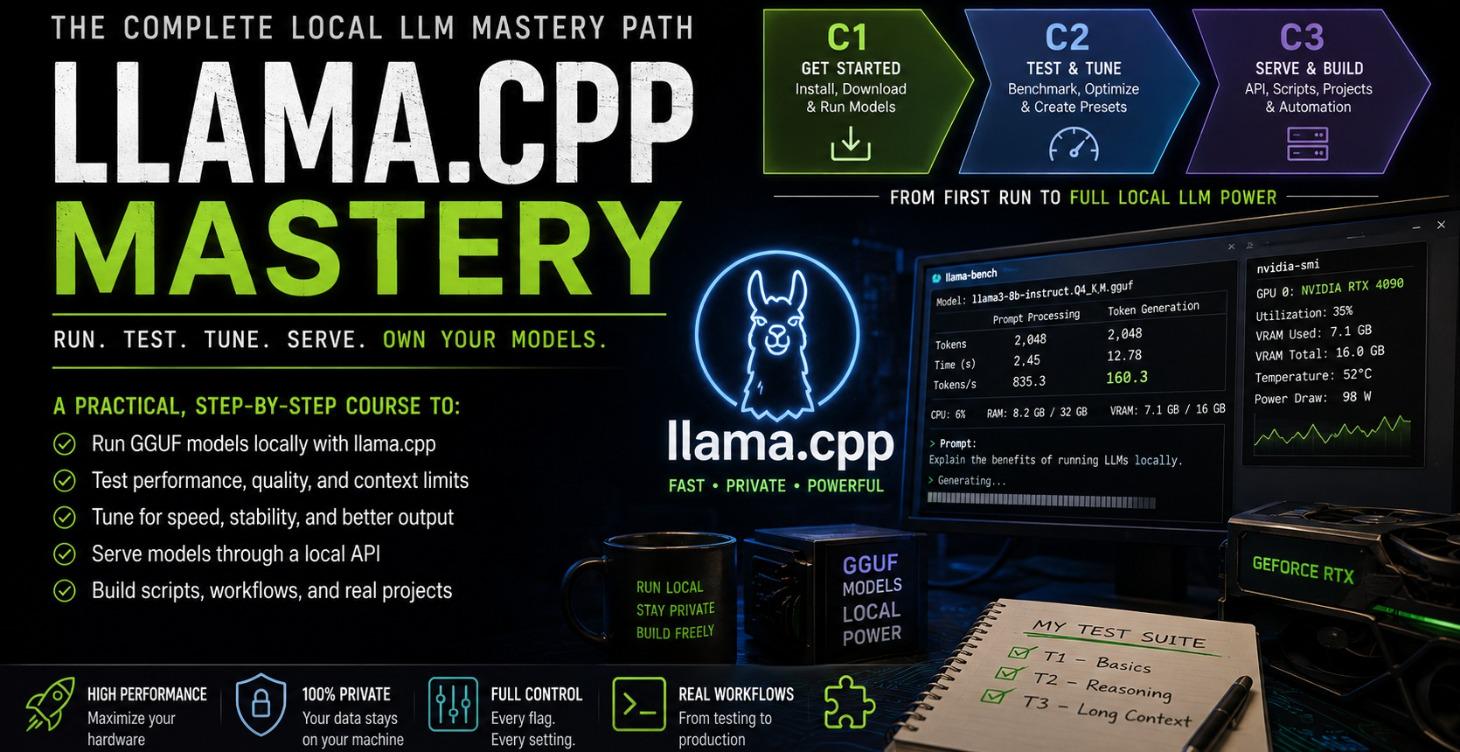
Testing GGUF Models with llama.cpp
Benchmark tokens/sec, test logical output, and tune performance flags.
In this free course you will:
Build a repeatable test folder and scoring system
Benchmark prompt processing and token generation speed with llama-bench
Run 3 standardized quality tests across Q4, Q5, Q6, and Q8
Monitor VRAM in real time with nvidia-smi
Tune llama-server flags for speed, quality, and stability
Build model profiles and a personal preset library
Prerequisite: C1.
0%
1-2 of 2