

6d •
How to resume a previous session/chat
Made this video for @Megan Shubert but figured everyone else could benefit. Shout out to @Dara Lyn for pointing this hack out! 🙌
4
0

Apr 29 •
The 0ne Ai classroom is live!
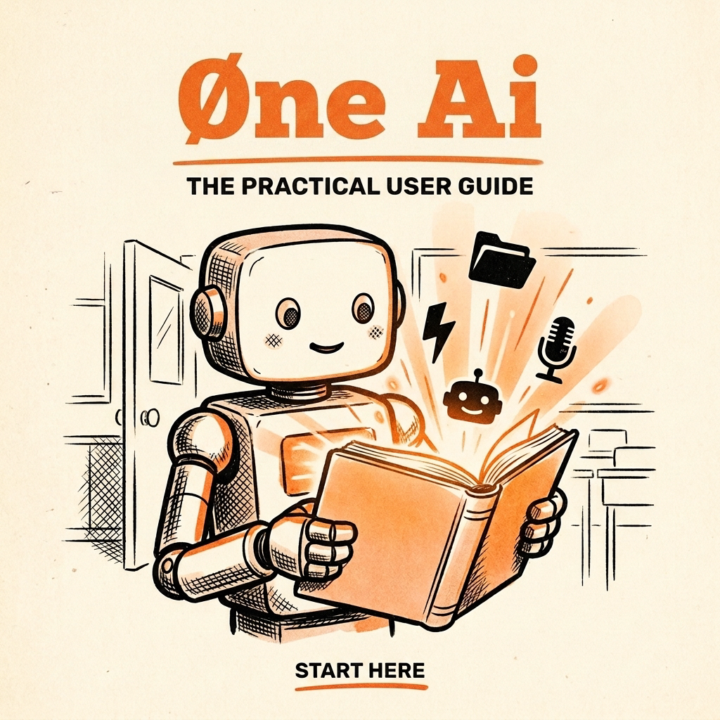
Every product ships with a manual. AI didn't. So I wrote one. 46 cheat-sheets for getting AI to actually run your day. 👉 Start here: open the welcome module. What's inside: - Foundations. How 0ne works. What 0ne is, who 0ne is, what CLAUDE.md does, how memory and skills and hooks fit together, how the voice line works, how the cloud half works. Read these in order. They build on each other. - Skills. The actual cheat-sheets. One per skill in your library. What it does, when to use it, and the exact words to type to One. From 0neStatus to BeCreative to GHL to Project. How to use the classroom Read Foundations first. They're short. You'll fly through them. Once they click, Skills becomes your reference. Pop in any time you forget how anything works. 👉 Start here: open the welcome module. P.S. You don't need to memorize anything. The whole point of 0ne is that it does the remembering and doing for you. Treat this classroom like a stack of cheat-sheets you flip through, not a textbook you memorize.
23d •
Watch me automate with ai...
Should I do more "Over The Shoulder" videos like these? Should I do them live? Want me to help you automate something? Let me know in the comments. P.S. 👉 Want Øne installed on your computer? Click here to request beta access.
4
0


Jun 2 •
Beginner's Guide to Using One AI with Obsidian for Note Sharing
Just put together a quick beginner's walkthrough on using 0ne AI alongside Obsidian for note sharing. If you've been meaning to get this set up but kept putting it off, this is your sign. I'll show you how to run the AI we built in Claude Code, the basics of Obsidian (don't worry, it's way less intimidating than it looks), and how to grab my favorite plugin so you can share notes without the headache. This is the first of a few I've got planned, so consider it your starting point. Watch it, try it, and drop a comment if you got it working or if you got stuck somewhere. More coming soon 🎥

1-4 of 4
Leaderboard (30-day)
1

+8
2

+3
3

+2
4

+1
5

+1
Powered by