
Unlock for $35
Build an Income Statement in Power BI
We will work hands-on through a sample GL file (provided) to create an interactive income statement including custom subtotals written in DAX.
0%
Unlock for $35
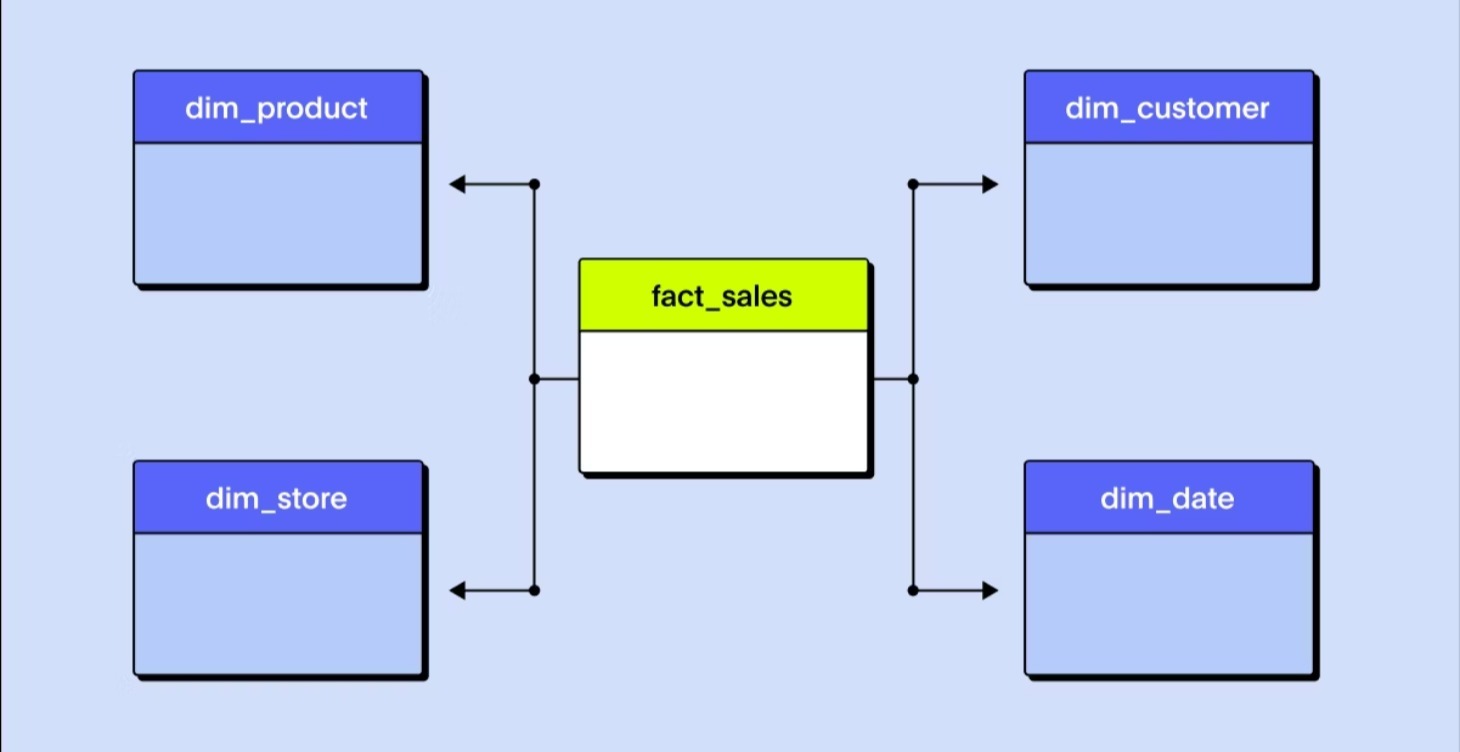
DAX and the Data Model
Goal: Understand data models, relationships, and write your first real DAX measures. Perfect for Excel pros just starting in Power BI.
Students will learn:
Introduction to DAX concepts
DAX evaluates over model columns and tables
Create a calculated column
Why we choose measures over calculated columns
The benefit of variables in measures
Format your DAX and leave comments
Write your first aggregation measure
Create report visuals using model columns and measures
0%

Unlock for $35
Viewing the Model Through Filter and Row Context
Goal: Learn the foundations of filter and row context – the keys to unlocking DAX logic. Students should have an understanding of how to create and use a basic measure on the reporting canvas.
Students will learn:
Row context lives in tables
Filter context lives on the report canvas
How to force row and filter context in both environments
Propagate filter context from the report canvas through model relationships
Learn expanded table concept visually
Use RELATED and RELATEDTABLE
0%
Unlock for $35
Optimizing Row Context in Measures
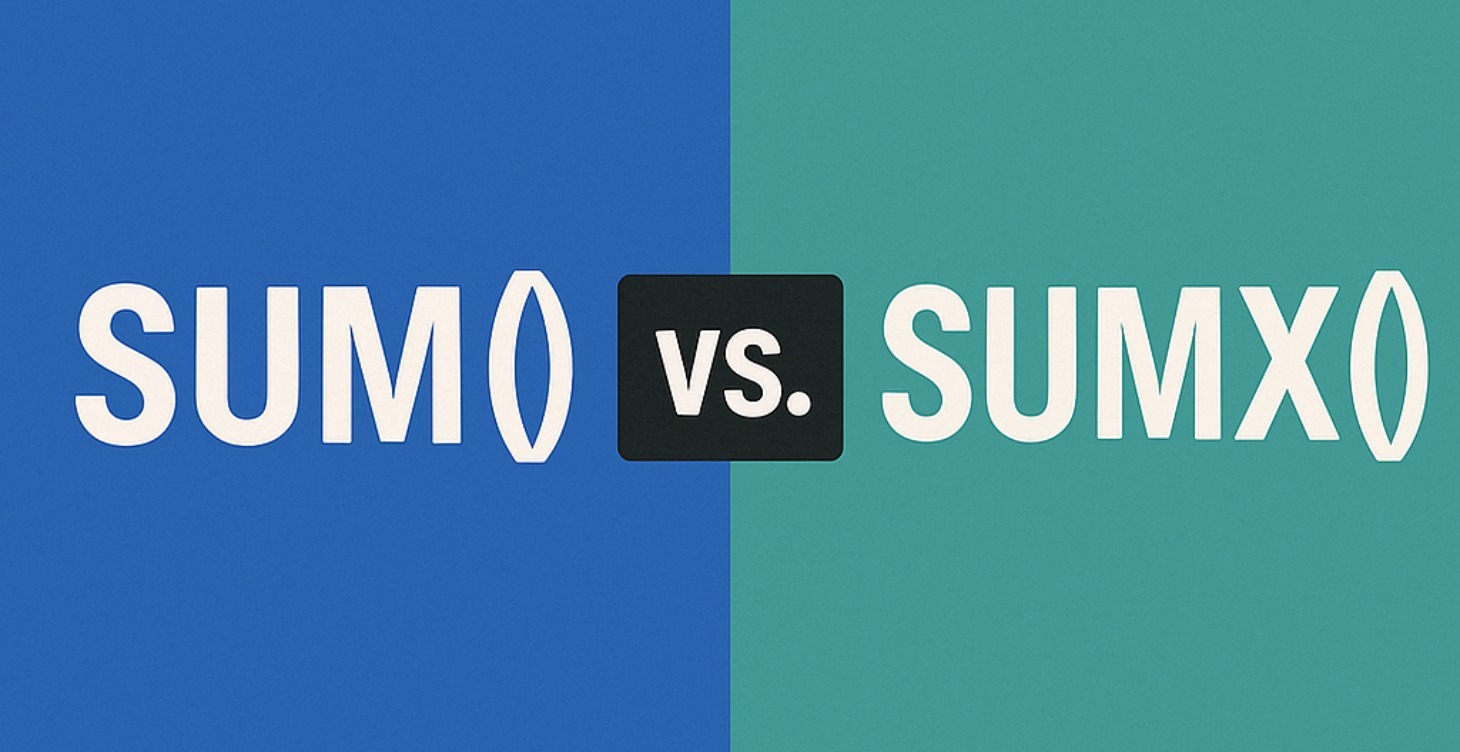
Goal: Use table functions instead of model tables to iterate results. Students will learn how to use and optimize row and filter context within a measure.
Students will learn:
Common table functions:
FILTER
Using SUMX, AVERAGEX, RANKX with real-life scenarios
Optimize SUMX
Troubleshoot unexpected results
Context transition
Introduction to CALCULATE
0%
Unlock for $70
2 Part: Mastering CALCULATE
Goal: Understand how CALCULATE really works and why it’s the most powerful function in DAX! Students should understand the basics of evaluation context.
Students will learn:
Initial filter context
The five steps of CALCULATE logic
CALCULATE forces filter context
Initial filter context
Turn row context into filter context
The power of CALCULATE modifiers
Use ALLSELECTED
Introduce new filters (aka more tables!)
Uncover hidden DAX table patterns
Protect original filters with KEEPFILTERS
0%

Unlock for $35
Working with Time Intelligence
Goal: Work with time intelligence and build custom date logic when standard time functions fall short.
Students will learn:
Create a well-defined dynamic calendar table
Use CALENDARAUTO
Mark your calendar table as a date table
Write standard YTD, MTD, and rolling 12-month measures
Use SAMEPERIODLASTYEAR, DATESBETWEEN, and similar functions
Create custom time intelligence patterns
Role-playing dimensions using USERELATIONSHIP
Work with custom calendars
0%
Unlock for $35
Using DAX as a Query Language
Goal: Move beyond calculations—use DAX to build custom tables and deeper insights. Students should have a clear understanding of using basic table functions like FILTER in DAX measures.
Students will learn:
Use the new Query View in Power BI
Common table query functions
EVALUATE
CALCULATETABLE
SUMMARIZE
ADDCOLUMNS
SUMMARIZECOLUMNS – Now in measures!
FILTER
Combine table results
Apply table query results in DAX measures
0%

Unlock for $35
Real-World DAX Patterns
Goal: Apply everything learned to solve multi-layered business challenges with DAX. Students should have a firm grasp on evaluation context in DAX.
Students will learn:
Use virtual relationships with TREATAS
Build dynamic “What-if” scenarios for report users
Inject custom subtotals in your matrix visual
Different many-to-many reporting solutions
Leverage the expanded table to access advanced filter options
0%
Unlock for $25
Introduction to DAX User-Defined Functions
This course will walk you through the basic structure of a DAX User-Defined Function. From there, we will apply different parameter types, sub types, and passing modes to create increasing complexity and flexibility in our DAX functions.
0%
1-9 of 9