
Write something
Jan 7 •
📌 Module 4 Community: Questions & Projects
Welcome to the Module 4 Discussion Hub! This is your dedicated space for everything related to this module. Whether you are navigating the technical nuances of the "Factory Floor" or refining your Visual DNA, this is where we grow together. What to use this space for: - Module Questions: Stuck on a specific lesson? Ask here! - Project Submissions: If this module includes a project, this is where you will post your final draft for feedback and completion credit. - Collaborative Learning: Share a "lightbulb moment" or a Canva shortcut you discovered while working through the lessons. A Note on Our Community Culture: As we dive into the work, please remember these core principles: - Be Kind & Supportive: We are all at different stages of our journey. What is "obvious" to one person might be a brand-new concept to another. Everyone learns differently, and that is our strength! - No "Stupid" Questions: If you’re thinking it, someone else probably is too. Never hesitate to ask for clarity. - Constructive Feedback: When reviewing projects, remember to be helpful and encouraging. We are here to build each other up into incredible digital designers. We are all starting somewhere, and I am so proud of the progress you are making. Let’s get to work!
1
0
Jan 4 •
🚀 Module 4 Project Launch: The Content Authority Engine
The Challenge: It’s time to move from "Design Student" to "Content Operator." For your Module 4 Final Project, you aren’t just creating a single post - you are building a high-speed system that generates a full week of authority-building content in minutes. We want to see your Brand DNA in motion! This is your opportunity to show the community how you’ve mastered the "Factory Floor" workflow to scale your presence without losing your soul to manual labor. How to Submit Your Project: 1. Create Your Post: Start a new thread in the CWC - Module 4 Community Tab titled: "Project Submission: [Your Brand Name] Content Engine." 2. Include Your Assets: - The Link: Share a view-only link to your Generated Canva Folder containing your 7+ automated posts. - The Blueprint: Attach a screenshot of your Master Content Spreadsheet so we can see how you organized your Hooks and Values. - The Video Star: Mention which post features your custom AI B-roll or Magic Animation. - The "Aha!" Moment: Tell us in 2 sentences which automation tool saved you the most time this week. 3. The Peer Review (Required for Completion): To officially "graduate" from Module 4, you must find two other students who have posted their projects and leave a comment using the 2+1 Feedback Rule: - Two things you loved about their design or automation. - One piece of constructive criticism (e.g., a "Thumb Test" check or a "Safe Zone" adjustment). Why This Matters: The real power of this module isn't just the tools - it's the community. By sharing your spreadsheets and watching how others use Magic Grab or Bulk Create, you’ll discover new ways to keep your content fresh and your workflow fast. We can’t wait to see your Content Authority Engines in action. Let’s hit "Generate" and show the world what your brand is made of!
1
0
1-2 of 2
powered by
skool.com/knb-creative-2805
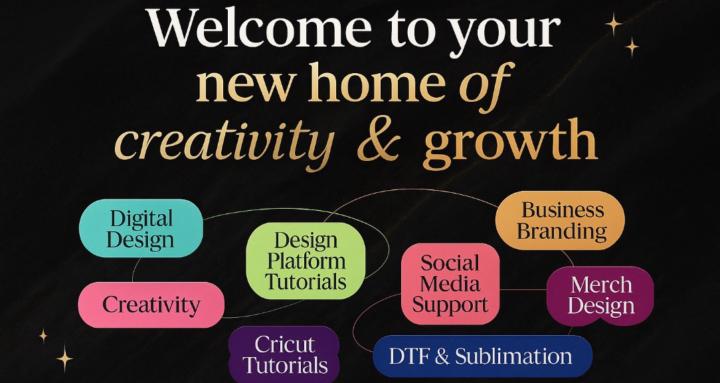
The go-to space for creative minds. Master design, connect with makers, and build your brand at KnB Academy.
Suggested communities
Powered by