
Write something

Dec '25 •
Kickstart 2026
We all know the stats about New Year’s resolutions—most of them are gone by the third week of Jan. 😅 That’s why when the team at UKCPD told me about their new campaign, I wanted to help them spread the word. They are running a Kickstart 2026 – Super January Challenge. It’s a 4-week coaching programme designed to help you actually stick to your goals rather than just hoping for the best. I’m partnering with them to promote this because I know how valuable that extra bit of accountability can be. They’ve got live coaching, a buddy system, and a really supportive community setup. If you fancy a bit of structure to start your year, they are hosting a launch webinar this week to explain how it all works. Link is below if you want to take a look: https://streamyard.com/watch/NKPV2q4iacxp
1
0
Dec '25 •
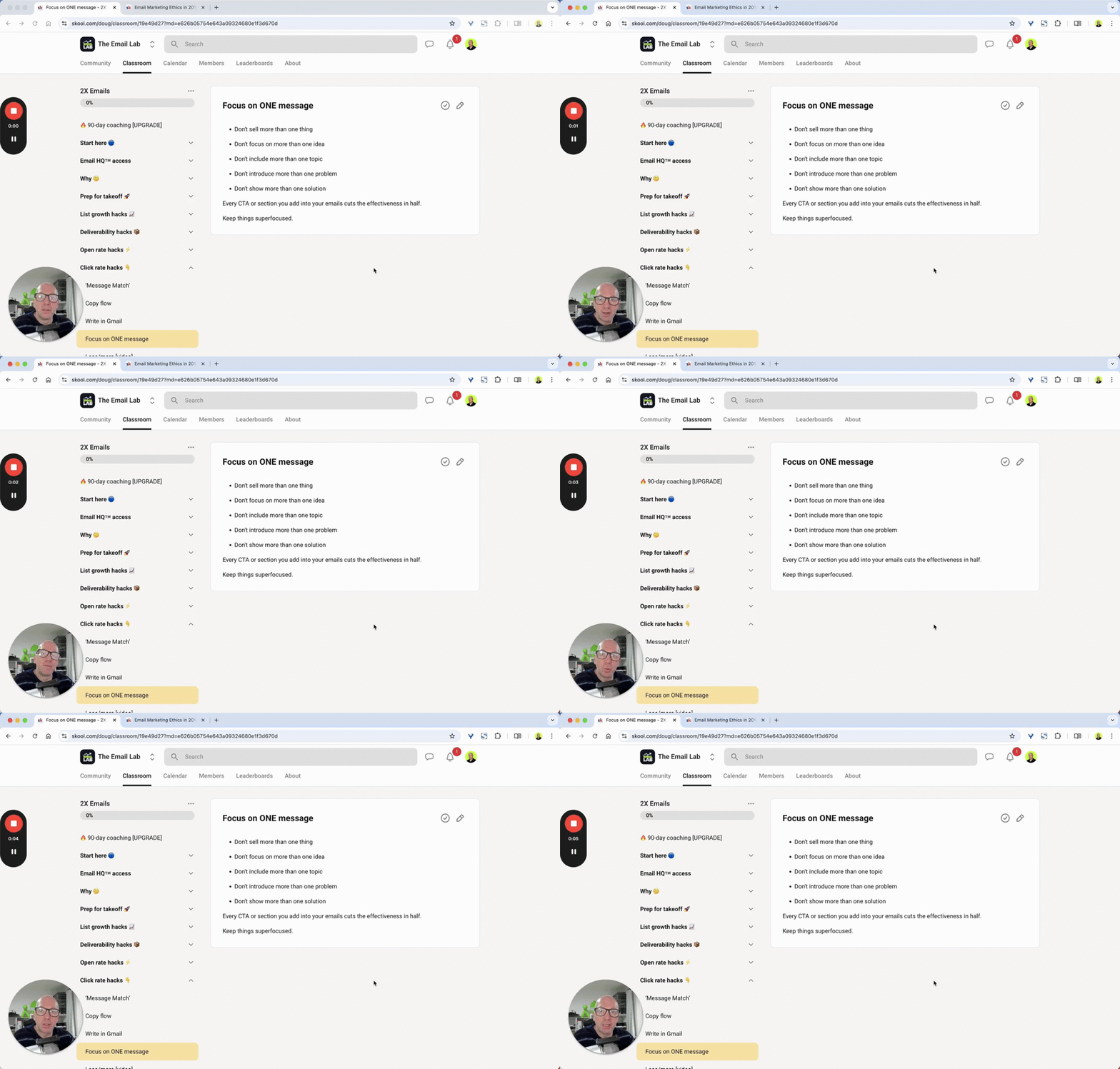
Focus on 1️⃣ message
Stop cramming your newsletters. One message. One CTA. That’s the game. 👇 I learned this the hard way back when I was running MailNinja. I’d try to squeeze 3 ideas, 2 offers and a “quick update” into one email… then wonder why engagement tanked. Truth is: every extra idea you add dilutes the one thing you actually want people to do. Here’s the rule I teach inside GrowthKit: → One problem → One solution → One CTA That’s it. No more. If you’ve got more to say, brilliant — that’s tomorrow’s email. And the next one. More emails = more touchpoints = more sales. It’s how you compound attention. Keep it simple. Keep it focused. Keep it moving. ✉️⚡️ What’s the ONE message your next email needs to deliver?
0
0
Dec '25 •
two quick ways to slash your monthly email marketing bill
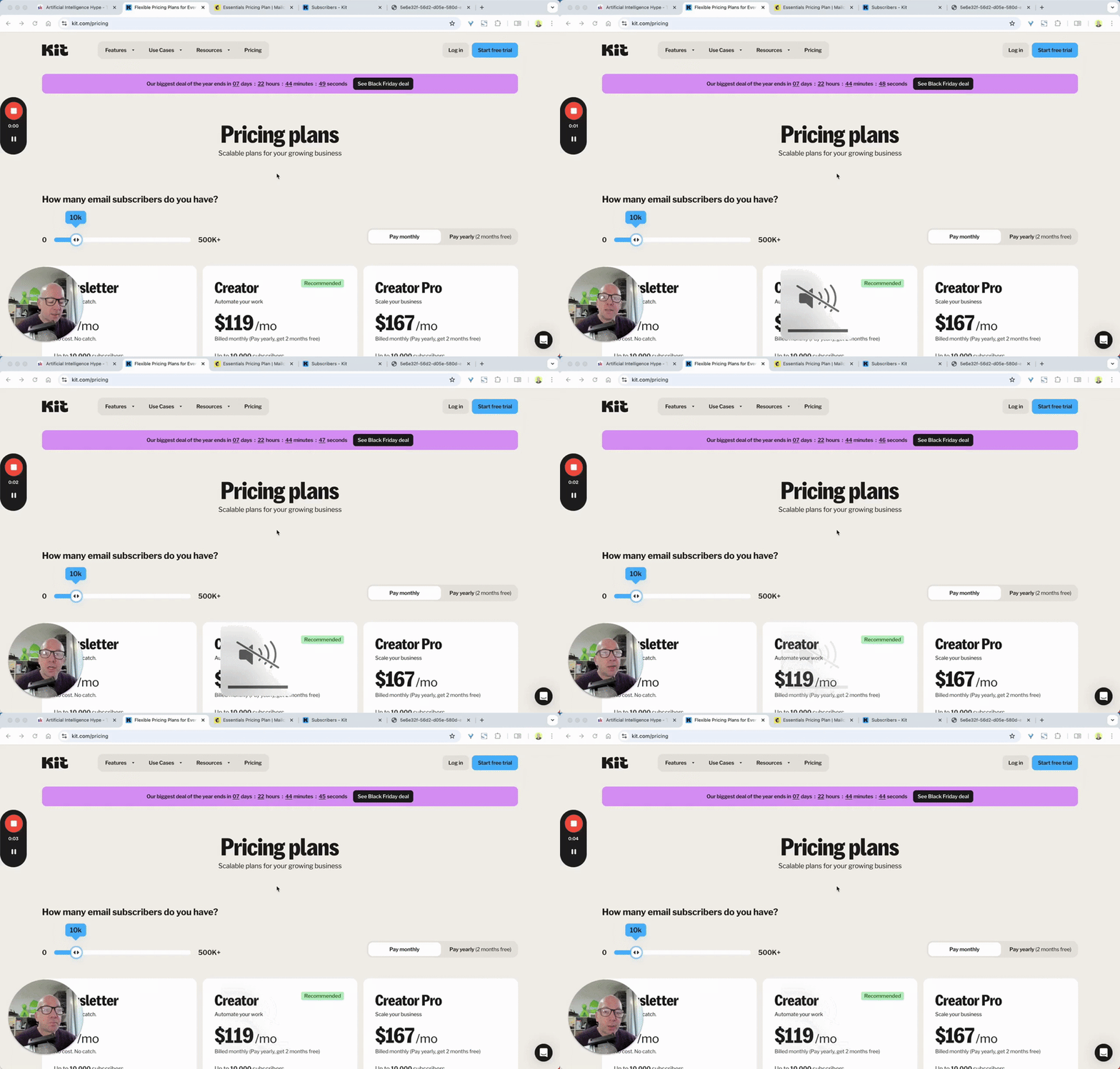
Ever looked at your email bill and thought… why am I paying for people who don’t even open my emails? 😅 I used to do the same. Back when my list hit 26,000 subs, I thought bigger = better. Turns out, bigger = expensive. Two moves changed everything for me. First, I switched platforms. Most founders stick with Mailchimp because they think moving is painful. It isn’t. Export CSV, import to Kit, rebuild tags and automations, done in a day. And Kit now gives you up to 10,000 subscribers for free. Unlimited sends. Zero cost. Wild. Second, I trimmed the dead wood. Anyone who hadn’t opened in 90 days? Gone. I took my list from 26,000 down to 7,000. And my open rate jumped to nearly 80%. Click rate? 60%. That’s what happens when you only keep the people who actually care. Two wins: → You slash your monthly bill → Your deliverability skyrockets (because unengaged subs quietly kill it) If you’re still paying for people who haven’t opened your last 10 emails… maybe it’s time to let them go 💀📬 Curious: how often do you cleanse your list? And would a free 10k plan tempt you to switch platforms?
Dec '25 •
... we're back!
Sooo.... long story, won't bore you with it. BUT in short, GrowthKit is back on Skool. Ask me anything.


Jun '25 •
Tools & Tips: Build Sites & Apps with AI
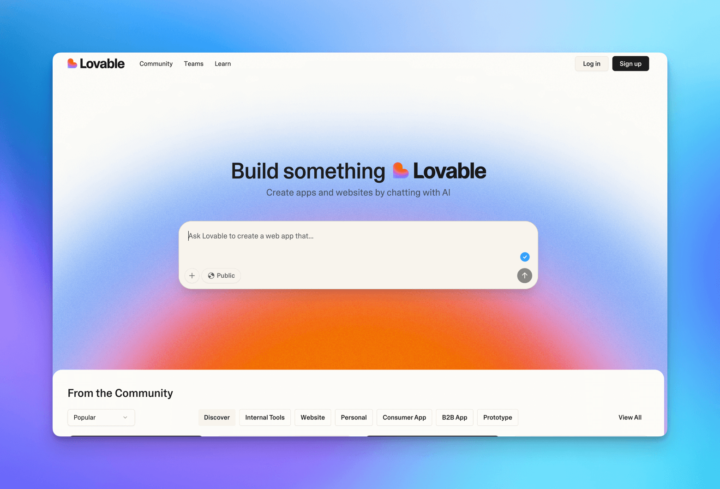
Hey all, Doug allowed me to share a sneak peek of our new Tooltester Newsletter. It highlights the coolest new tools that will help you grow your business. Let's jump right in: Lovable (AI Coding) Lovable is like magic for an impatient individual like me. You write a quick prompt like “Build me a personal website for my digital consultancy business with the following details...” and within minutes, you've got a draft ready to tweak. I tested it one morning, and it had something (very decent) drafted before I even finished grinding my morning coffee beans ☕. Other platforms like Cursor or Claude Code handle complex projects better, but Lovable is by far the easiest to use. It can be used to build all kinds of mini-projects, landing pages, business calculators, you name it. Robert, at our sister site EmailTooltester, used it to build a smart travel suggestion app that picks destinations based on your home currency. I can’t wait to see how far this can go. 🔁 Alternative to: Cursor, Firebase and Claude Code Visit 👉 lovable.dev 💰 From $25 a month | Free plan available Uizard (AI Design) I don't have an eye for web design. Layouts and proportions just stress me out. So when I needed a homepage for my YouTube channel, I gave Uizard a prompt and let the AI do the rest. It came back with a solid first wireframe, and from there, I just dragged and dropped to tweak things, or asked the AI assistant for help. You can even sketch something on paper, or upload a screenshot of a site you like, and Uizard will replicate the structure / design for you. It also comes with loads of templates like landing pages, mobile apps, SaaS dashboards, and startup pitch decks, all ready to remix. 🔁 Alternative to: Figma, Canva, Framer or Adobe XD Visit 👉 uizard.io 💰 From $12 | Free plan available ⚡This Week’s Productivity Hack I run a YouTube channel (too embarrassed to share the link, sorry), and one thing I make a lot of are: thumbnails. Lately, I’ve been using AI to generate images of myself doing... stuff. Bit weird, yes, but also kind of addictive.
1-30 of 101
