
Write something
Pinned
👑
🔥
May 26 •
🎉 Welcome to AI for Online Educators & Coaches!
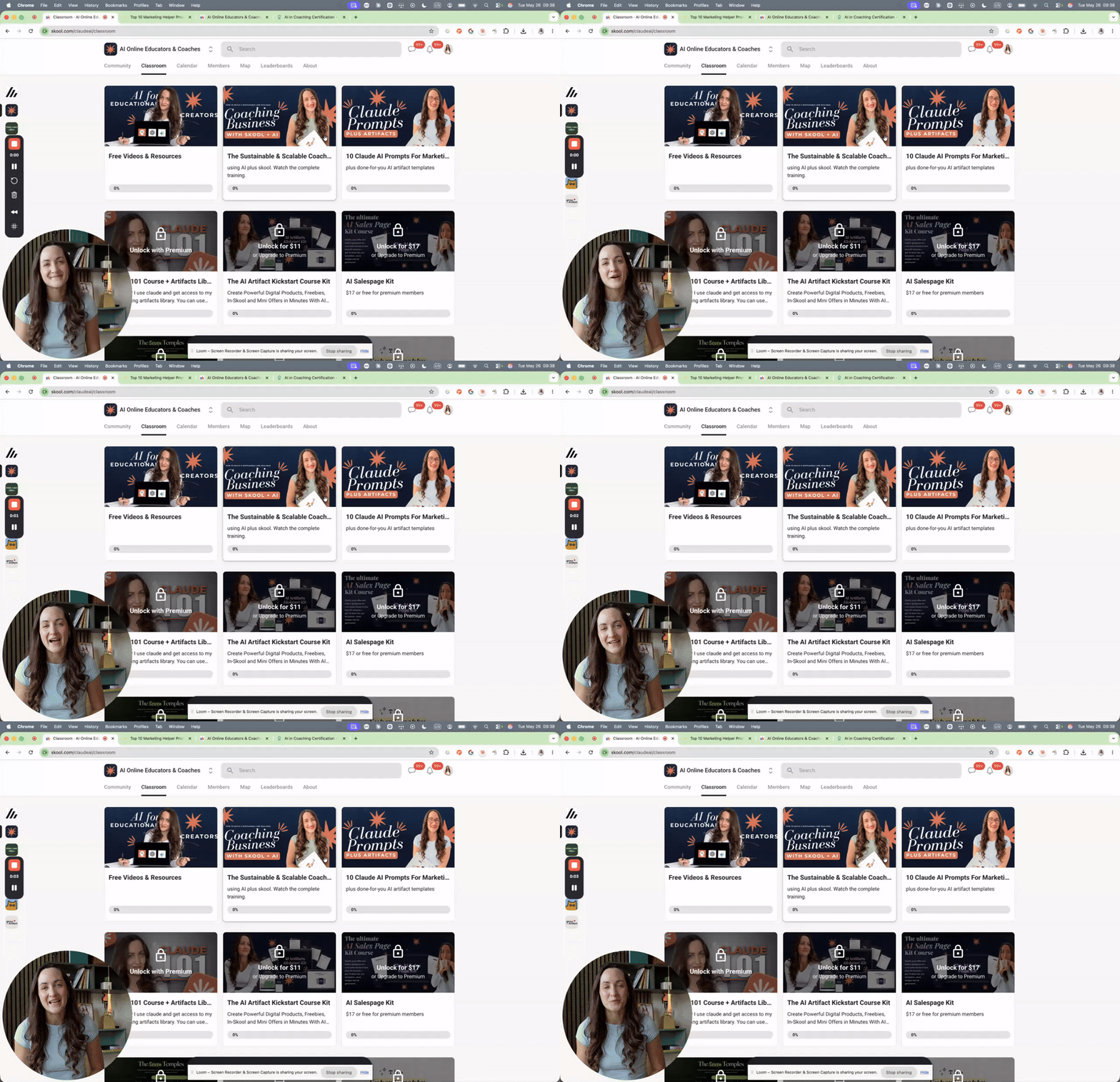
So glad you're here. I put together a quick welcome video walking you through everything inside this community, where to find your free resources, and how to get the most out of being here. 👉 Click below to watch the welcome tour now! Here's what you have access to right now: 📚 Free Classroom Resources . 🛠 Prompt Library 🎓 Free Workshop: Build a Scalable Online Coaching Business ⬆️ Want to go deeper? Upgrade to Premium for $9 For $9 you unlock the - full AI Artifacts Kickstart Course (build digital products that sell with claude) - the AI Sales Page Kit (clarify a mini offer and launch the sales page for it in under 90 minutes) - the Tangibility Solution (turn intangible coaching into concrete digital tools your clients can use) plus 65+ done-for-you templates as starting points. - Access to future courses and resources in the classroom You also lock in access to every future course I add. 👉 Upgrade here: https://www.skool.com/claudeai/plans STARTING JUNE: NEW🔥 🏆 ICF-Accredited AI in Coaching Certification ($777/year) For those of you who want to build a full coaching business with AI and Skool, this is our year-long certification program. You learn coaching from a master coach with 30+ years of experience (Lara Young), and I cover the marketing and business side. It includes live cohorts, a marketing weekend where we build your signature coaching funnels, and access to our coaches-specific community with extra training and done-for-you coaching resources. Our next cohort starts June 1st. 👉 Learn more about the certification: https://theaicoachcertification.com/ 💬 One more thing I have a small number of VIP 1:1 spots. They're currently full, but if you want to get on the waitlist, DM me the word WAITLIST so you're first to know when a spot opens.
Pinned
👑
🔥
Mar 28 •
Admin & Product Questions? Ask Here 👋
Got a question about one of the products in this community? Whether you need help accessing what you purchased, have a question about downloading or using a file, or need clarification about what's included, just drop a comment below and tag @Evelyn Weiss, @Jen Hill Myers or @Julia Schürer and we'll get aback to you asap 🤗 This post is specifically for questions related to the products and offers available here. Drop your question below. ⬇️

15h •
As I am new in this community, here is a story about me
I recently rebuilt my AI consulting business, and honestly, the biggest lesson so far has been realizing how much I was building without actually knowing what the market wanted. I had ideas for offers, content, tools, and systems. I kept building because it felt productive. But if I'm being honest, building also felt safer than selling. I could spend hours improving things without having to face the possibility that nobody wanted them. At some point, I realized that rebranding without market data is just redesigning guesses. So I went back to the basics. Who am I actually helping, and what problem am I solving for them? That led me to focus on 1:1 coaches for my AI consulting offer. Not because every coach needs AI, but because their businesses depend heavily on relationships with clients. They need to be careful about anything that makes their communication feel robotic or their clients feel less understood. That's also shaping how I approach AI consulting. I'm not trying to push more tools onto people. I want to help them understand where AI actually makes sense and where it doesn't. I also rebuilt my website around that focus. Instead of trying to convince everyone, I'm making it clear who the offer is for and giving people a small first step before asking them to book a call. Now comes the part I've been putting off: testing everything in the real world. I'm running my first consulting engagement for free. I've defined what success looks like beforehand because I don't want to convince myself it worked just because I want it to. It should help me test my delivery, but I know it won't prove that people are willing to pay. That's a separate question. I'm also starting outreach. I used AI to identify 20 potential leads who fit my target audience, but I'm reaching out to them manually on LinkedIn. No automated messages, no generic openers, and no immediate pitch for a call. I've sent the connection requests, but I don't have results yet. And I think that's worth documenting too.
3
0

18h •
Growth boost
What's your experience with Growth Boost? Is it good instead of paid ads (that are paid by you)? Can you just make your community very valuable, include good about page and a good offer by what is taught by Evelyn and get your customers coming with Skool ads?
1
0

8d •
🤖 What's one AI workflow that has genuinely saved you time in your coaching or online education business?
There are so many AI tools available now, but I think the real value comes from finding practical ways to use them without making our workflows unnecessarily complicated. For example, ChatGPT and Claude can help brainstorm lesson ideas, organize course outlines, and draft learning materials. Canva can help turn those ideas into visual resources, while Floment AI is another platform worth exploring for sharing ideas and connecting with online communities. I'm curious to learn from everyone here! If you could recommend just ONE AI tool or workflow to an online educator who's starting today, what would it be, and what do you use it for?
1-30 of 212
skool.com/claudeai
For coaches & educators learning AI the right way. Ethics, skills & Claude first :)
Leaderboard (30-day)
1
+28
2

+21
3

+20
4

+13
5

+13
Powered by