Resolve School
Private
313 members
$7/month

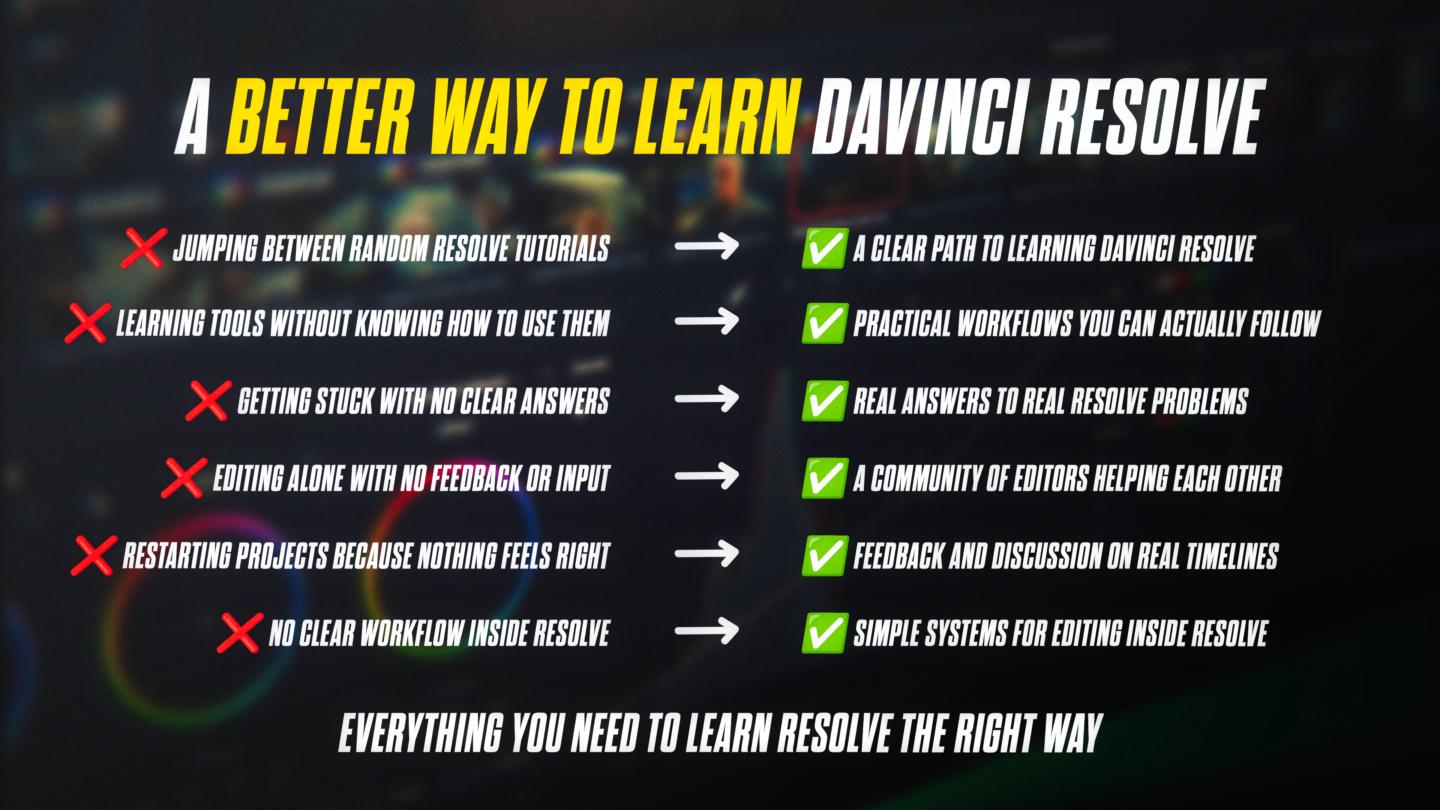
Stop jumping between tutorials and start editing like a real editor.
Resolve School helps you turn scattered DaVinci Resolve knowledge into a clear, repeatable workflow so you can actually finish videos with confidence.
Most editors struggle because they don’t have a system.
Inside, you’ll learn how to:
🎬 Build real editing workflows from start to finish
⚡ Edit faster without second-guessing every decision
🧠 Make confident editing choices
📂 Organize projects and timelines like a pro
FREE COMMUNITY
💬 Ask questions, get feedback, and stay consistent
🚀 Weekly prompts and wins to keep you moving
GO DEEPER (PREMIUM)
📦 Step-by-step workflows and systems
🎥 Real project breakdowns
📞 Live Q&A and feedback
💼 Learn how to edit for clients and make over $1K+/month per client
If you can open Resolve but still feel stuck on what to do next, this is where that changes.
Start free and finish your first real edit.
powered by