
Write something
Pinned

🔥
Jun 26 •
First time here?
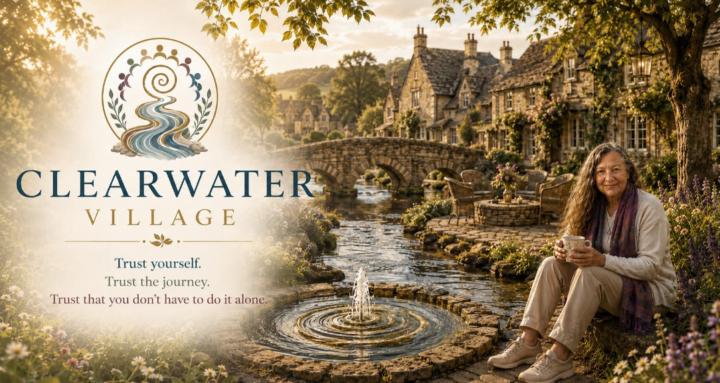
Hi, and welcome to Clearwater Village. I'm glad you've decided to pull up a chair and join us. This post is where you can comfortably post your first 'comment' to get you started! If you're ready, introduce yourself and share: - your name and city/country - if you know it, the story behind your name - and your beverage(s) of choice! Yes I believe you can have more than one, after all for me it depends on what time of day it is! And if you haven't already, go now to the Classroom where your Welcome Guide is ready for you. It's being revised regularly so if there's anything you're not clear on, or think would be great to add, let me know! We look forward to e-meeting you here!


1-30 of 104
powered by
skool.com/clearwater-village-6947
Imagine the village we all wish still existed. Where you belong, share wisdom, grow together, support one another, have fun and celebrate life!
Suggested communities
Powered by