
Write something
May 5 •
My latest Meyer LINA system document
This is the Meyer design that I was contracted for Savannah Music Festival 2026 in the Kehoe Ironworks Venue at Trustees Garden downtown Savannah, Ga. It is one of 3 BERA PA designs for this event. The artists that performed on this system: Julian Lage Quartet Ft. John Medeski, Jorge Roeder, Kenny Wollesen, John Scofield Trio featuring Vicente Archer & Bill Stewart, Christian Sands, Stefon Harris & Blackout , Caleb Klauder & Reeb Willms, Dirk & Amelia Powell, Plene Libre, Reverie Road, Utsav Lal, Le Vent du Nord, Breabach Dwayne Dopsie & the Zydeco Hellraisers, and Sally Baby’s Silver Dollars.
Mar 19 •
The dawn of festival season 2026
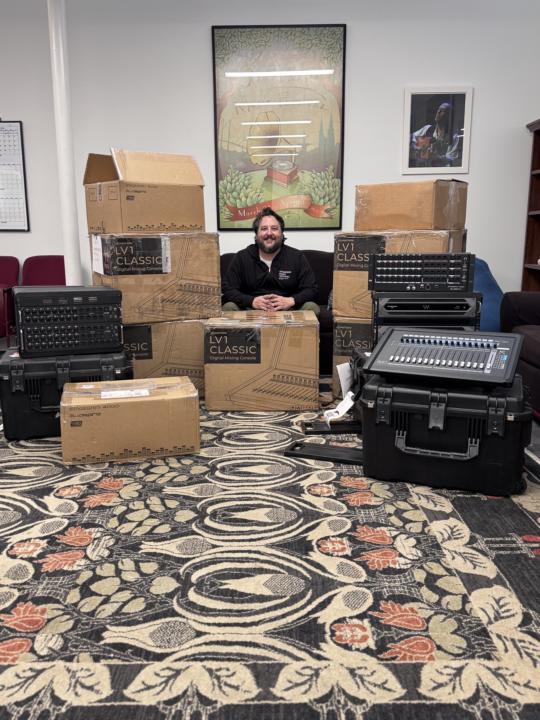
I have been preparing for months and now we are here! ☑️ New tools in the inventory ☑️ New show templates ☑️ New business networks and relationships ☑️ New skills unlocked and local team trained Let’s get to work!
1
0
Jan 31 •
🔌 Part 4: Stage — Mics, Monitors & Racks
Every mix starts at the source. Join me on stage for a quick look at the mic choices and racks powering this show. The series is complete. > We’ve covered the console, the snapshots, and the tuning. Now, we’re looking at the stage setup that makes it all possible. This is a brief look at the physical I/O and monitor layout for this theater run. What’s inside: - Our mic selection for this production. - Monitor placement for the performers. - The I/O racks powering the Soundcraft Vi3000. 💬 FINAL TASK: What was the most helpful part of this 4-part series? Comment below to earn your final "Level Up" points for the week!
0
0
Jan 25 •
📐 Part 3: Smaart — Troubleshooting & Precision Tuning
Is Smaart lying to you? See how I fix measurement discrepancies and mic time-of-arrival errors for a theater. Precision is the foundation of a great mix. > In today’s video, I’m showing you a real-world troubleshooting moment. I realized my RTA mic distance wasn't lining up with the time of arrival, and I’m taking you through the "refresh" process to fix it. See how I route for smaart with the Soundcraft Vi3000 using Dante Controller and without an additional interface. Also, see why I have a laser tape measuring tool with me at all times. 💬 LEVEL UP: Have you ever had a measurement tool give you a "weird" reading? How did you fix it? Comment below to earn points and help the community learn!
0
0
1-7 of 7
powered by
skool.com/b-robertson-holdings-llc-6541
Your hub for professional audio. Get exclusive show files, advanced mixing & production techniques, and direct coaching to elevate your sound.
Suggested communities
Powered by