
Write something

Apr 20 •
Changes to FRED?
Has something changed with FRED? I provided a reference image together with a prompt that I need help with and FRED generated an image directly. Usually we get into a dialogue about the prompt and FRED gives me several alternatives. This is the first time this has happened.

Oct '25 •
Greetings!
HI everyone. I'm really eager to start this course. Hope to learn something that will help me improve my Ai videos.

Sep '25 •
Freds suggestion Quinn at play
I started by creating a still shot scene. Then I created several action scenes. I assembled them into a short video. Watch the video below. I could have had an intro, Text, and music plus an outro. https://app.videoexpress.ai/library/download/15344024; however, this is just a practice video. The 24-second video and the first still were created based on a suggestion from Fred. The other two were created without his help


Aug '25 •
Chapter 1 activities
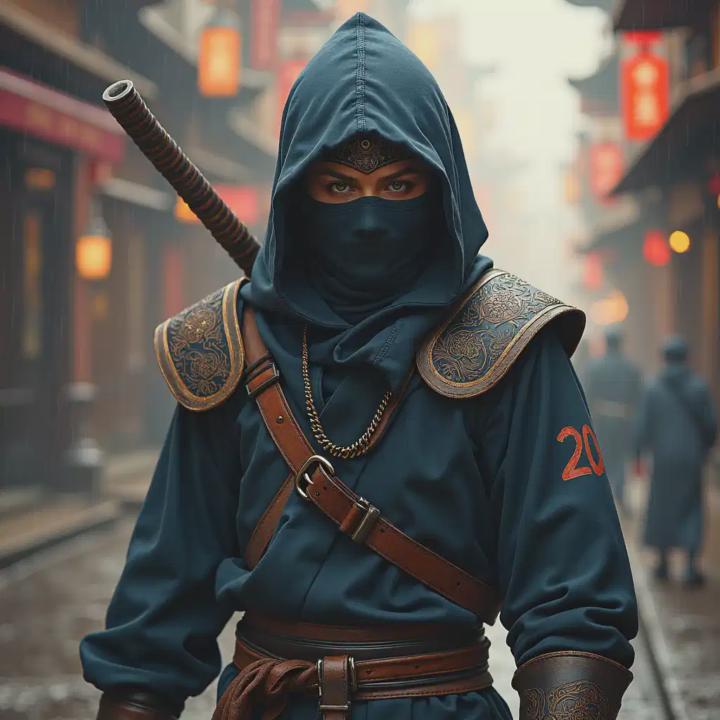
Here are my first efforts. I used Artistly for this and to keep things consistent I choose ‘Design from prompt’ and ‘High quality.’ The first image had the prompt ‘Ninja’ - not a bad image at all. This was my second prompt, “An ancient, traditional style ninja crouched in a battle ready pose set in an open scene, cherry blossom trees in the background with petals floating in the scene as if caught on an invisible wind. Soft sunrise light casts the scene in a dramatic, hyper real cinematic moment.” Also not a bad image, but maybe not quite as dramatic as I was hoping for. I didn’t specify the direction of the model, so I have a side view rather than having the character face the camera. I clearly need to learn to craft better prompts. Let’s hope this course helps me do that.
Aug '25 •
How To Use FRED
Welcome to Fred – Prompts & Styles Mentor! Your 24/7 tutor for prompts, styles, videos scripts, YouTube, and creative AI apps. What I can help with: - Build or refine prompts step by step - Suggest styles (cinematic, anime, photoreal, comic, advanced combos) - Add camera angles, lighting, and formats. Guides, video scripts, scenes, thumbnails, and workflows. Try Exercise Mode: Type `exercise: cinematic`, or`exercise: styles`, or `exercise: angles`. Reverse Prompt: Upload an image → say “make me the prompt.” ✏️ Edit/Transform: Tell me what to change (hair, background, mood, style). If you don’t see what you need, just type: **“Fred, can you make/do [your request] for me?
1
0
1-6 of 6
powered by

skool.com/ai-prompts-styles-mastery-2073
Learn to Prompt like a PRO! Discover Styles to improve your creativeness. Access Free Bonuses.
Suggested communities
Powered by