
Write something
Pinned

16h •
First video: AI basics (and we ordered pizza)
Hey what's up. Kicked off the group with friends who couldn't line up on the same morning/afternoon slot, so this is the home base: hop on calls when we can, and drop videos/tools in here so everyone can catch up on their own time. I'm not claiming to be an AI pro. I spend a lot on digital marketing, I use this stuff constantly, and there are plenty of people smarter than me. The point of the group is share what we're actually doing, steal ideas (not copy), and get creativity going. First video is a high-level map of the basics (we'll keep the group more advanced, but everyone needs the same language): Watch here: https://www.loom.com/share/b98fcce60da44bebae28d708510d7e6b What's in it: - ChatGPT / Claude / Gemini as LLMs (chat) - Claude Code builds things (Helpers Table example) - Claude Cowork / ChatGPT work does things on your computer (live pizza order) - Images (Kie / Nano Banana), Google Flow for short video, Wispr for voice-to-text, ElevenLabs for audio - Grok Bot agents helping stand up this Skool group Attachments below: the thumbnail from the pizza run, a sample Google Flow clip, and a sample ElevenLabs voicemail. Beginners and advanced both welcome. Drop questions in the comments. Welcome to AI for the Motivated.
0
0

Pinned
22h •
New members: read this first
Glad you’re here. This is a free group for business owners and capable people using AI to get real work done. No hype. No gurus. Just what works. How to jump in 1. Introduce yourself: what you do, and what you’re trying to use AI for 2. Share one prompt, tool, or workflow you actually use 3. Post wins AND fails. We learn in public here Rules (short) 1. Be helpful and welcoming 2. Show your work 3. No spam, no link dumps, no selling in the feed (ask first if it’s truly useful) 4. No get-rich-with-AI hype 5. Don’t be a jerk Categories to use: Introductions, Wins, Fails, Prompts, Tools, Workflows. What are you building with AI this week?
0
0
5h •
What's coming (you're going to want this)
Hey. I'm putting together a short video course inside this group, and I want you to know exactly what's coming... because by the end of it, AI won't just be a cool toy you mess with when you have free time. It'll be doing real work for your business. Here's the outcome: You'll have AI that knows your business, writes in your voice, helps you run at least one task every week, and you'll ship something real with your name on it. Not "someday." Through this course. And here's the stack of what you're getting (each piece alone is worth showing up for): 1. Your AI tool map Stop wasting hours bouncing between apps. You'll know which tool to use for writing, research, meetings, images, video, and busywork... and which ones to ignore. 2. The "speak human" decoder All that confusing AI talk (agents, APIs, keys, automation) translated into plain English, so you never feel lost in the conversation again. 3. The demo that makes it click We'll watch AI actually order pizza for the office. Not write about pizza. Order it. Once you see that, you'll start spotting errands in your own business you can hand off. 4. Prompts that finally work A simple framework so you stop getting generic garbage and start getting usable answers on the first or second try. 5. Your business DNA One document you load into AI so it remembers who you are, how you sound, and what you want... forever. No more starting from zero every chat. 6. The quality filter How to catch "looks done but is wrong" AI junk before it goes out with your name on it. (This one alone can save you from expensive mistakes.) 7. Meeting to action Turn voice notes and meetings into one clear next step, with an owner, instead of ideas that die in a notebook. 8. Your first AI workflow Take one thing you do every week and build a simple system so AI helps you do it faster (with you still in control). 9. An AI email assistant It drafts. You approve. You hit send. Never the other way around. Built the way I actually run email.
0
0

16h •
Claude Cowork blurred my address while I ate dinner
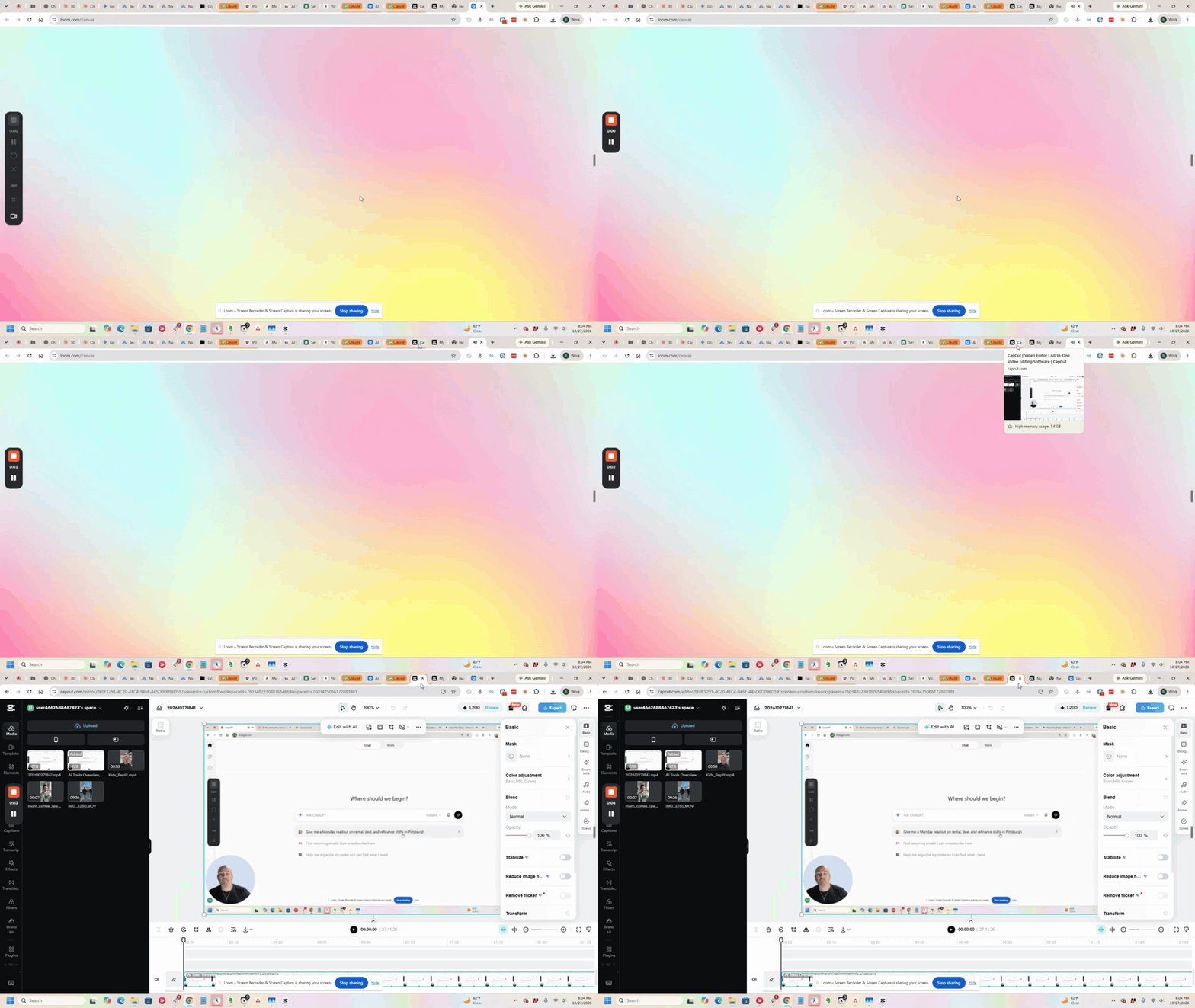
Quick follow-up after the first video. I needed to blur an address out of the recording. Opened CapCut through Claude Cowork, gave it the times and what to block, started it, went and ate dinner, came back and it was done. About 15 to 30 minutes of machine time instead of me sitting there painting boxes by hand. Same window I also had Grok Bot writing the Skool post from the transcript, attaching the Loom, uploading files, fixing the thumbnail, and drafting invite emails. Parallel work while Cowork edited the video. Watch: https://www.loom.com/share/c46c863090ec48ea83e83f16d6886e9a Takeaway I keep coming back to: when you hit a tedious job, ask "can AI do this?" not just "can AI tell me how." Drop comments on what you want covered next.
0
0
1-4 of 4
powered by

skool.com/ai-for-the-motivated-7489
Practical AI for business owners. Prompts, tools, workflows, wins and fails. Learn in public.
Suggested communities
Powered by