
Write something

Jun 9 •
claude and gamma
claude and gamma presentations with claude and gamma can be well look for yourself and tell me what you think https://gamma.app/generations/gJUm6j93de3QzZBFYIx9A


Feb 9 •
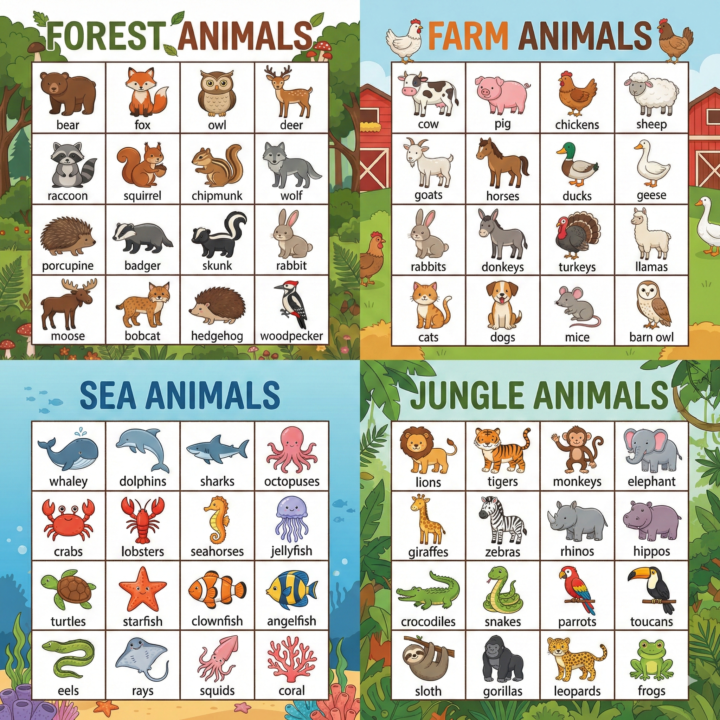
✅ How to Create a Bingo Card in Gemini
Copy/paste: “You are an expert instructional designer and print-layout specialist for K–12 teachers. Create ONE printable BINGO board image on a white background. Subject: [SUBJECT] Grade/Level: [GRADE OR LEVEL] Theme: [THEME] Vocabulary focus (optional): [LIST 8–20 WORDS] Language: English Layout requirements (must follow exactly): 1. Header: Top center title: “[THEME] BINGO” in a fun classroom style. 2. Grid: A 5x5 bingo grid with thick black lines. The center square says FREE. 3. Each square contains: A cute, simple vector-style illustration matching the theme A label inside the same square, directly under the illustration 4. 5. Label rules: ALL CAPS Simple block font Centered Minimum 24pt No spelling mistakes 6. 7. Print rules: High contrast No gray text No busy background Keep margins around the grid 8. Content rules: - Use age-appropriate items for [GRADE OR LEVEL]. - Avoid anything copyrighted (no brand logos/characters). - Use unique items (no duplicates). After generating, double-check every label for spelling and readability. If any label is wrong, regenerate and fix it.”
1-3 of 3
powered by

skool.com/ai-for-beginners-3068
The #1 Claude Cowork and Google Gemini Spark agent Skool. Fastest way to learn skills for business & work. AI assistants & automations by experts.
Suggested communities
Powered by