

May 26 •
🚀 NEW VIDEO: Build n8n Workflows With Plain English
If you've ever wanted to build n8n workflows without dragging nodes around for hours... this is the video for you. Coach @Kevin Farrugia just dropped a full walkthrough showing how to connect Claude Code to n8n using MCP (Model Context Protocol) so you can build automations by literally just telling Claude what you want. No more clicking through 12 node configs. No more guessing what trigger goes where. You describe the workflow in English, Claude builds it. In this video Kevin shows you: ✅ How to set up the community n8n MCP server in Claude Code ✅ How to securely connect it to your n8n instance with API keys ✅ Building a real uptime monitor that emails you when a site goes down ✅ Building a daily Hacker News digest that ships top stories to your inbox ✅ How Claude debugs broken workflows on its own (reads errors, fixes nodes, retries) The debugging part is what blew us away. Claude pulled up the failed execution, spotted the bug, fixed the code node, and re-ran it. Three times in a row. Kevin barely touched anything. This is the same setup I use to prototype workflows in minutes instead of hours. Whether you're on n8n Cloud or self-hosting on a VPS, this works. Watch the full video here Drop a comment if you build something cool with it. I want to see what you ship 👊
May 25 •
🔥 Vibe Coding Session Today
@Kevin Farrugia is going live tomorrow to cover Vibe Coding fundamentals, real projects, and live Q&A. See how to actually apply this in real workflows. Bring your questions. 📅 Today 🕐 11am – 12pm EST 📍 Join here
5
0
Apr 21 •
🤯 Claude Design is LIVE and the new lesson just dropped
What's up premium members I was not expecting this to be a game changer. But my mind is blown. Claude rolled out their new Design tool and I've spent the past week using it to generate ad templates, build out design systems for Lead Gen Jay and Consulti.ai, and prototype full website redesigns in minutes. Here's what makes it different... It handles the exact stuff Claude Code always got weird with. Buttons. Spacing. Highlighted words. Motion graphics. You tweak everything in natural language like "change the highlighted word to 'no one replying'" and it just works. Then you export the whole project as code straight into your Claude Code terminal... and your normal subscription picks up right where Design left off. In the new lesson I'll walk you through: ✅ Setting up a design system from your logos + brand (fonts, colors, shadows, the full stack) ✅ Generating Meta ad creative variations that actually look good ✅ Prototyping apps and websites (way past basic wireframing) ✅ Slide decks with speaker notes (better than Gamma, the PowerPoint MCP, and the Canva MCP combined) ✅ Motion graphics for video editing (Remotion on steroids) ✅ The Claude Design → zip → Claude Code handoff flow ✅ The one thing that will torch your credits fast (and how to plan for it) Quick heads up before you jump in. Make sure you're on the latest Claude Code so you have Opus 4.7. Just tell your terminal "check for recent updates and update me to the latest Claude Code" and you're good. This is the best design workflow I've used all year. And I've tried all of them. Lesson is live in the community now for premium members. Jump in and tell me what you build 👊
Mar 28 •
New Addition Just Dropped for Premium Members
This one's been in the works for a while and it's finally here. I've just added a brand new Claude Code skills marketplace to the AIA Insiders Premium Membership. (You can use these with other AI models as well like Codex and Gemini) If you've been joining the coaching calls you know I've been building and installing new skills specifically designed to eliminate bottlenecks in my business. Skills are the future and as a premium member, you get exclusive access to everything I build. Here's what this means for you: - Install the Skill Creator skill first — this is non-negotiable, it configures everything properly - Download the skill directly from the marketplace - Customize it to fit your specific workflow I'll be dropping a video walkthrough to explain exactly how each skill works and how to get the most out of it, so keep an eye out for that. This is for premium members-only. Please do not share outside the community. More skills are coming. Stay tuned. If you want access, you can join the premium membership here.

Apr 6 •
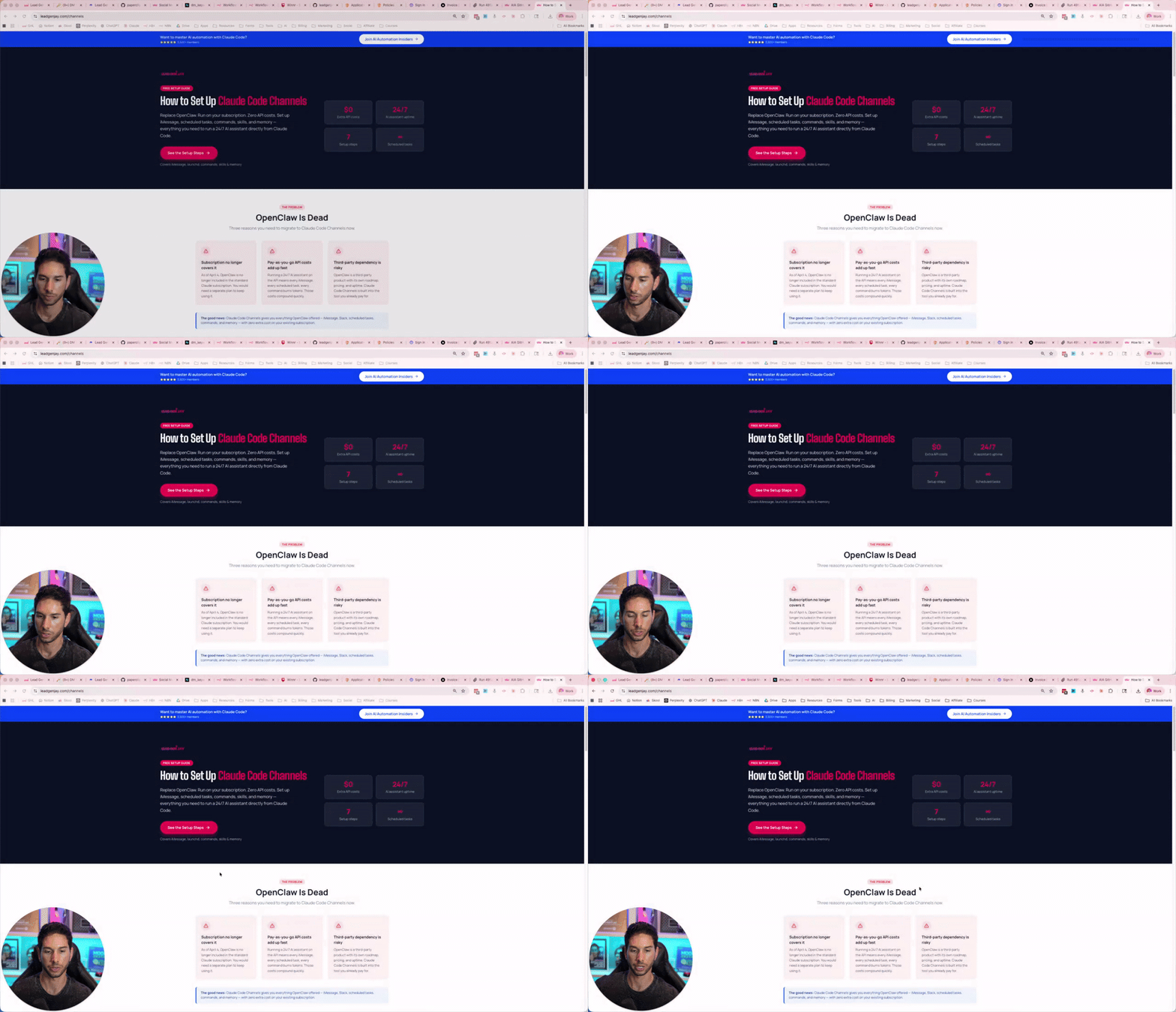
OpenClaw is essentially dead - here's what I switched to
Hey friends, I know many of you are concerned about OpenClaw being essentially dead since Claude Code can no longer be used with it. I've set up Claude Code Channels and honestly, it's significantly better. I've been running it for almost a week now and I'm not looking back. Here's what's available to you right now: Free: Set up instructions VIP Members: I've uploaded my entire Claude Channels configuration to GitHub, go download it now. Stay tuned. I'll be dropping videos showing you exactly how to set this up and get the most out of it. The window to get ahead with this stuff is still open, but it won't be for long. Jay.
1-8 of 8
skool.com/ai-automation-insiders
Learn Claude Code, AI Agents, and N8N. Install the EXACT AI systems I use inside my $1mil/mo companies. Sell my systems as an AI Agency offer.
Leaderboard (30-day)
1

+9
2

+5
3
+5
4

+5
5

+4
Powered by