Activity
Mon
Wed
Fri
Sun
May
Jun
Jul
Aug
Sep
Oct
Nov
Dec
Jan
Feb
Mar
Apr
What is this?
Less
More
Memberships
Max Business School™
264.7k members • Free
AI Automation Agency Hub
312.4k members • Free
27 contributions to Max Business School™

Jul '25 •
Google Submission Mistake to Avoid!
🚨 Important Tip for Fellow Students! 🚨 I learned this the hard way, so I’m sharing it to save you from the same mistake. Once you submit your website to Google Search Console, do not delete any pages, especially your homepage or key URLs. I made the mistake of deleting a page after submission, and it cost me a lot — I lost my visibility on Google, and had to start over with indexing and fixing errors. 👉 Lesson: Before submitting your site, double-check that everything is final. After submission, only update, don’t delete. 💡 Google tracks what you submit. Deleting a page after submission can lead to crawl errors, "Page Not Found" issues, and damage your SEO progress. Let’s build smart, not start over. 💪 #MaxBusinessSchool #DigitalMarketingTip #GoogleSearchConsole #WebsiteMistake #LearnFromExperience
9
0

May '25 •
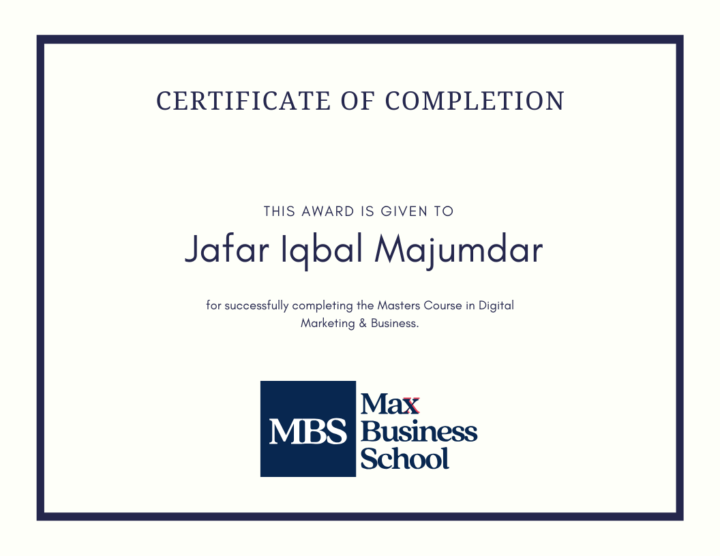
Graduation - Jafar Iqbal Majumdar
Congratulations Jafar Iqbal Majumdar for finishing the course, here is your well-deserved certificate. Feel free to share your website with the group and you are welcome to help your fellow students as a graduate of the course. Thank you! *this post acts as verification of the certificate, you can share the post link as proof of completion
6 likes • May '25
Congratulations Jafar keep moving forward.
Apr '25 •
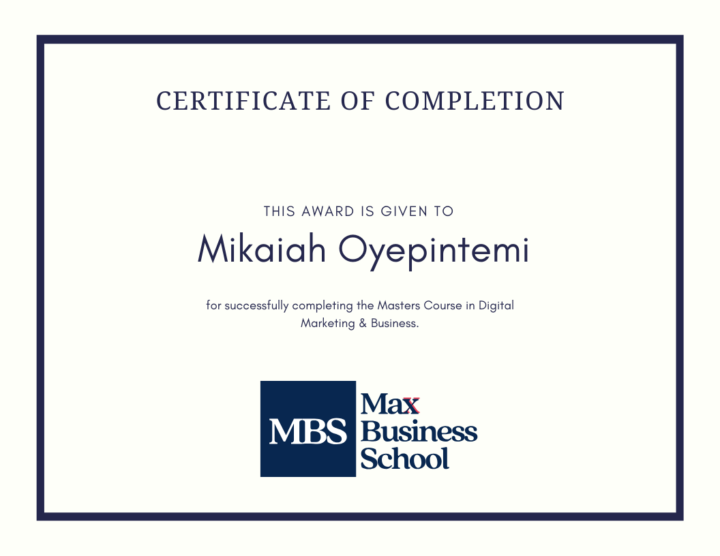
Graduation - Mikaiah Oyepintemi
Congratulations Mikaiah Oyepintemi for finishing the course, here is your well-deserved certificate. Feel free to share your website with the group and you are welcome to help your fellow students as a graduate of the course. Thank you! *this post acts as verification of the certificate, you can share the post link as proof of completion
1 like • Apr '25
Congratulations Mikaiah Oyepintemi! You've officially earned your Max Master Digital Marketing Certificate – a true testament to your hard work, passion, and dedication. This is just the beginning — the digital world is yours to conquer! Well done, Graduate! We can’t wait to see the impact you’ll make
Mar '25 •
Graduation - Sign Mawunda
Congratulations Sign Mawunda for finishing the course, here is your well-deserved certificate. Feel free to share your website with the group and you are welcome to help your fellow students as a graduate of the course. Thank you! *this post acts as verification of the certificate, you can share the post link as proof of completion

5 likes • Mar '25
Thank you all for your kind words and congratulations! I truly appreciate the support and encouragement from each of you. Completing my Master in Digital Marketing & Business has been an incredible journey, and I'm excited for what lies ahead. Wishing you all success in your own journeys as well. Let’s keep growing together!
2 likes • Mar '25
Thank you All.
Mar '25 •
How Changing Tags Affects SEO & Google Indexing (My Experience)
This might help someone. How to Structure Your Post Here’s an outline to make your post informative and engaging: 🔍 What Happened? - Without realizing the impact, I changed my WordPress tag from Digital Marketing to Online Growth. - After the change, Google Search Console flagged my old tag page (/tag/digital-marketing/) as a Soft 404 error (meaning Google couldn’t find relevant content). - My new tag (/tag/online-growth/) has not yet been indexed, meaning it hasn’t appeared in Google Search. ⚠️ Key SEO Issues I Faced ✅ Loss of Indexed Pages – The old tag was already indexed, and the new one had to start from zero. ✅ Soft 404 Errors – Google treated the old tag as a missing page, which can harm SEO. ✅ Internal Link Problems – Posts tagged under "Digital Marketing" were no longer linked properly. 💡 Lessons Learned ✔️ If a tag is already indexed, changing it requires proper redirects (301 Redirects). ✔️ Google doesn’t immediately recognize the new tag, so manual re-indexing is needed. ✔️ SEO rankings can drop if changes aren’t managed properly. 🚀 My Fix & Best Practices 1️⃣ I decided to switch back to "Digital Marketing" to keep my SEO value. 2️⃣ If you must change a tag, redirect the old tag URL to the new one using a WordPress plugin like Redirection. 3️⃣ Always check Google Search Console for errors after making changes. 4️⃣ Update internal links and sitemap to reflect the new tag. 🔗 Share Your Thoughts! - Have you ever faced a similar issue? - How do you handle SEO when restructuring categories or tags?
2
0
1-10 of 27

@sign-mawunda-2258
Sign Mawunda is a Web Developer and Graphic Designer, specializing in responsive websites, branding, and digital marketing.
Active 192d ago
Joined Nov 15, 2024
South Africa
Powered by