Activity
Mon
Wed
Fri
Sun
Apr
May
Jun
Jul
Aug
Sep
Oct
Nov
Dec
Jan
Feb
Mar
What is this?
Less
More
Memberships
Learn Power Apps
2.5k members • Free
1 contribution to Learn Power Apps

May '24 •
Combine an image and pen input
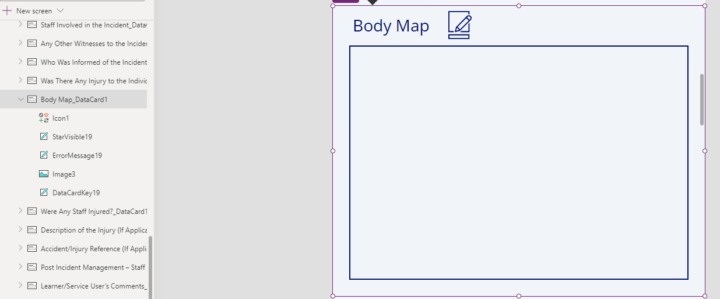
Hi Power Appr's I have an edit form to submit data back to my SharePoint list, one of the data cards is an image. For this image is it possible to combine an image and pen input to show and submit in the form? So a body image has a pen input overlayed to mark up an injury area and combined together to save in the image. Do you have any solutions or recommended way to achieve this ? Any help or direction appreciated. Many thanks
1 like • May '24
@Matt C yes not sure if its the best way to do it but I combined both the pen input and image into a container and saved it as pdf to the SharePoint doc library and tied it back into a gallery using the ID to view in the pdf viewer.
3 likes • May '24
@Wes Benson thanks I saw Shanes video before but it needed an updated flow to save pdf from a container to SharePoint. @Elvis Eyobor yes sorted there was an issue where the pen input and image has to be on the same screen so it is in a pop up instead of a separate screen and the pdf flow would not work unless the submit button was outside of the form.
1-1 of 1