Activity
Mon
Wed
Fri
Sun
Jul
Aug
Sep
Oct
Nov
Dec
Jan
Feb
Mar
Apr
May
Jun
What is this?
Less
More
Memberships
Agent Engineering
14 members • Free
1 contribution to Agent Engineering

Nov '25 •
Looking inside Claude Code Brain
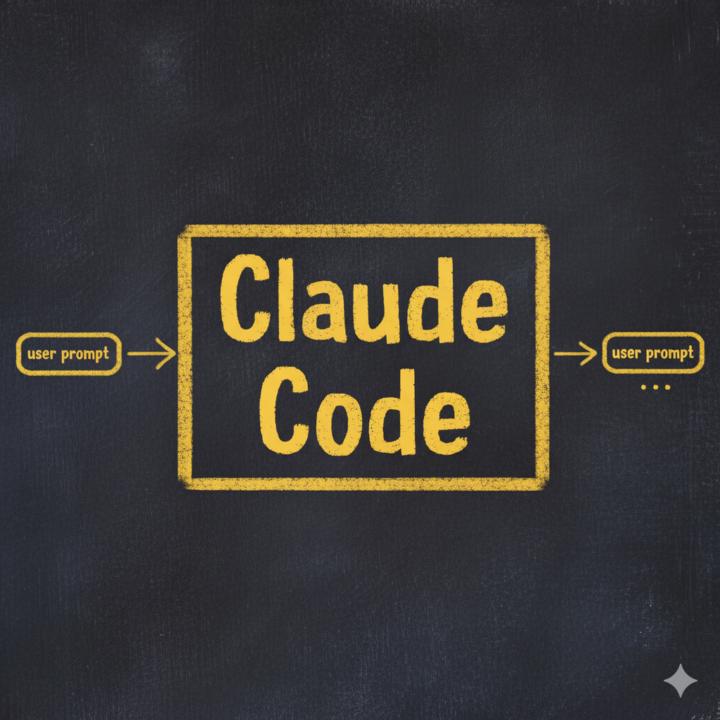
When you start working with Claude Code, this diagram represents the main heartbeat of your interactions: User Prompt --> Claude Code --> User Prompt ... We will look inside this "Claude Code" black box, layer by layer, to understand how it works and how we can engineer it. (Image 1: The "Black Box" of Claude Code) The first layer we encounter when we zoom in is the core Large Language Model (LLM) itself, usually Anthropic's Sonnet or Opus. (Image 2: Inside Claude Code - The LLM) As you zoom in further, you'll see what can be conceptualized as a Markov chain. This illustrates the various actions the LLM can take. It might respond directly to the user in the chat, or it can "think" (often triggered by keywords like ultrathink in the user prompt), and many more actions. Claude Code comes equipped with 16 built-in tools (we'll learn about these in detail later). These include tools for working with files, creating and editing them, tools for executing bash commands (to perform complex operations), and tools for web search and fetching website content. Claude Code can also "ask for permission" for specific actions or commands. It can "create tasks" and delegate workload to its sub-agents (which are almost identical instances of itself). Additionally, Claude Code has a specific operation called "compact." This condenses its current context by removing older messages to free up space within its limited context window (around 200k tokens), allowing it to continue working on longer tasks. It can be automatically triggered when the context is full or manually by the user using /compact [instructions] in the prompt. (Image 3: Inside Claude Code - The Markov Chain of Actions) As you can see in the third image, this is quite a complex mess. (And this isn't even expanding on the 16 built-in tools!) When you start with a fresh Claude Code agent in an empty directory, this intricate web of potential transitions is what you get. All these transitions are entirely decided by the LLM. You are essentially at the mercy of the LLM to successfully navigate and utilize all these action nodes in an optimal sequence to achieve the objective set by the user via the initial prompt.

0 likes • Nov '25
@Hadi Nayebi How are these hooks implemented internally? Are they actual code functions, configuration blocks, or another kind of structure?
0 likes • Nov '25
@Hadi Nayebi Do I have to use Linux in order to work with Bash? Does it not run easily on Windows?
1-1 of 1

@roya-nayebi-gavgani-5119
I am a civil engineer with a strong interest in programming. 3 years ago, we migrated to the UK. I push myself to keep up with the rapid growth of AI.
Active 196d ago
Joined Nov 16, 2025