Activity
Mon
Wed
Fri
Sun
Aug
Sep
Oct
Nov
Dec
Jan
Feb
Mar
Apr
May
Jun
Jul
What is this?
Less
More
Memberships
Bridge Art Gallery
27 members • Free
9 contributions to Bridge Art Gallery

May 13 •
Creativity Temperature Check
What is the current state of your art practice? Please chime in @Janell Sampson @Jim Ehling @Qrcky Art @Bryant Small @Theda Sandiford @Nupur Nishith @Diane English @Crystal Baynard Norman @Kimberly Lake @Irina Turner @Irina Turner @Paulixora Digital @Anamika Jain @George Mosley @Etornam Klu @Chad Cortez Everett @Manuel Ramos @Declan McFarlane @Bob Fischer @Arthur Leo
Poll
6 members have voted
0 likes • May 22
I’m constantly trying to outrun the artist I was yesterday and leave no room for complacency.
May 4 •
Spring has Sprung! Share the latest creations in this season of growth?
Please drop your latest creations in the chat! @Bryant Small @Janell Sampson @Jim Ehling @Crystal Baynard Norman @Chad Cortez Everett @Etornam Klu @Christopher Mack @Declan McFarlane @Diane English @Irina Turner @Qrcky Art @Anamika Jain @George Mosley @Kimberly Lake @Nupur Nishith @Manuel Ramos @Theda Sandiford @Paulixora Digital @Bob Fischer
1 like • May 5
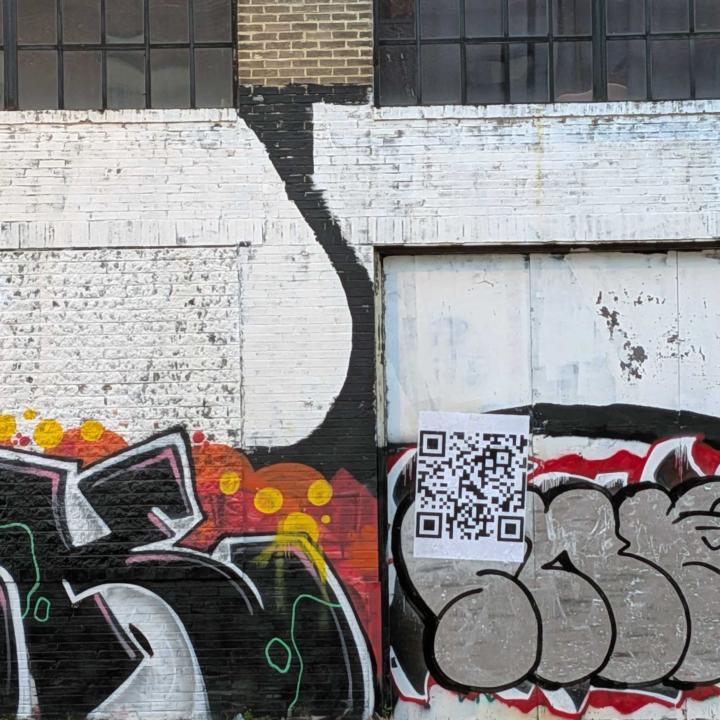
Experience this piece in 3D! 1. Scan: Open your phone camera and tap the link. 2. Aim: Point your camera at a flat surface in a well-lit area. 3. Place: Tap the screen to drop the sculpture into your space. 4. Explore: Walk around the work to see it from every angle.
1 like • Apr 30
@Declan McFarlane Welcome Fam!!!
Apr 23 •
The Light
The final soul of the piece is all in the patina. 🧪🔥 I love how the greens, dark browns, and golds work together to make this bronze truly pop. Being able to lose track of time in the studio and just watch these colors shift is the most grounding part of the process. Model: @farenaimee #Qrcky #BronzeSculpture #FineArt

0 likes • Apr 27
@Cheryl Mack 10 inch
Apr 22 •
EBONY AR: Group Review Guide
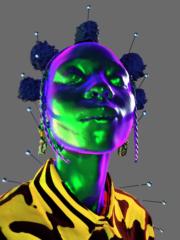
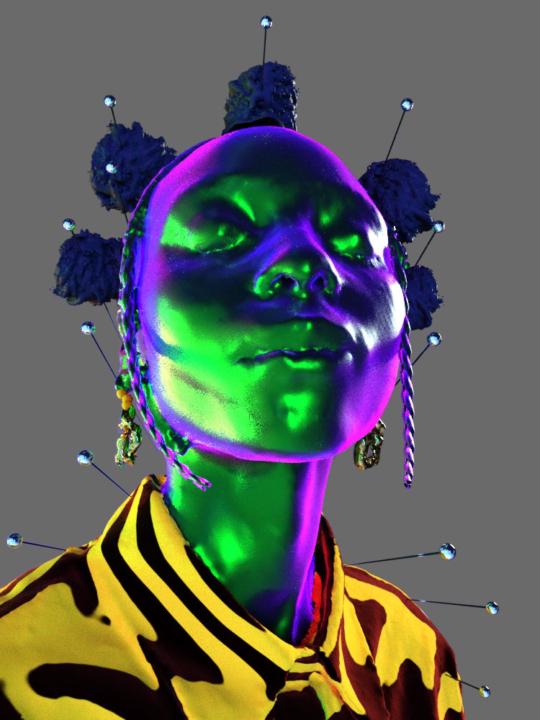
This experience uses Image Tracking AR. The technology works by recognizing a specific physical image (the "Target") and "pinning" a 3D digital sculpture and audio track to it in real-time. 1. Hardware Requirements - Stationary Screen (Computer/Laptop): To display the target artwork. - Mobile Device (iOS/Android): To act as the AR lens. 2. Step-by-Step Setup Step A: Prepare the Target (The Computer) 1. Open the target image on your computer screen: View Target Image. 2. Ensure the image is clearly visible, not obscured by glare, and fills a decent portion of the screen. Step B: Launch the Experience (The Phone) 1. Open the mobile browser (Safari on iOS or Chrome on Android) and navigate to the hosted URL of your code. 2. The EBONY landing page will appear. 3. Tap the green "Enter Experience" button. 4. Allow camera access when prompted. Step C: The Scan 1. Once the "Point camera at artwork" hint appears, aim your phone's camera at the computer screen showing the image. 2. Hold the phone steady for 1–2 seconds. 3. The 3D Sculpture will manifest over the image. 3. Points for Feedback When the group is testing, ask them to evaluate these specific elements: - Visual Fidelity: How does the 3D model look against the high-contrast stripes of the background? - Stability: Does the sculpture stay pinned to the image when you move the phone slightly, or does it "jitter"? - UI/Links: Test the Instagram and Get Prints buttons that appear at the bottom of the screen once the artwork is recognized.
1-9 of 9
Active 35d ago
Joined Feb 12, 2026