Activity
Mon
Wed
Fri
Sun
Nov
Dec
Jan
Feb
Mar
Apr
May
Jun
Jul
Aug
Sep
What is this?
Less
More
2DAnimation101
700
5.0
$9/m
13 contributions to 2DAnimation101

Mar 15 •
6 Steps to Animate with a Prompt Guide
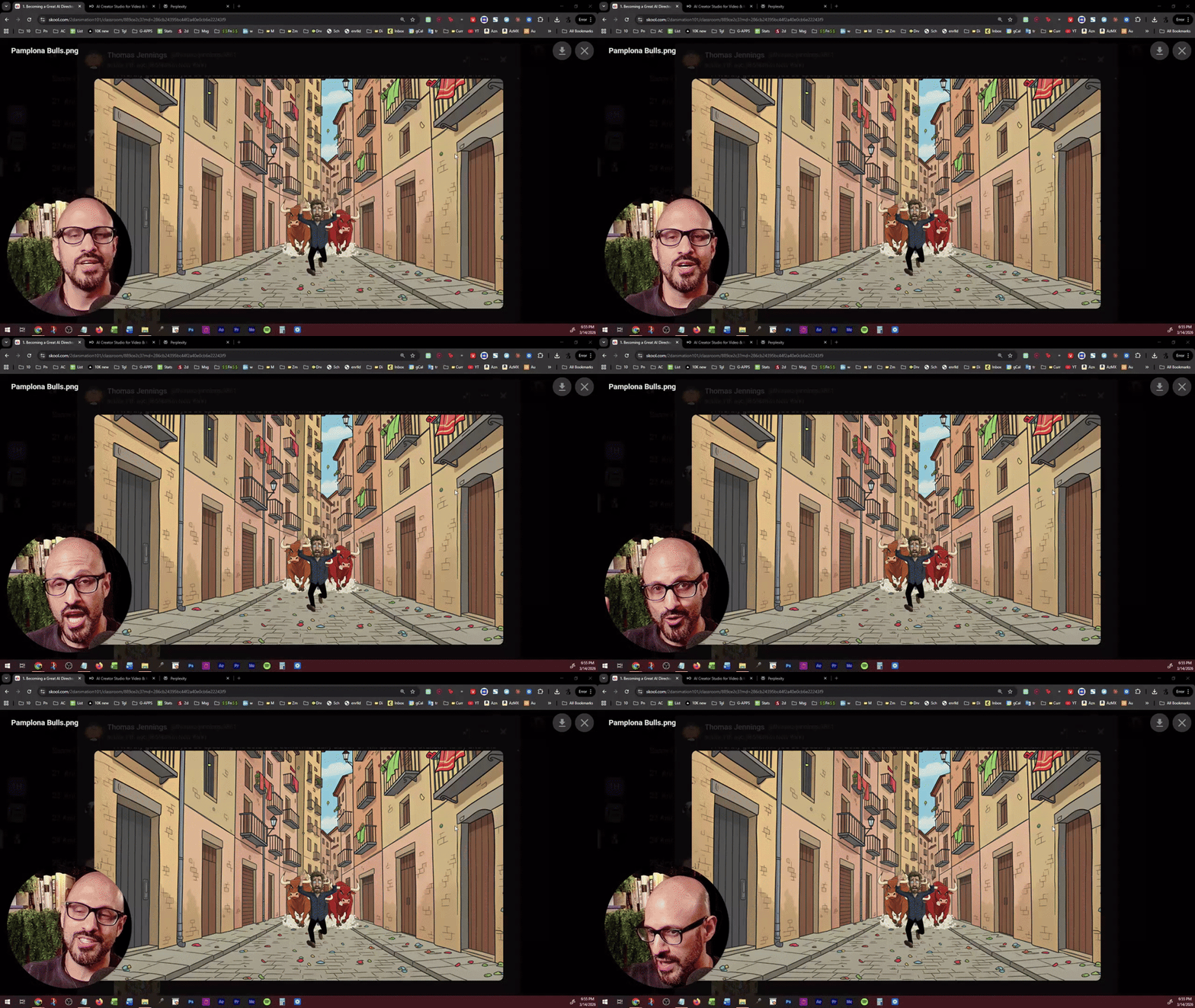
This is something I talked about in the live class of AI Animation Masterclass. @Thomas Jennings - I never got around it on animating your scene during the live call, but here it is! MY REDEMTION! NOTE: If you are interested in the PDF guides, answer the poll below. POLL: Would you like me to create a YouTube Video tutorial where I teach how to save credits by maximizing the precision of your prompts using Prompt Guides?
Poll
32 members have voted

2 likes • Mar 20
@Mark Burrows Exactly, Professor. While paid tiers do offer more credits, my point leans more towards the 'philosophy' of these limits. Even with paid plans, the constant 'credit counting' creates a psychological barrier that interrupts the creative flow. I feel that instead of these rigid numerical caps, companies could implement smarter usage policies—similar to 'fair use' models in other industries—that regulate heavy traffic without making every click feel like a transaction. It’s about moving from a 'metered' experience to one that truly supports the artistic process. I’d be curious to know if you feel that same 'metered' pressure using the Comfy Cloud APIs, or if the API environment feels more liberating for your workflow?
1 like • Mar 24
@Mark Burrows I completely agree with you from a technical standpoint, Professor. The resource and power consumption of AI is indeed massive, and the high operational costs certainly justify a pay-as-you-go model for these platforms. Regarding your question about top-up credits... the issue isn't really the availability of credits. The problem is that the concept of 'continuous purchasing or topping up' reinforces the exact transactional feeling I mentioned. When I know I'm paying for every single operation, I subconsciously start evaluating every experiment or prompt I write, asking myself: 'Is this attempt worth spending my credits on?' This mindset kills the spontaneous 'trial and error' space that is the foundation of creative work. In short, even if the credits are there, the psychological presence of a 'depleting meter' with every click still exists, breaking concentration and interrupting immersion in the artistic process.
Mar 23 •
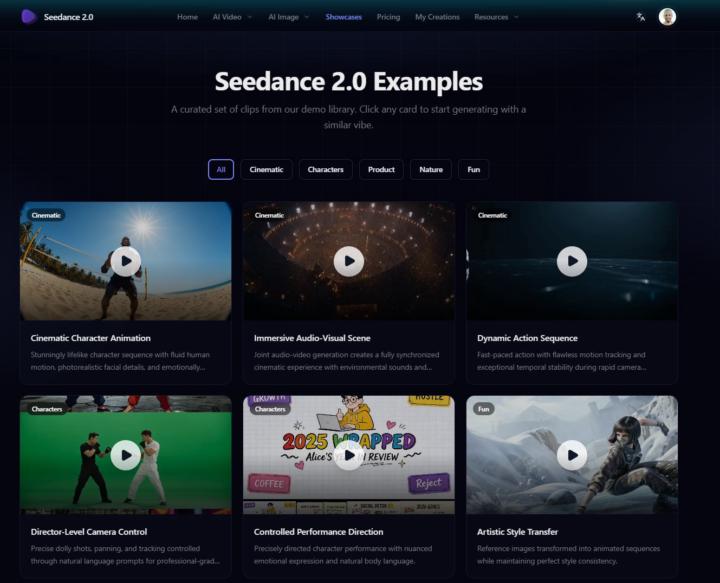
🚀 Seedance 2.0 Just Dropped Globally - Showcase looks cool!
ByteDance just released Seedance 2.0 globally like, TODAY and the showcase is genuinely jaw-dropping. We're talking director-level control, cinematic motion, and quality that's honestly hard to believe is AI-generated. 👉 Check out the showcase here: https://seedancev2.ai/showcases BUT — before you pull out your credit card, read this first! 👇 If you're already paying for Freepik, Higgsfield, Galaxy, OpenArt, or any other AI video platform... hold off for a few days. Here's why: just like Kling did when it launched, Seedance 2.0 will almost certainly be integrated into all those platforms within weeks and you won't need to pay extra for it. Kling 3.0 took 4-6 weeks to be available in all platforms, so I am expecting around the same time here. Seedance's standalone subscription is $49/month, so if you're already covered by one of those other tools, it makes zero sense to double up right now. Just be a little patient and let the integrations roll out (unless you can afford it without problems just to play with it, then, by all means). The AI video space is evolving SO fast right now. This is exactly why staying plugged into this community pays off, you get the news before everyone else and you know how to move smart, not just fast. Drop a 🔥 in the comments if there are specific scenes or actions you have been needing the AI to do for you that the current models keep getting wrong.
3 likes • Mar 24
🔥 Looks insane. Definitely waiting for integrations instead of paying twice — consistency + access through existing tools will make this unbeatable.
Mar 13 •
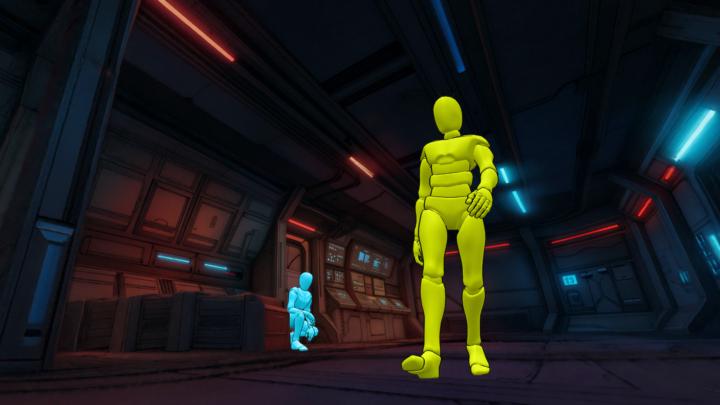
GREAT Technique to control Poses! (1 small caveat)
Here is what I did: 1. Got background snapshot from my 3D World 2. Used PoseMyArt to create 2 poses for my characters 3. Composed the image on Photoshop 4. Colored the mannequins yellow for Aria, and Teal for the Detective Then after exporting the image, I went to FreePik and 1. Imported the Image, and the characters 2. Used Claude to draft a prompt for me where it switches the Yellow Mannequinn with Aria, and Teal with the Detective 3. Click Generate And voila!!! PRETTY COOL! The hole thing took like 20 mins, it is quite a lot of time, but it was worth it for the very specific shot I needed
2 likes • Mar 20
Thank you, Professor, for sharing such a sophisticated and professional workflow! 🚀 Your approach of combining multiple tools like PoseMyArt, Photoshop, and FreePik truly highlights the difference between a casual user and a pro when it comes to AI. 🎨 The result is stunning and absolutely justifies the 20 minutes of effort to get that perfect shot. 📸 You continue to be a great reference for all of us in this field! 🌟
Mar 5 •
[NEW TUTORIAL] Complete AI Animation in ONE Place (No Editing Software)
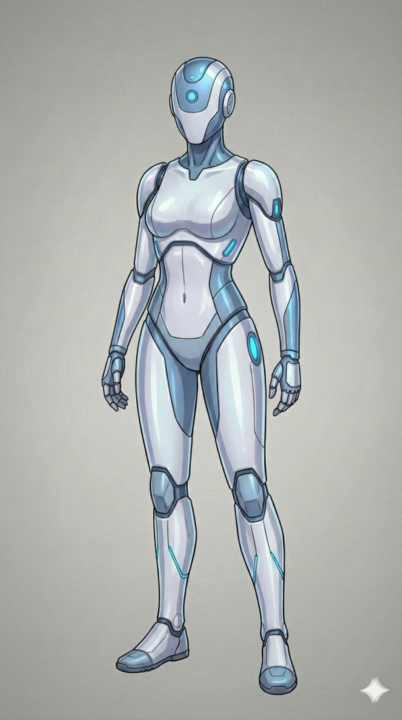
Hey there, You know how creating an animated short usually means juggling 3-4 different tools — a script doc, an animation app, a video editor, and hours of stitching everything together? What if you could skip all of that? I just dropped a new video where I go from a story idea to a fully finished animated short in minutes using ONE platform called Pai by Utopai Studios. No Premiere. No CapCut. No timeline editing at all. Now if you are like me, then you can take the finished animated sequence and edit it more to polish it as I show in the video tutorial today. Here's what blew me away: ✅ You write your script right inside the tool ✅ It generates characters you can actually approve and adjust ✅ You get full keyframe control, so it's not just "AI slop" ✅ You can export to 4K if you want to fine-tune in your own editor Whether you're just starting out or you've been animating for years, this changes the game for how fast you can go from concept to finished piece. 👉 Watch the full walkthrough here I show you the entire workflow step by step so you can follow along and try it yourself. 🔗 Try Utopai here
2 likes • Mar 20
This is exactly what we needed! Honestly, jumping between 4 different tools for one simple video was such a headache. The fact that you can handle the script and animation all in one place—and still export in 4K—is a total game-changer. Great walkthrough, man! Definitely going to check it out and give it a try. Thanks for sharing!
1 like • Feb 2
@Mark Diaz All your work is great 👍🏻
1-10 of 13

@mohammed-alshamrani-7769
🎬 Cartoon Animator & Story Creator 🧠 Bringing characters to life with emotion & motion ✨ Crafting engaging animated scenes that entertain & inspire
Active 1d ago
Joined Jul 30, 2026