Activity
Mon
Wed
Fri
Sun
Nov
Dec
Jan
Feb
Mar
Apr
May
Jun
Jul
Aug
Sep
Oct
What is this?
Less
More
Digital Clarity Training
5.2k
5.0
$17/m
107 contributions to Digital Clarity Training

🍀
5d •
Hard Truth About GPT Migration Using the Migrate Button
Did you know that using ChatGPT's migrate feature saves your GPT to their public GPT library, and you can’t delete it?

3 likes • 5d
Thank you for this important information
🍀
5d •
Sneak Peak into the 2027 Side Hustle Challenge
Everyone in DCT can join this part of the challenge! What if you could turn almost ANY image into a coloring book using ChatGPT? A colorful photograph, a digital illustration, or even a black-and-white image can become the inspiration for your own collection of original coloring pages. But we’re adding a twist! Today Starts the 2027 Side Hustle Challenge You’re not just going to create coloring pages. You’re going to use my system instructions to build your own AI Skill that becomes your Coloring Book Department! Why does this matter? Because I don’t want you starting from scratch every time you want to create something. Imagine having your own AI-powered department that knows how to: - Study your reference images. - Create original black-and-white coloring pages. - Generate individual pages instead of collages. - Help you maintain a consistent artistic style. - Create resources you can develop into digital products. And when you’re done testing and improving the instructions, you’ll learn how to turn them into a reusable Skill file that you can save and use again. No coding required. You don’t have to be an artist, either! Here’s how to participate 1. Download the system instructions PDF attached to this post. 2. Open a regular ChatGPT conversation or use ChatGPT Work. 3. Upload the PDF. 4. Choose one of the conversation starters below. 5. Upload your reference image and start creating! We’ll begin with a recommended collection of 10 coloring pages. You can explore larger projects in ChatGPT Work when the available tools and limits permit. This activity is just a taste of the creative resources you’ll receive. Those enrolled in the challenge will get additional instructions to help automate the process, so you can spend less time repeating tasks and more time creating products. If you’ve been wanting to create digital products but didn’t know where to start, this is an opportunity to learn by actually building something. Join the 2027 Side Hustle Challenge here:
3 likes • 5d
Thank you

🔥
6d •
Ma, Today Is All About You! 🖤
Everyone, help me wish @Kai Evans a happy birthday! Happy birthday, Ma! I love you so much. I love how sweet, selfless, and goofy you are, and just how brightly you shine. I hope you feel all that love today. You deserve it, plus more. Happy birthday! I love you. 🖤
3 likes • 6d
Happy Birthday Kai!! Hope your day is amazing!!
🍀
15d •
29 September 2026 | Before These DCT Modules Go Back Into Draft Mode, I Want to Show You How to Turn Them Into Resources You Can Actually Keep and Use.
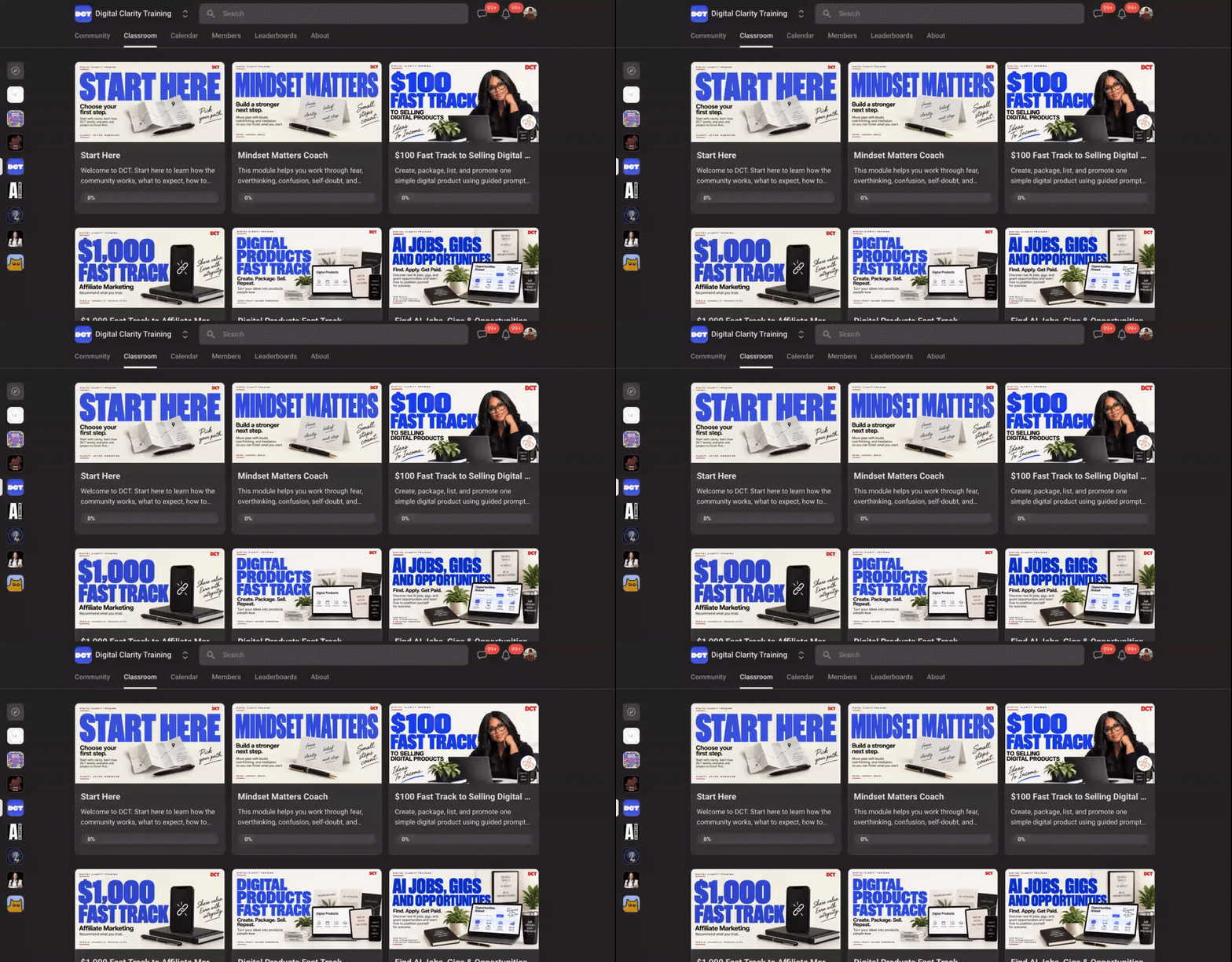
⭐️ Watch the video, read the post, download the prompt, and grab what you need from the classroom. Hey DCT, hey. I have brought a few of our retired modules back into the classroom because several of you asked for access. These are the only retired modules we'll reopen, and they will remain available through October 31. After October 31, they are going back into draft mode. I also want you to know that some of these modules are older, especially the ones retired earlier this year. That means some information may be outdated, tools may have changed, and some links may no longer work. So I don't want you downloading old information and hoping it is still useful. I created a prompt you can use with an AI that has access to your signed-in browser session. You can tell it which module you want, and it can go through the classroom material and help turn what you need into a resource guide you can actually keep. For videos, the goal isn't to stuff video files into your guide. The AI can use the available transcript, turn the teaching into organized session notes, and help you pull out the parts you can actually use and apply. You can use the prompt with tools such as MetaMuse, the Claude Chrome extension, or the ChatGPT Chrome extension. Upload the prompt, sign into Skool normally when needed, tell the AI which module you want it to work through, and have it create your guide. And when it is finished, save that guide somewhere you control. Your computer. Google Drive. Dropbox. OneDrive. Wherever you keep your important resources. Please do not wait until October 31 to start. If there is something in these reopened modules you want to keep, start saving it now so you have your own organized resource long after the classroom changes again.
6 likes • 15d
Thank you Mesha Bazemore
🍀
Jul 25 •
JULY 25, 2026 | DCT We’re Having a Baby
My Ebony collaborated with me in the Teachers Pay Teachers class on Monday and today she’s having her baby. Please pray for an uneventful birthing experiencing, a healthy baby and a healthy Mommy. CPC @Ty E Daniels will be leading today's call about Black Friday.
1 like • Jul 25
Sending blessings and may your delivery goes well. Sending prayers
1-10 of 107

Active 9h ago
Joined Nov 15, 2025
Powered by