Activity
Mon
Wed
Fri
Sun
Jun
Jul
Aug
Sep
Oct
Nov
Dec
Jan
Feb
Mar
Apr
May
What is this?
Less
More
Owned by Kristof
Slow down, unwind and reconnect to your true self in this online sanctuary using sound healing yoga and meditation practices.
Master sound healing with singing bowls & meditative instruments for your own well-being or to support others.
Memberships
V1B1N Tribe 🌸🧜♀️🍉🦋🔆🕺💕
679 members • Free
The School of Yoga Lifestyle
160 members • Free
The Collective
191 members • Free
Grow With Evelyn
2.8k members • $33/month
Anxiety-free Community
1.3k members • $7/month
77 contributions to OBB1 Community Navigator /Free

🔥
9d •
Naming a Lead Magnet- Round 1
Hello everybody! I'm reading the $100M Leads book from Hormozi and I get a clearer picture about what is a lead and what is a lead magnet and how to build one. Right now I am thinking on a "Reveal Their Problem" type. Please help me choose and vote on that one you like the most. The niche is the people who tried a bunch of diet and after that they gained back the weight. The top 3 will go to the round 2. Thanks!✌️
Poll
13 members have voted
🔥
2 likes • 9d
I would go for option 4. I think nice and short works well. It's clear and doesn't distract too much.
🔥
18d •
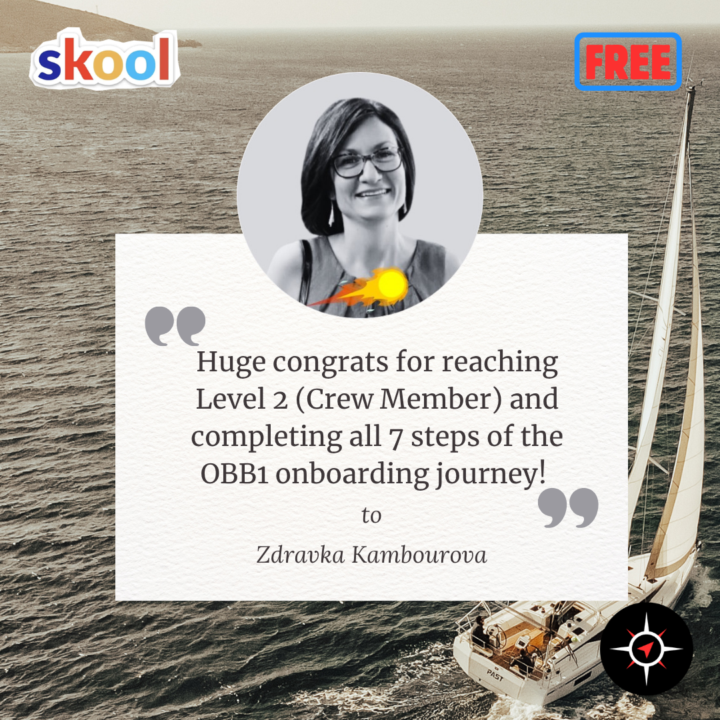
🌍 Meet Zdravka: Helping B2B Marketers Stop Reinventing the Wheel
Congrats @Zdravka Kambourova on completing the OBB1 onboarding journey… … and unlocking the Mystery Gift 🎁 Zdravka is building something very specific. A space for people who deal with: tight deadlines complex events high-stakes execution And often feel like they’re figuring it out alone. Same problems. Same pressure. Different companies. What stands out here is the focus. This isn’t for beginners. This isn’t for theory. It’s for experienced marketers who want: 👉 better strategy 👉 real-world insights 👉 smarter execution Helping people move from: guessing → tested ideas working solo → shared experience reinventing → refining And doing it in a space where signal is higher than noise. That matters 👍 She’s now applying simple, relationship-based strategies to grow this in a more structured way. This framework (Mystery Gift 🎁) gives her easy-to-use strategies: ✅ Ways to attract clients without spending money on ads ✅ Simple ways to build real trust with people ✅ Smart methods to turn your contacts into paying customers ✅ Step-by-step structure that helps close more deals Feels like a natural fit. Especially in a space where experience and clarity beat complexity. Perfect timing as Zdravka builds this into something bigger. If you want to build this further… there’s a more structured path you can step into. Have a look here 🚀
🔥
3 likes • 17d
Welcome @Zdravka Kambourova
🔥
22d •
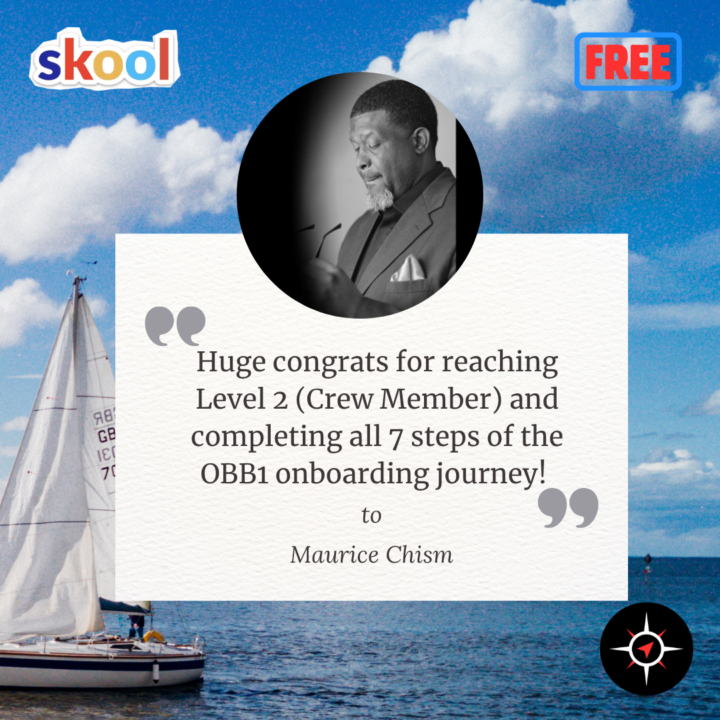
🔥 Meet Maurice: Helping People Move from “Existing” to Living with Purpose
Congrats @Maurice Chism on completing the OBB1 onboarding journey… … and unlocking the Mystery Gift 🎁 Maurice is building something simple… but strong. A space for people who feel: stuck uncertain underutilized And ready to shift. Not just more motivation. Not just more content. But clarity around: 👉 their “why” 👉 their voice 👉 their next move What stands out here is the intention. Helping people move from: existing → living with purpose doubt → action noise → clarity And doing it inside a space where accountability actually matters. That combination is powerful 👍 He’s now applying simple, relationship-based strategies to grow this in a more structured way. This framework (Mystery Gift) gives you easy-to-use strategies: ✅ Ways to attract clients without spending money on ads ✅ Simple ways to build real trust with people ✅ Smart methods to turn your contacts into paying customers ✅ Step-by-step structure that helps close more deals Feels like a strong fit. Especially in a space where clarity and direction matter. Perfect timing as Maurice builds this into something bigger. If you want to build this further… there’s a more structured path you can step into. Have a look here 🚀
🔥
2 likes • 22d
Congratulations @Maurice Chism
🔥
25d •
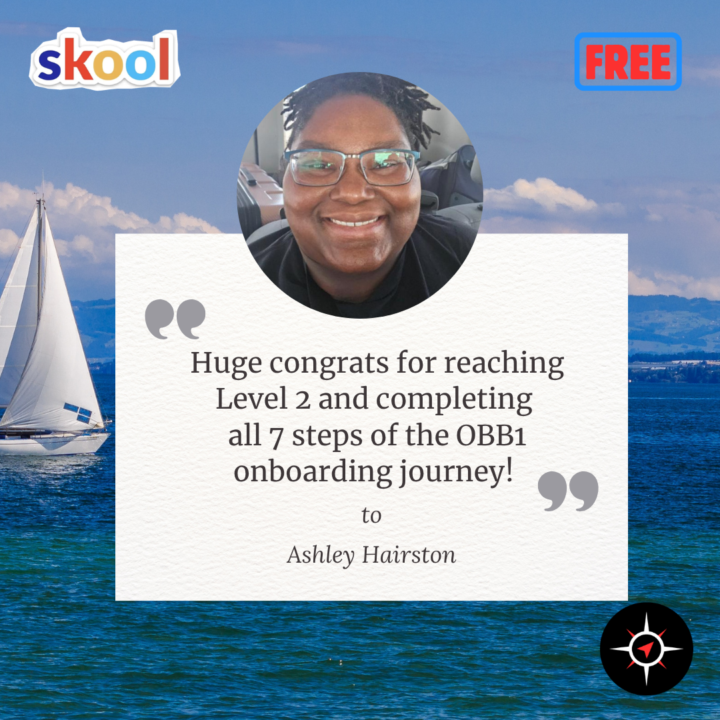
🎉 Meet Ashley: Creating a Space for Women to Reclaim Their Voice and Power 👑
Congrats @Ashley Hairston on completing the OBB1 onboarding journey… … and unlocking the Mystery Gift! 🔥 Ashley is building something deeper. A space for women who are ready to do the real work… not just surface-level change. Healing the mother wound. Releasing what’s been carried for too long. Finding your voice again. That’s not easy work. And most people don’t even know where to start. Her approach creates a safe place to begin that journey — step by step, in a way that feels grounded and real. From feeling disconnected… to reconnecting with your identity. From silence… to sovereignty. That kind of shift changes everything. She’s now applying relationship-based strategies to start generating clients in a more natural way. This framework gives you easy-to-use strategies: ✅ Ways to attract clients without spending money on ads ✅ Simple ways to build real trust with people ✅ Smart methods to turn your contacts into paying customers ✅ Step-by-step structure that helps close more deals Feels like a natural fit. Especially in a space where trust, safety, and authenticity matter so much. Perfect timing as Ashley builds this into something meaningful for women ready to step back into their power. If you want to build this further… there’s a more structured path you can step into. Have a look here 🚀
🔥
2 likes • 25d
Welcome @Ashley Hairston !
🔥
Apr 15 •
🚀 SKOOL NEWS #53: Introducing Keywords for Discovery
Hey Navigators 🧭 A new Discovery feature is live right now: 🔥 Keywords. This one looks simple on the surface. But it matters a lot. Because most Skool Network traffic already comes from search. And if people can’t find your group when they search… you miss members. ✅ NEW FEATURE (LIVE NOW): Discovery Keywords Go to: Settings → Discovery You can now add up to 11 keywords to help people find your community. How it works: - type a keyword - hit enter or comma - add the next one Simple. Important note: Set them now. But they won’t affect search results until the new Discovery search goes live. That should happen around early May. So right now, this is preparation. But smart preparation. 🔍 WHY THIS MATTERS Skool said most Skool Network traffic comes from search. Right now, Skool looks at things like: - your About Page - your group description But maybe you didn’t include all your best search terms there. This new feature lets you tell Skool more clearly: “This is what my community is about.” That means when search improves, your group has a better shot of showing up for the right people. 🧠 HOW TO PICK YOUR KEYWORDS This is the real part that matters. Start with 2 simple questions: 1️⃣ What topics is your group actually about? Not vaguely. Not what sounds trendy. What is it really about? 2️⃣ What would someone type to find it? Put yourself in the searcher’s shoes. What words would they use in Discovery? That’s the test. 🧾 EXAMPLE FROM THE EPISODE They used Grow With Evelyn as an example. Her community is about things like: - Facebook ads - Meta ads - YouTube ads - memberships - low ticket - marketing - copywriting - digital marketing And also her name, because some people will search for her directly. That’s a good framework: - brand / name - main skill - alternate wording for the same skill - business model - broader category That gives you a good mix. ⚠️ DON’T STUFF RANDOM KEYWORDS IN THERE This was an important warning.
🔥
1 like • Apr 15
Yes, @Roberto Srpak Done! :)
🔥
1 like • 29d
@Roberto Srpak I didn't use the prompt. I just sat down and went for it. :) Here is a screenshot of my keywords.
1-10 of 77
🔥
@kristof-lambregts-2880
I'm Kristof: I guide people who are tired of the mental noise back to calm, clarity and themselves through sound healing, meditation and yoga.
Active 4h ago
Joined May 1, 2025
Belgium
Powered by