Activity
Mon
Wed
Fri
Sun
Dec
Jan
Feb
Mar
Apr
May
Jun
Jul
Aug
Sep
Oct
Nov
What is this?
Less
More
Owned by Kate
Tired of pushy LinkedIn sales tactics? Learn how to use LinkedIn the human way. Less hustle, more heart. Show up as yourself and win LinkedIn.
Helping midlife women feel better, one book and new habit at a time.
Grow With Evelyn
3.4k
5.0
$29/m
Skool Scale Camp
6.6k
5.0
Free
The Content Club
10.5k
5.0
Free
Package Promote Scale
50
Free
Skoolers
147k
Free
The Shift Lab
1.4k
Free
Skool Growth Free Training Hub
9.3k
5.0
Free
LinkedIn Leads for Founders
829
5.0
$7/m
Skool Ads
33
Free
10 contributions to Package Promote Scale

3d •
What to do with LinkedIn over the holidays?
My thoughts Lots of people not posting = chance for your content to be seen Lots of people on holidays but still workaholics = they scroll LinkedIn more No pressure to get to a meeting = spending more time scrolling than usual And the natural reflection period with New Year resolutions makes people consider how “this year will be different” If your audience might be in that category, you have a good chance to reach them by posting consistently on LinkedIn over the holidays. On the other hand, you might just want a damn break. In that case I recommend running a ‘summer series’ Schedule a bunch of your best performing posts from 2026, then log off and forget about LinkedIn during the break. You can even add a ps that you’re on holidays and won’t be responding to comments. That way, you can still show up on LinkedIn while enjoying a well-earned rest.
11d •
Try a celebration post on LinkedIn
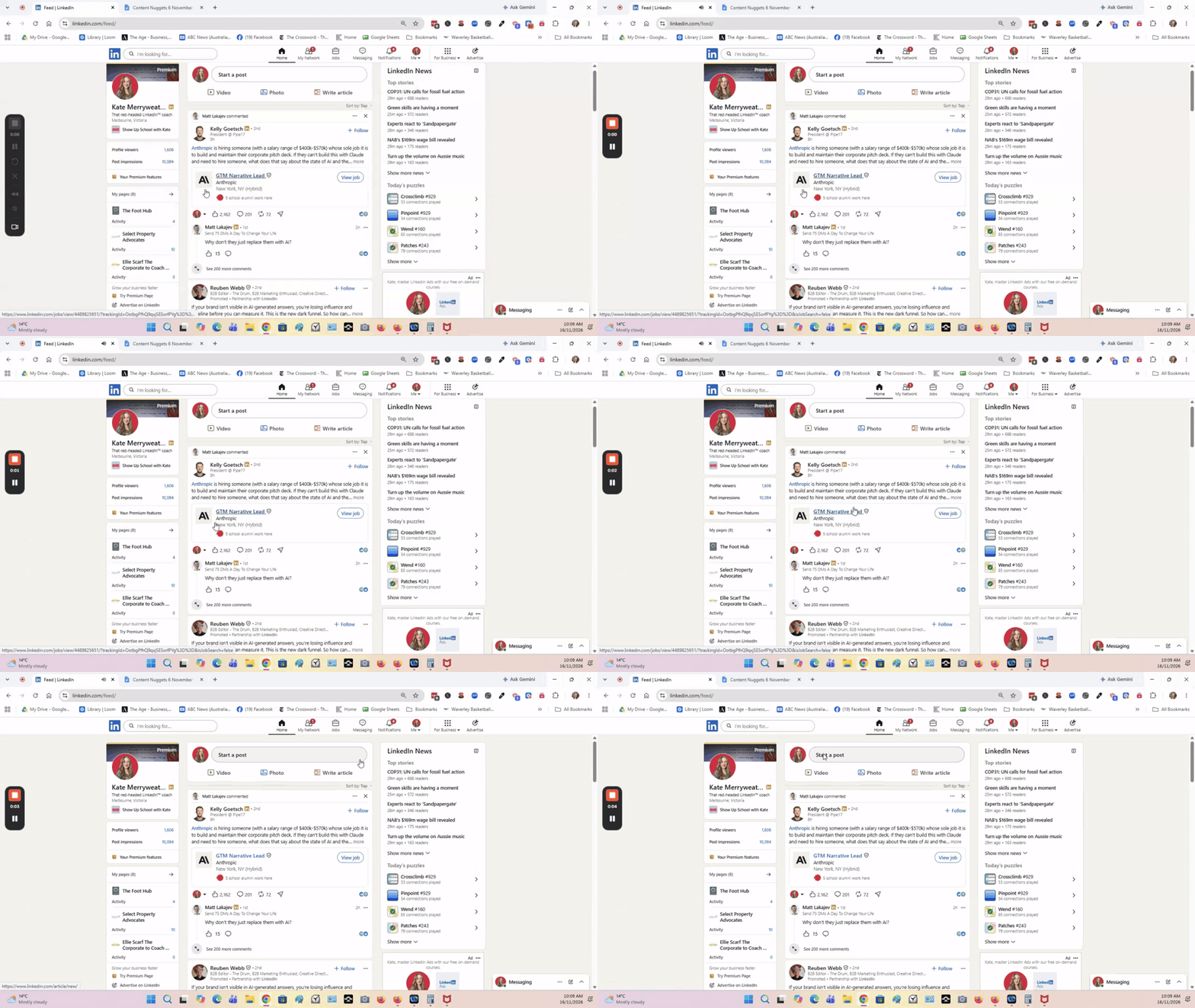
On LinkedIn there are a few post types that naturally give you a boost. These are celebration posts: a project launch, milestone, new position, certification. When users tag their posts with these prompts, they tend to get a bit extra reach. So you can use them from time to time when you want an announcement to get views. They come with little videos you can choose from and users tend to recognise them so that can help stop the scroll too. It’s good to use when you are launching a campaign or have a sales post you want extra attention on. Here’s a loom video to show you how to use it https://www.loom.com/share/9436c83da0fa4f7daf185571747d04dc
0
0
17d •
LinkedIn has a few feature: network newsfeed
Instead of letting the algorithm choose random stuff to show you, the Network feed restricts content to only people you’re connected with. Users will be able to toggle between ~For You Feed: the algorithm pushing content it thinks you like based on your history (the default) ~Network Feed: only posts from your first degree connections. This feature is currently being rolled out, I don’t have it yet, but some Aussie creators already do. This is good for users as many people get annoyed with the random content from second degree connections, and they’re missing out on posts from people they are actually connected to. For you, it means you must connect your butt off. Because when more people start switching to Network feed, if you are a first degree connection, they will still be able to see you. Going viral will also be less powerful, as people who have Network Feed on will miss it. Let me say again, connect your butt off!
0
0

25d •
5 steps to refresh your LinkedIn profile
When was the last time you looked at your LinkedIn profile? Does it need a little tidy-up? Some things to check Your photos Photos that look like you now, not 2020 you Your banner A compelling positioning statement that attracts your ideal audience, not a big logo, city skyline or list of services Your about Updated with fresh copy that is written for your audience and includes your latest offers, not the one you created in 2022 and forgot about Your featured Links to paid packages, not ‘Book a call’ and your best performing post pinned Your recommendations Aim to have the latest recommendation be within three months. Want more - ASK (you can actually use LinkedIn to ask)
0
0

Oct 29 •
LinkedIn tip: pinned comments
LinkedIn has rolled out a new feature, pinned comments. This is a good one. It's good for sharing links as LinkedIn generally doesn't like content with links so this is a good workaround. It's also good for an additional PS or follow up comment and it feels conversational in style. In my example below, I shared a funny story about handing in physical essays at university and using the old fashioned printer, and I followed up with a pinned comment showing what it looked like (for those born after 1985) This post got 65,000 impressions and the comment got 3,100 impressions.

1-10 of 10

@kate-merryweather-5743
I have a mullet approach to Skool - business in the front with LinkedIn Show Up School and party in the back with Little Better Book Club
Active 16m ago
Joined Dec 15, 2025
ENFP
Melbourne