Activity
Mon
Wed
Fri
Sun
Nov
Dec
Jan
Feb
Mar
Apr
May
Jun
Jul
Aug
Sep
Oct
What is this?
Less
More
Owned by John
💵 Current Price: $97/month (and still going up) Master Meta Ads & Claude for your Shopify store. Courses, live calls & Q&As to scale your E-commerce.
Free Email Marketing Community
2.4k
Free
Agency Owners
20.9k
Free
Viral Coach Training Material
31.1k
Free
New Era Sales - Chris Rigoudis
1.1k
Free
SaaS Lab
683
Free
Skoolers
151k
Free
37 contributions to Meta Ads & Claude for Shopify

Aug 26 •
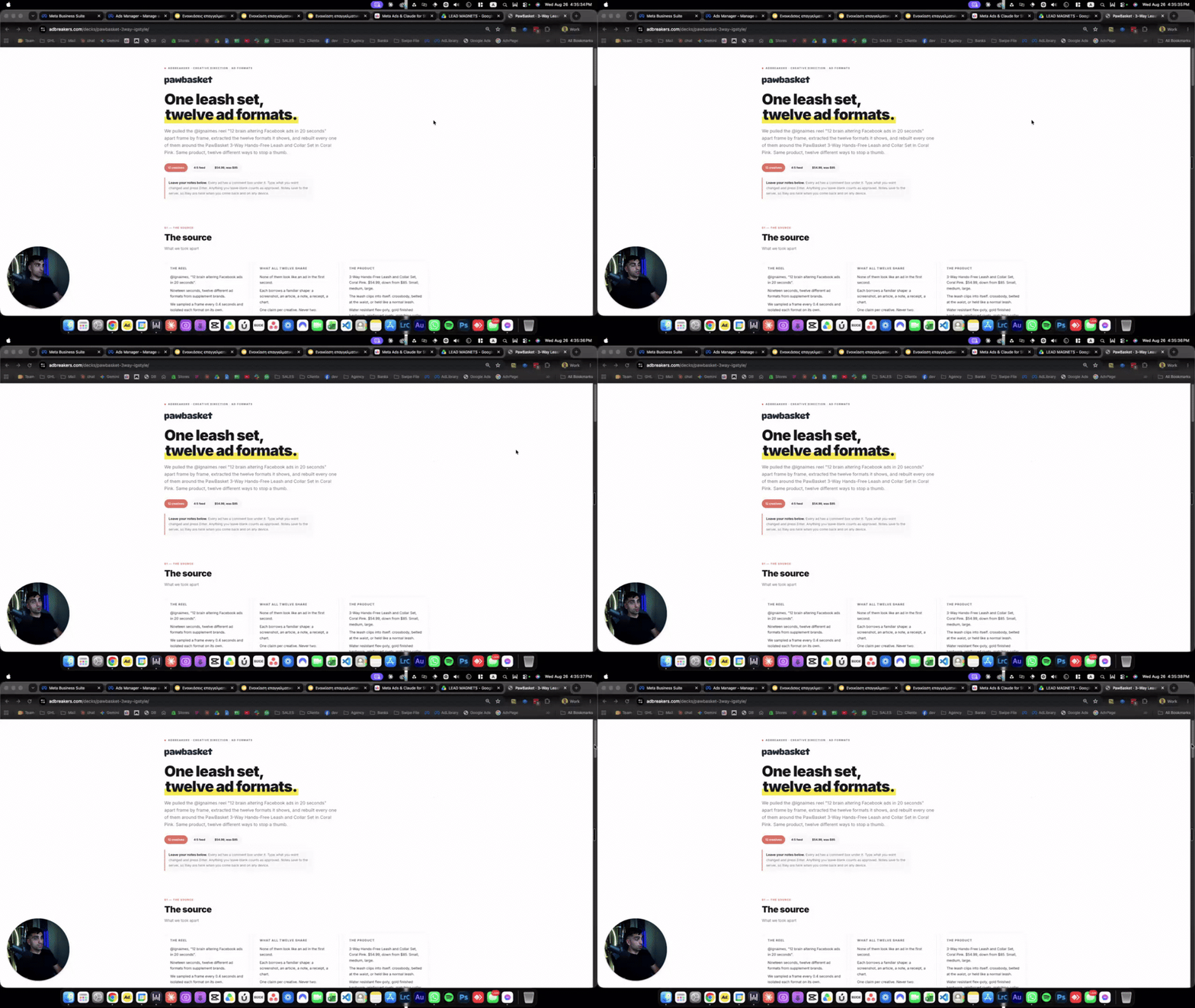
12 Ads Concept Tutorial
Step 1: Watch the Video Step 2: File to download: https://drive.google.com/file/d/1ANFZSOKj-Xsgsn0h-SVebDTiGVCzODjE/view?usp=drive_link Step 3: Prompt: I've attached 12-adbreakers-concept-static-ads-PORTABLE.zip — a Claude Code skill I'm moving over from another machine. Set it up completely, then tell me it's ready. Do all of this yourself, don't ask me to run commands: 1. Install it. Unzip it into ~/.claude/skills/ so the final path is ~/.claude/skills/12-adbreakers-concept-static-ads/SKILL.md. Delete any __MACOSX and .DS_Store junk. Confirm the skill is registered and callable. 2. Wire up Google Nano Banana (Gemini image generation). The skill generates every image with scripts/generate_nano_banana.py, which is bundled inside it. It needs a Google Gemini API key in an env var GEMINI_API_KEY: First check whether I already have one — look for GEMINI_API_KEY in my shell env and in any .env file in my home folder or working directory. If it's missing, stop and ask me for it, and tell me exactly how to get one: sign in at https://aistudio.google.com/apikey, click Create API key, pick or create a Google Cloud project, copy the key (starts with AIza). Also tell me that image generation requires billing enabled on that project, or the key authenticates but returns zero image quota. Once I give you the key, write it to a .env file next to the skill's scripts folder as GEMINI_API_KEY=<key> and confirm the file is not in any git repo. 3. Fix the hardcoded paths from the old machine. scripts/gen_ads_template.py has an absolute path to /Users/jportalios/.../Image Creation/generate_nano_banana.py. Repoint it at the bundled copy in the skill's own scripts/ folder (the file already reads a NANO_BANANA env var override — use that or edit the default). Grep the whole skill for any other absolute /Users/ path and fix them the same way. 4. Note what did NOT come across. The skill's final step publishes a deck with publish-deck.sh and native_deck.py from a sibling skill — neither exists here. Don't try to recreate them. Instead: build the deck as a single self-contained HTML file saved locally next to the generated ads, and tell me it's local-only so I can decide how to publish it.
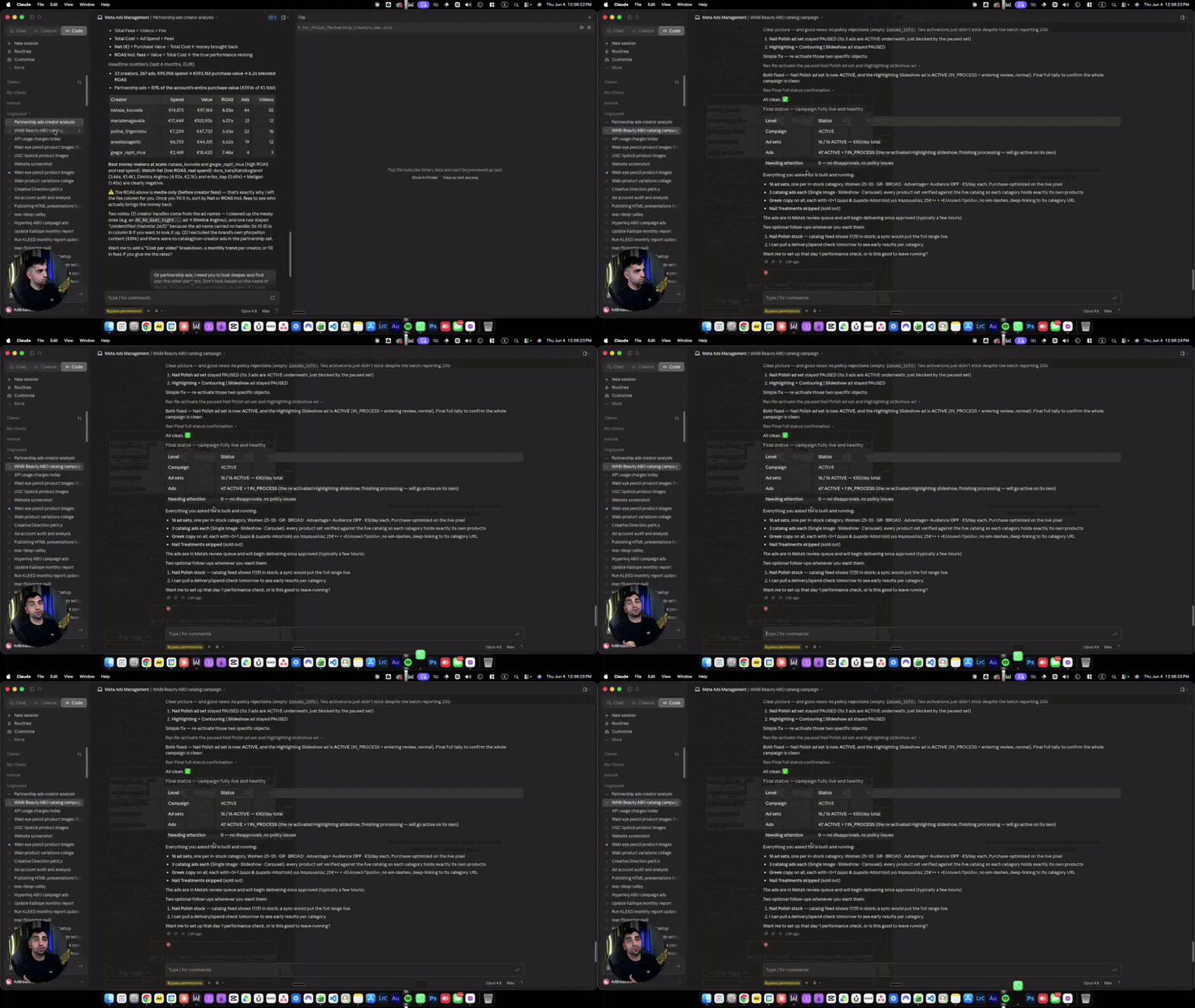
Jun 4 •
Create Static Ads with Claude
This is a gold mine, please check this video https://www.loom.com/share/1dd956603c1446178e6e4b75559a4364 Prompt to use: This is my API key for Google Nano Banana: [API_KEY]. Save it in the .env file, then create a Python script called generate_nano_banana.py inside the "Image Creation" folder to connect to and use the Google Nano Banana API. Create a Skill for Google Nano Banana Build a skill that follows these rules: - It triggers automatically whenever I say "create an image" (or "create") - By default it generates images one by one, never in batches - It only uses Google Nano Banana 2, always at 1K resolution When I provide a business URL, the skill should automatically download the logo and use it as a reference, pull the product images to use as references, take inspiration from the brand's colors, and create a static ad for that specific business. File Saving Save all images in the folder I've created here, naming each one by its name, dimensions, and the angle used for that image. Final Step Build everything — the script, the .env connection, and the skill — then tell me the exact name of the skill so I can reference it in future prompts.

0 likes • Jun 3
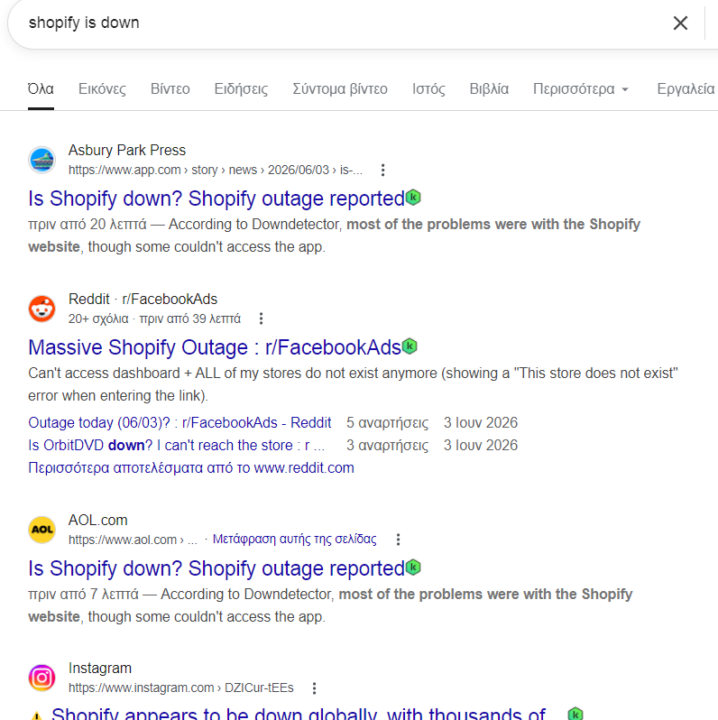
yes it's down.
May 23 •
Freepik?
Portalio the name of freepik changed to Magnific? https://labs.google/fx/el/tools/flow (there one alternative btw)
1 like • May 28
Just to let you know more and more I am beginning integrating skills on Claude and managing everything through there. I don't use Magnific as much now. But Magnific is much cheaper and its by far the best option when you are just starting out
May 25 •
New member !
Hey everyone! I'm Sonia, from France. I recently launched PupplyPet, a Shopify store for dogs and cats (multi-category: accessories, care, etc.). I've got a Pinterest Ads campaign running (I know — this community is Meta-focused, but that's where I started). It's been live for several days now with traffic but zero sales, so I'm pretty sure the issue is on the site itself or the ads. I've already watched several masterclass videos (super valuable!), but before I implement everything, I'd love to get an audit of my site first — to fix the foundation before stacking tactics on top. Excited to learn from you all!
1 like • May 28
Hello Sonia welcome! Please schedule a call using this link with me https://api.leadconnectorhq.com/widget/bookings/adbskool
1-10 of 37
Active 1d ago
Joined Oct 5, 2025
Powered by