Activity
Mon
Wed
Fri
Sun
Aug
Sep
Oct
Nov
Dec
Jan
Feb
Mar
Apr
May
Jun
Jul
What is this?
Less
More
Owned by Hamza
AI For Teachers is a community and training hub designed to help educators use AI practically, ethically, and confidently
Turn AI skills into paying clients- one system at a time
Memberships
Clief Notes
41.2k members • Free
SW Automation
8.6k members • Free
AI Accelerator
19.7k members • Free
AI Masters Community with Ed
12.7k members • Free
Agency Owners
20.3k members • Free
Data Alchemy
37.6k members • Free
AI Automation Agency Owners
3.4k members • Free
AI Developer Accelerator
11.3k members • Free
AI Pioneers
8.5k members • Free
69 contributions to AI Automation Society

Jun '25 •
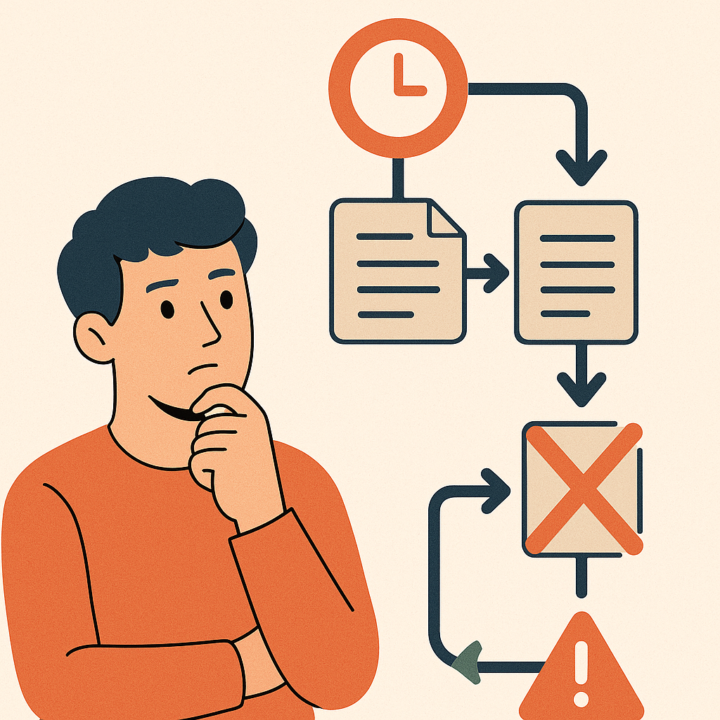
How to prevent a workflow from processing the same item multiple times?
Hi all, what is the standard method in n8n to 'remember' items that have already been processed? My workflow runs on a schedule to fetch the latest item, but I only want to trigger an action the very first time an item is seen to avoid sending duplicate notifications. Thanks!

6 likes • Jun '25
You've hit on a very common and important workflow design pattern! You are correct that you need to create a "memory" for your workflow to check against. n8n has a built-in way to handle this without needing to set up your own external database or log. The key is the Remove Duplicates node. This node has an operation specifically for your use case called Remove Items Processed in Previous Executions. This mode allows the node to remember unique values from past workflow runs and only pass through items it hasn't seen before. Here’s how you can set it up: 1. Add the "Remove Duplicates" Node: Place this node in your workflow right after the node that fetches the YouTube data. 2. Configure the Node:Operation: Set this to Example Walkthrough Let's say your YouTube node returns items with a unique codeCopy id field. 1. Add the Remove Duplicates node after your YouTube node. 2. In the Remove Duplicates node settings:Set Operation to Now, when your workflow runs: - The first time, all the videos will be new, so they will all pass through the node. - On subsequent runs, if a video from a previous run appears again, the Remove Duplicates node will recognize its This approach creates the "memory" you're looking for directly within your n8n workflow, providing a simple and effective way to prevent processing duplicate items.
3 likes • Jun '25
@Tony Mahony No problem at all!
Jun '25 •
Growth in the community
Whats one main troubleshooting issue that yall have noticed now that the community has grown exponentially?
6
0
Jun '25 •
APIs and Apify
How do you guys vet apis on Apify? Are there any red flags you look out for?
1 like • Jun '25
@Alex Printer Thank you!
Jun '25 •
What do you actually use?
What are some n8n flows that you actually use everyday? What saved you 10-15+ hours a weeK? Either as someone who uses it for personal porjects/work or someone who sells automations/flows.
Jun '25 •
One easy flow?
What is one easy flow that you found as a beginner to be super helpful to start out with?
1-10 of 69

@hamza-saraswat-4413
I am looking to get into AI automation.
Active 111d ago
Joined Dec 30, 2024
Powered by