Activity
Mon
Wed
Fri
Sun
Mar
Apr
May
Jun
Jul
Aug
Sep
Oct
Nov
Dec
Jan
Feb
What is this?
Less
More
Owned by Raven
This is where AI experiments turn into money!
Memberships
The Brand Closet™
127 members • Free
Skoolers
190k members • Free
ASMRSpreads Lab
502 members • Free
PromptBank
1.1k members • Free
Pretty & Paid Playground
1k members • Free
5 contributions to Digital Wealth Lab
1d •
Viral Tutorial: 90s Hair Transformation 💿✨
First, thank you all so much for being here. Seeing Digital Wealth Lab grow with such an amazing group already means more than you know. I’m excited to build, learn, and grow with you all 🧪💸 A lot of you have been asking how I created the viral 90s hairstyle transformation video, so here’s the exact process I used: 🎬 How I Made the 90s Hair Transformation Video Step 1: Create Base Images I started by creating my base images in Nano Banana Pro.Each image represents one hairstyle look in the transformation. Step 2: Open Higgsfield + Kling Next, I went to Higgsfield and opened the general Kling generator. - Upload your first image (starting look) - Upload your second image (next hairstyle) Step 3: Paste This Prompt (Use It Exactly) Copy and paste this into the prompt box: Create a short video that transitions from Image 1 to Image 2 using a rapid morphing/dissolve-style transition. The shift should be purely visual, smoothly blending one image into the other. Keep the subject exactly the same - no changes to body shape, facial features, proportions, or pose. The original photos must remain untouched, with no additions, removals, or extra elements introduced. Step 4: Repeat for Each Style After the first transition: - Take Image 2 - Make it the new Image 1 - Add your next hairstyle as Image 2 - Run the same prompt again Repeat this process for each look in the transformation. This is how you build a smooth multi-style video. 🧠 Don’t Have an AI Model Yet? If you don’t have your own AI model yet: 👉 Check out the “How to Build an AI Influencer” module OR 👉 Message me privately if you’d like me to create one for you (we can discuss pricing and next steps). Your model is the foundation for everything. 🧪 Final Note I’ll be sharing more tutorials like this inside the community as we grow. If you try this out, post your results — I’d love to see what you create. Thank you again for being here. Let’s keep building 💸✨
2
0
2d •
Happy Saturday, Digital Wealth Lab 🧪✨
I just want to take a moment to say thank you to every single person who has joined this space so far. This community was created for learning, experimenting, and building real digital skills together and we’re just getting started. I’d love to hear from you👇🏽 Drop a comment and tell us: • What are you most excited to learn? • What skills or results are you hoping to gain from being here? Your answers help shape what we build next, and they also help you stay intentional about your goals. Grateful for every one of you. Enjoy your Saturday 💻💸✨

5d •
You’re not behind!
Let me be very clear: If AI feel overwhelming, loud, or like everyone else has the answers except you that’s not failure. That’s what happens when a brand-new industry is forming in real time. And AI? It moves fast. You’re not late. You’re not “bad at this.” You’re not missing some hidden advantage. You’re learning a skill set that barely existed a year ago. The people seeing results aren’t more intelligent or more talented. They simply stayed long enough for things to make sense. They chose to invest either their time, their money, or both. So pause for a second. Breathe. You’re exactly where you’re meant to be. And if you ever forget that—I’m here to remind you.
3
0

6d •
Happy Wednesday
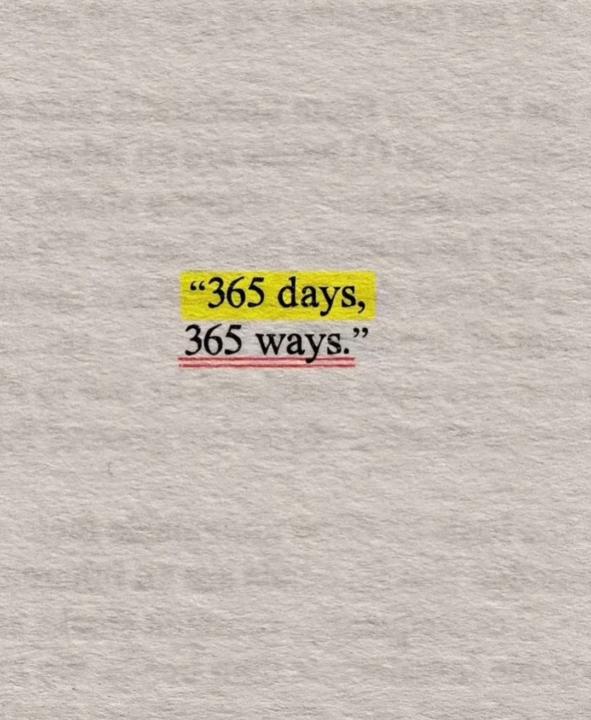
365 days. 305 ways. No excuses — just opportunities. This is your year to try, pivot, win, and repeat ✨ Remember to reach out with any questions you may have!
3
0
7d •
Welcome to Digital Wealth Lab 🧪💸
We’re excited to have you here. Digital Wealth Lab is a creative learning space for anyone curious about AI, content creation, and digital income. This community is built around experimentation testing ideas, understanding tools, and learning how AI can be used creatively and strategically. Inside the lab, you’ll find: - Beginner-friendly AI education - Free prompts, tools, and walkthroughs - Step-by-step systems for creating trending and ASMR-style videos - Guidance on AI influencers, digital products, and monetization paths - A community of creators learning and building in real time This is not a “get rich quick” space — it’s a learn → test → improve environment. Whether you’re just exploring AI or planning to build something bigger, you’re in the right place. Take your time, explore the classroom, and don’t be afraid to ask questions or share what you’re working on. Introduce yourself below and share what brought you here and what you’re excited to learn or explore. Welcome to the lab — let’s experiment. 🧠✨
3
0

1-5 of 5