Activity
Mon
Wed
Fri
Sun
Aug
Sep
Oct
Nov
Dec
Jan
Feb
Mar
Apr
May
Jun
Jul
What is this?
Less
More
Owned by Raymond
How to Profit 💰 Trading
Memberships
1 contribution to Traffic

🔥
May '24 •
How To Make Zoom Not Look Like A Potato
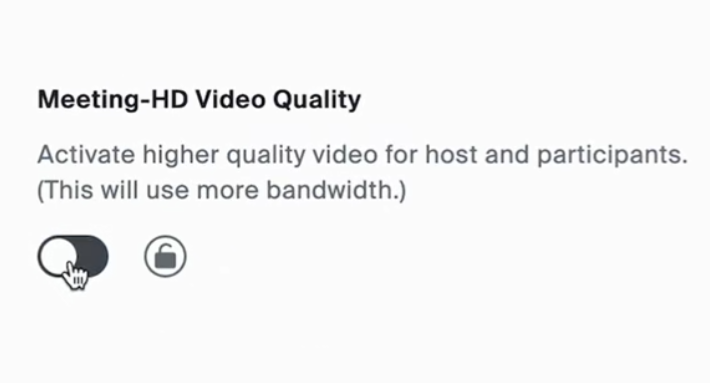
I have had quite a few people ask me about using Zoom this week. I do recommend using something like Streamyard or Squadcast or Riverside because you will get much more stable videos, but I am also a firm believer in using what you already have. If you do stick with Zoom, here are a couple tips to make it better. First, you have to have the Pro version or better. Go to Zoom's Web Portal. Click Account management. Account Settings. Choose meeting HD quality. AND Go to recording. Go to advanced cloud recording settings. Choose optimize recording for 3rd party video editor. Also Have record a separate audio file for each participant ON. I would also turn off the zoom audio noise removal off and remove the noise after with Auphonic. It does a better job imo. If everyone is wearing headphones, turn off echo cancellation too. Stereo audio off. Original audio for musicians on. High fidelity music mode on. (Turn off if you start to lag) Zoom has changed a lot since I used it awhile back. If for some this looks different or doesn't apply, let me know so I can fix this.

1 like • May '24
@Eric Howell yessssir
1-1 of 1

@coldestcaller
Building AI-native infrastructure for momentum trading
Active 31d ago
Joined May 13, 2024
USA