Activity
Mon
Wed
Fri
Sun
Jan
Feb
Mar
Apr
May
Jun
Jul
Aug
Sep
Oct
Nov
What is this?
Less
More
Owned by Carin
Gentle steps to restore balance in your body, mind, and space with simple detox + declutter habits that make energy and calm feel easy again.
Memberships
LEARN HYPNOSIS
117 members • Free
Cat Care Club
58 members • Free
BYOB: Bring Your Own Business™
375 members • Free
Digital Roadmap AI Academy
516 members • Free
YouTube For Beginners🏆
67 members • Free
SkoolHers
384 members • Free
Skoolers Data Guy
82 members • Free
Thrive!
223 members • Free
THE Parkour Guide (soon)
16 members • Free
4 contributions to Digital Roadmap AI Academy

🔥
28d •
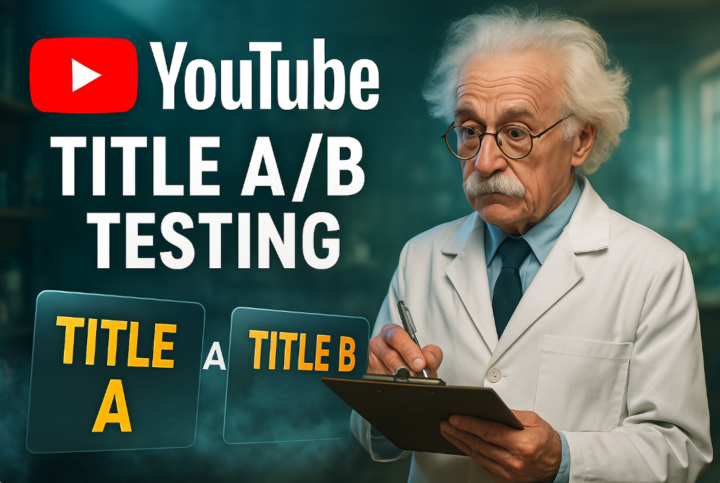
YouTube - Test Your Titles With The New A/B Testing Tool
YouTube is adding a new tool that will let you test your video titles just like the thumbnail A/B testing tool. Some creators already have it, and more people will get it soon. This new feature can help you find out which titles get more clicks and keep viewers watching longer. 💥 What The Tool Does - It lets you test more than one title for the same video. - YouTube shows each title to different people. - You can see which title brings in more clicks and better watch time. - It helps you learn what words your audience likes best. 💥 Why This Is So Helpful - You no longer have to guess which title works better. - You can try creative ideas without hurting your video’s performance. - You get to use real data instead of feelings or luck. - This makes your channel stronger over time. 💥 How To Use It Well - Test small changes first, like one word or phrase. - Try titles with emotion, curiosity, or clear value. - Keep the title true to your video so viewers are not misled. - Let the test run for a few days before picking a winner. 💥 Bonus Tip - You can still use the Thumbnail A/B Testing Tool with it. - That means you can test both your title and thumbnail together to get the best combo. 💥 Bottom line: Testing titles will help you understand your audience faster. Use this tool to learn what gets people to click and watch. When you mix creativity with data, your channel will grow stronger and smarter.

2 likes • 28d
Did you make a video showing how to set this up, or is the feature not out yet.
2 likes • 27d
@Kevin De Garcia I've only used Canva for my thumbnails. I like how Pikzels.com sounds from people who've used it.

🔥
Oct '24 •
🎉 Welcome- Please Introduce Yourself
WELCOME, 🎉First off—thank you for being here. You just stepped into a space built for go-getters ready to learn, earn, and rise together. Here’s what this community is all about: ✨ Helping you monetize online with AI—so you get clarity, take action, and actually see profit roll in. ✨ Giving you the tools, resources, and strategies that move the needle (no fluff, no guesswork). ✨ Building a space where connection, collaboration, and momentum come standard. I’ll be dropping new trainings, tips, and resources on the regular, so pop in often. There’s always something fresh to help you level up your skills, systems, and results. 📌 Your First Steps (Read This Like Your Business Depends On It 😉) 1️⃣ Read this entire post start to finish. Then drop a 💸 in the comments and introduce yourself once you’re done. 2️⃣ Your membership is 100% free and gives you access to beginner-to-intermediate trainings. Ready for the deep stuff—custom AI funnels, advanced automations, and high-level strategy? DM me and I’ll point you to the premium tracks. 3️⃣ Check out the Group Rules. They’re short, straight to the point, and keep this space high-vibe and drama-free. 4️⃣ Head to the Classroom tab and watch the Welcome Video. It’ll show you how to get the most out of this space. 5️⃣ Introduce yourself! Create a post and share:• Who you are 🙋♀️• What excites you most about AI• One big bottleneck you’re looking for AI to solve right now. 💡 A Few Things to Know:This community runs on energy and engagement. Don’t lurk—jump in! Ask questions, share your wins, and connect with others who are just as fired up about building freedom-based businesses as you are. Once you reach Levels 3–9, you’ll unlock special bonus trainings 🎁 as my way of saying thank you for showing up and being part of the movement. You’re in control here. The more you lean in, the faster you’ll grow. I’m beyond thrilled to have you in this community—and I can’t wait to help you use AI to start, scale, and seriously grow your business.
1 like • 29d
@LaShonda Ramsey I would love to hop on a call with you. Love everything you are involved in and would geek out diving into breast health.
2 likes • 29d
@Nicole M Thank you Nicole, I needed that direction > going to the calendar now. 💜
🔥
Nov 5 •
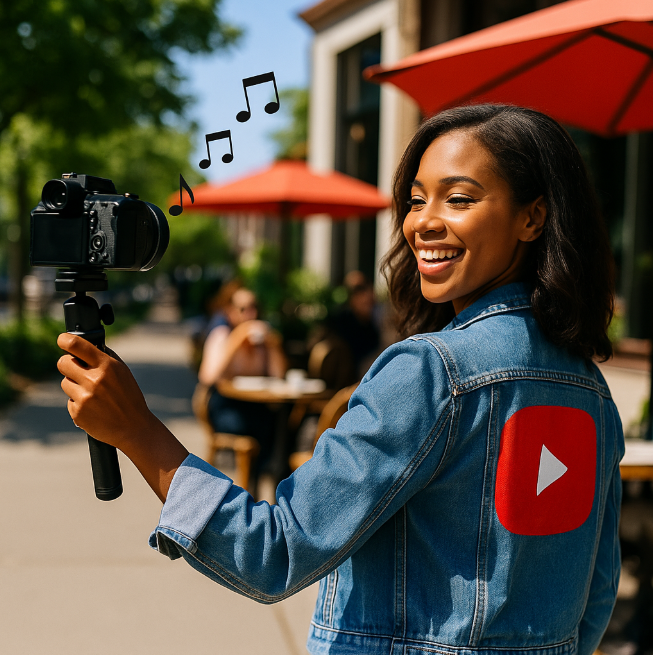
YouTube: How To Fix Background Music That Has Copyright
How To Fix Background Music That Has Copyright Sometimes you are out vlogging, maybe walking in the city or sitting at a cafe. You are recording yourself, and you do not control the sounds around you. Then music starts playing in the background, and it turns out that the song is copyrighted. You might think your video is ruined, but it is not. Here is what you can do. 💥 What Happens When There Is Copyrighted Music - YouTube can detect music in your video even if it is in the background. - The copyright owner can block your video or claim the ad money from it. - It can also stop you from using that video to grow your channel if you do nothing. 💥 How To Fix It With CapCut Desktop - Open your video in CapCut Desktop on your computer. - Use the tool that lets you separate voice from background sounds. - After it separates, delete the music track that has the copyrighted sound. - Keep your own voice track and adjust the volume so you sound clear. - Save your new video. Now the copyrighted music is gone. 💥 Why This Works - Once the music is removed, YouTube can no longer detect that copyrighted sound. - You can now upload your video without any copyright problems. - Your video will be clean, safe, and ready for YouTube. 💥 Extra Tips To Keep Your Videos Safe - Always listen to your surroundings before you start recording. - Try to avoid areas that play music loudly if you can. - If music starts playing while you film, keep talking so your voice stays clear on the mic. - Use CapCut or similar apps right after recording to clean up your audio. 💥 What I Would Say About It - Do not panic when this happens. It is common for creators to run into this problem when filming in public. - You can fix it easily with tools like CapCut. - You just have to be patient and make sure the music is fully removed before uploading. - The key is to keep creating and learning how to solve small problems like this. 💥 Bottom line:Copyrighted music in the background does not mean your video is ruined. You can fix it with CapCut Desktop by separating your voice from the music and deleting it. Then YouTube will allow your video with no issues. Keep creating and do not let little things stop your progress.
2 likes • Nov 5
Dropping those gems like they are HOT! Its the little things like this that we could easily forget that are vital for creative flow and work. Thank you for this post. Very valuable.
🔥
Nov 5 •
🎉Tonight's AI Biz Session was Amazing!!
Thank you @Johnathan F for all your knowledge on the AI tools and strategies! Wow! Looking forward to having you back next week to cover Google AI Studio, Gemini! Grab Johathan's Embrace AI custom APP and become an AI Master! HERE

2 likes • Nov 5
Learned so much! thank you
1-4 of 4

@carin-wogahn-3914
Guiding you to clear what’s heavy; in your home, in your habits, and in your body, so you can feel light, inspired, and back in rhythm again.
Active 20m ago
Joined Nov 5, 2025
INFJ
Los Angeles, CA
Powered by