Activity
Mon
Wed
Fri
Sun
Aug
Sep
Oct
Nov
Dec
Jan
Feb
Mar
Apr
May
Jun
Jul
What is this?
Less
More
Owned by Alan
Memberships
Claude Code Club
7.1k members • $9/month
Tech Snack | Vibe Coding & AI
19.5k members • Free
AI Video Bootcamp
25k members • $9/month
AI Bits and Pieces
807 members • Free
Agentic Foundations
8.9k members • Free
Early AI-dopters
1.3k members • $77/month
Agent Empire
1.3k members • Free
A.I. Institute
3.5k members • Free
AGENCY U
1.6k members • Free
15 contributions to AI Automation Agency Hub

5d •
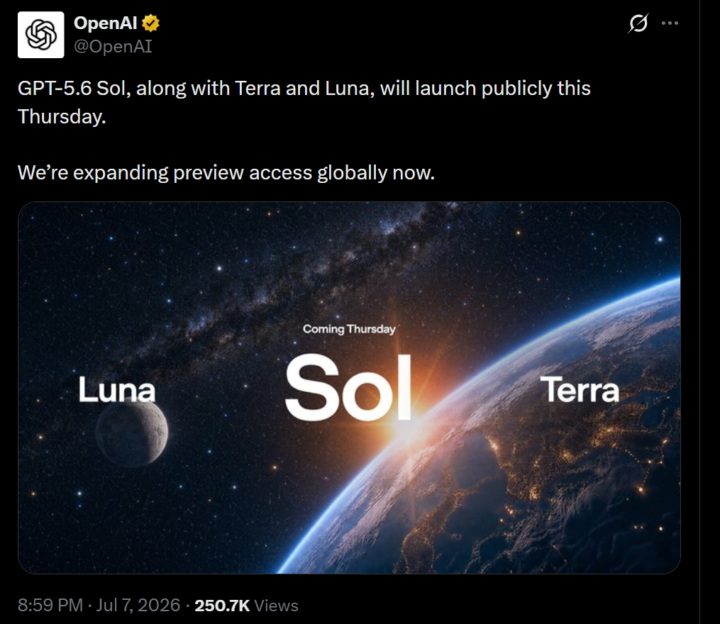
GPT-5.6 Sol, Terra and Luna, will launch on Thursday
https://x.com/OpenAI/status/2074704958419792299

12d •
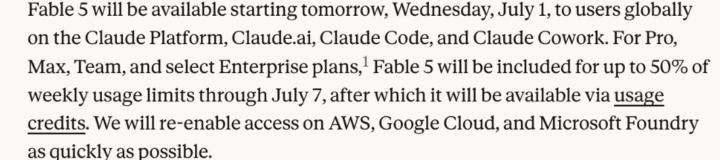
Fable Usage Limits/Usage Credits
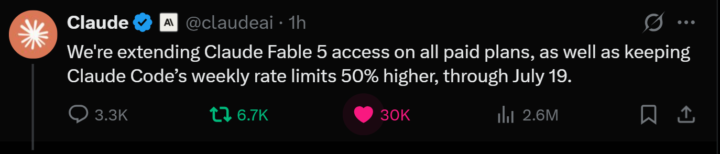
Fable will be included for up to 50% of weekly usage limits through July 7, after that it will be available via usage credits.
3
0
12d •
X MCP Released
Connect Grok, Cursor, or any MCP-compatible AI tool to the X API. Check it out here: https://docs.x.com/tools/mcp The server itself is hosted at api.x.com/mcp, so there is nothing to run, but you do still authenticate. For read-only you create an X app in the developer portal and pass an app-only bearer token. For read and write with your own account, it is OAuth2 plus a local xurl bridge spawned through npx, which pops a one-time browser login and then caches and refreshes the token after that. That bridge is the piece that actually connects Grok, Cursor, or any MCP client to the API.
3
0
1-10 of 15
@blade-d-6440
Solving Pain-Points | 0-to-1 catalyst | Consultant
Online now
Joined May 12, 2025
Powered by