Activity
Mon
Wed
Fri
Sun
Aug
Sep
Oct
Nov
Dec
Jan
Feb
Mar
Apr
May
Jun
Jul
What is this?
Less
More
Owned by Bibhash
Build real AI agents and automation systems with OpenClaw, n8n, Make, Python, and APIs. Learn how to automate real business workflows
Memberships
AI MVP Builders
2.9k members • Free
Skoolers
165.5k members • Free
Openclaw Labs
2.2k members • Free
Making Better Agents
643 members • Free
AI Agent Automation Agency
3.3k members • Free
Vibe Coding School
799 members • Free
Automated Marketer
4.4k members • Free
Automatable Free
18.9k members • Free
Data and Ai Automations
2.1k members • Free
8 contributions to AI AUTOMATION INSIDERS

Apr 6 •
OpenClaw is essentially dead - here's what I switched to
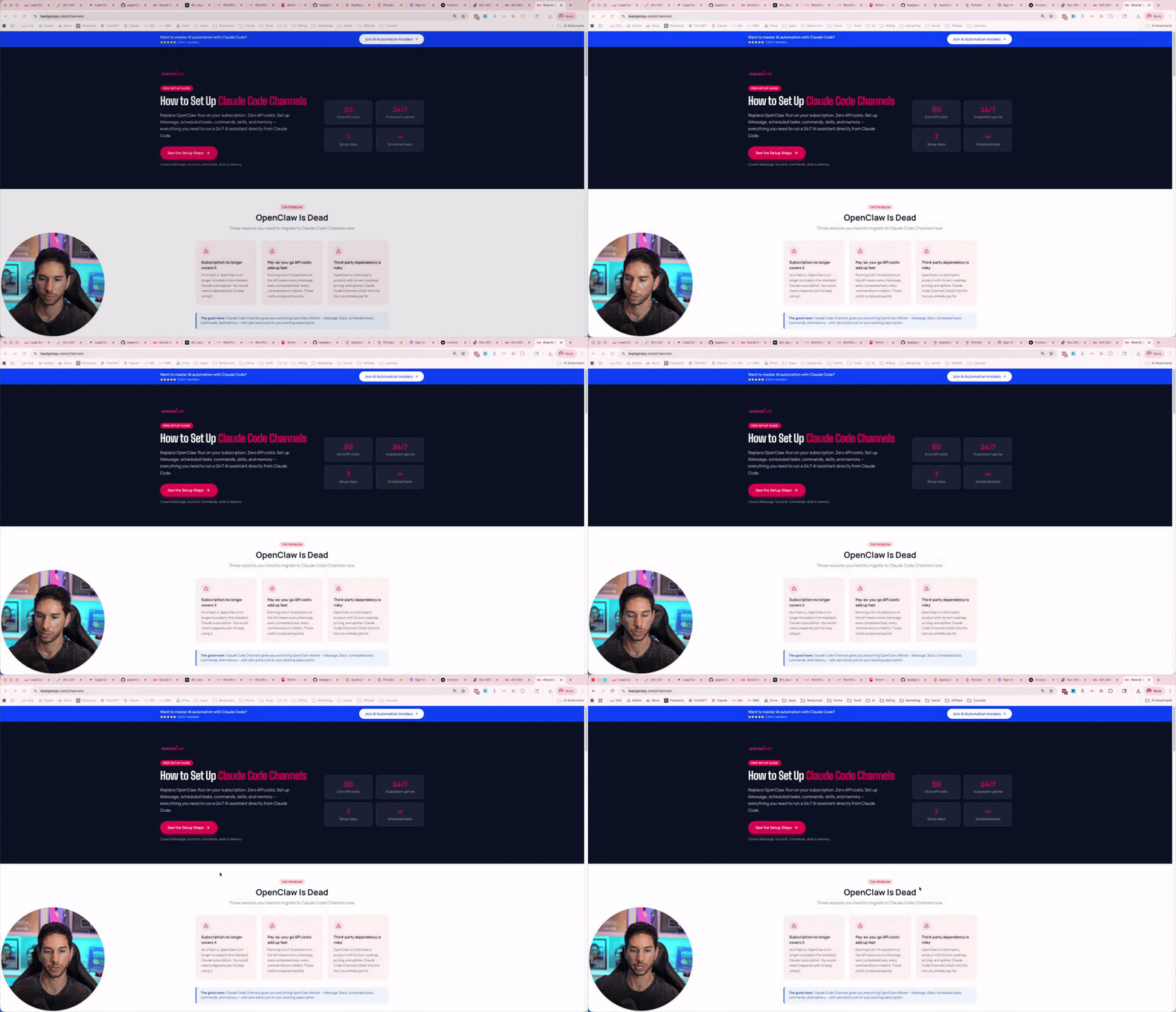
Hey friends, I know many of you are concerned about OpenClaw being essentially dead since Claude Code can no longer be used with it. I've set up Claude Code Channels and honestly, it's significantly better. I've been running it for almost a week now and I'm not looking back. Here's what's available to you right now: Free: Set up instructions VIP Members: I've uploaded my entire Claude Channels configuration to GitHub, go download it now. Stay tuned. I'll be dropping videos showing you exactly how to set this up and get the most out of it. The window to get ahead with this stuff is still open, but it won't be for long. Jay.

0 likes • Apr 6
Is channel available on Windows? during channels launch, it was not
Mar 19 •
The #1 Client Mistake That Eats Your Time and Profits
Most entrepreneurs don’t lose because of bad clients… They lose because of scope creep. And by the time they realize it - they’re already overworked, underpaid, and stuck. Here’s how it usually plays out: You close a client. Everyone’s excited. Week 1-2 → you’re setting things up Week 3 → client asks: “Where are the ads?” “Where are the leads?” “Can we also do LinkedIn?” And suddenly… You’re doing work you never agreed to. On timelines you never committed to. For outcomes you never promised. Now you look like the problem. The real issue? It’s not the client. It’s the lack of clarity. If you don’t define the work… The client will define it for you. Here’s how you fix it (properly) Before you sell anything: 1️⃣ Define EXACTLY what you do Be specific. No vague promises. 2️⃣ Define what you DON’T do This is where most people fail. “No ads included.” “No LinkedIn outreach.” “No additional channels.” Say it clearly. 3️⃣ Set a strict timeline Week 1 → Setup Week 2 → Infrastructure Week 3 → Testing Week 4 → Launch No assumptions. No confusion. 4️⃣ Put everything in writing Contract. Agreement. Scope doc. Make it crystal clear. So when they say: “Where are the TikTok ads?” You don’t argue. You just point to the agreement. And suddenly… You’re not defending yourself. They’re adjusting their expectations. This one shift alone will: • save you hours of unnecessary work • prevent awkward client conversations • protect your margins • and make you look 10x more professional If you want the exact contract template I use to eliminate scope creep completely… Comment “Creep” below. I’ll send it over 👇
1 like • Mar 19
Creep
Feb 26 •
🛑 Stop Dragging Leads Manually!
95% of teams think they have a “pipeline”… …but they’re actually just dragging cards around and guessing what’s happening. Meanwhile deals are slipping, leads are sitting idle, and the CEO has no real visibility into what’s working and what’s broken. This is the simple reporting system we use that fixes all of that and it runs automatically. Inside GoHighLevel, your pipeline should clearly reflect how a lead moves: Interested → Call Booked → Post-Call Outcome (Hot / Cold / Closed / No-Show / Finished) Each of these is a stage, and leads move left → right as they progress. But here’s the key… 👉 your team shouldn’t be manually dragging leads between columns. The system should do it for you. Here’s the setup: 1) Build your pipeline structure In GHL: Pipelines → Create Pipeline → check “include in reports” → create your stages (feel free to use mine below) This gives you a clean visual view of your sales flow. 2) Add the 3 core automations This is where everything becomes powerful. #1 - TRIGGER When a lead books a call → automatically move them from Interested → Call Booked #2 - Post-call After the call, they fill out a quick form. Based on responses, GHL automatically moves the lead to: - Hot - Cold - Closed - No-show Now your pipeline reflects reality instantly. #3 - ABANDONED If a lead sits in your pipeline for 90+ days → automatically remove or archive it. 3) Reporting takes care of itself When this is set up correctly, you don’t need spreadsheets. You open your pipeline and instantly see: • how many leads are interested • how many calls are booked • how many deals are closing • where leads are getting stuck Set this up once… and your pipeline becomes a real-time reporting system that your whole team can rely on. If you want to see exactly how these automations are built (and grab the templates I use)… Comment “Pipeline” and I’ll share it with you.

0 likes • Mar 2
Pipeline
Feb 10 •
I Stopped Sending Looms. Replies Went Up.
Alright, I want to break down a strategy that used to work insanely well, stopped working for most people, and is now quietly working again if you apply it the right way. You’ll probably recognize this. A few years ago, Loom videos crushed. You’d send a cold email like: “Hey, mind if I record you a quick Loom?” They’d say yes. You’d spend 10 minutes recording a custom video. Send it over. Replies would spike. Why did it work? It worked because it felt 1-to-1. The prospect believed you sat down, thought about them, and made something specifically for their business. That’s the psychology. Now here’s the problem: Doing this at scale is brutal. Recording 10 minutes per prospect doesn’t scale past a handful of leads a day. So people abandoned it. Big mistake. The strategy didn’t stop working. The format did. Instead of sending a Loom, you switch the deliverable. Here’s what works now: You ask permission to do research, not a video. Something like: “Would it be useful if I put together a quick breakdown of your company vs competitors? I can send it over in 24 hours.” That’s it. What happens in their head: – “They’re going to spend time on me” And that’s the win. Now the real unlock: You don’t actually need to do this manually. With automation, you can generate: – mini audits – competitor snapshots – opportunity breakdowns – teardown-style reports All personalized, fast and scalable. From the prospect’s perspective, it feels just as personal as the old Loom videos. From your side, you’re not burning 10 minutes per lead. This is what I call a reverse lead magnet. Instead of giving away a generic PDF to everyone, you offer something that appears custom first, then deliver it at scale. If you want to see exactly how I set it up… Comment “Reverse” and I’ll break it down.
0 likes • Feb 11
Reverse
Feb 9 •
🚀 You Have 12 Months to Learn Claude Code & N8N: 2026 AIA Blueprint
This is the webinar you've been waiting for. February 12th @ 10:00 AM ET I'm breaking down exactly how to: ✅ Make money with n8n and Claude Code – Turn AI + automation into real revenue ✅ Build software non-coders can sell as SaaS or internal tools – No engineering team required ✅ Use Claude Code to build complex n8n workflows – Sophisticated automations made simple ✅ Generate leads using n8n to replace Clay and all other tools – Cut your costs by 90%+ This isn't theory. It's a hands-on breakdown of what's working RIGHT NOW for people who started with zero technical background. Whether you want to launch a product, automate your business, or stop overpaying for tools you could build yourself—this is your starting point. Click here to register → https://luma.com/6ko8gw8p See you there 👊

0 likes • Feb 10
done
1-8 of 8