Activity
Mon
Wed
Fri
Sun
Sep
Oct
Nov
Dec
Jan
Feb
Mar
Apr
May
Jun
Jul
Aug
What is this?
Less
More
Owned by Andrew
A White-Label Voice & Chat Agent Platform For HighLevel Agencies
AI Workshop Lite
49.2k members • Free
Skoolers
161.7k members • Free
The Mental Fitness Lab
72 members • Free
29 contributions to Automation Studios

Apr 29 •
Big update today inside Automation Studios.
We just started rolling out our new Agent Brain architecture. This is not just “better prompts.” We’re building a reusable intelligence layer for AI agents so they are smarter out of the box before a client even uploads their own knowledge base. What changed: - Cleaner, faster prompt structure - New Agent Brain system - Built-in platform training assets - Base Brain for every agent - Delivery Brain for voice/chat communication style - Specialized brains for sales, appointment setting, support, retention, and lead intake - Client knowledge bases still work separately on top - Live transfer and calendar routing groundwork added - Multiple calendar/person routing logic started The big idea: Every agent should have: Base Brain + Specialized Brain + Delivery Brain So a sales agent gets: Base + NEPQ Sales + Delivery An appointment setter gets: Base + Appointment Setting + Delivery A support agent gets: Base + Support + Delivery This means agents can be trained at the platform level, while still letting each agency add their own client-specific knowledge. The goal is simple: Make agents that are smarter, more natural, and more useful out of the box. This is a major step toward world-class AI agents that do more than follow scripts.
0
0

Apr 20 •
Introduction
Hey everyone 👋 I’m Dave (Ecom Dave). I’m currently exploring AI automation and how it can be used to build simple, practical systems that actually help businesses generate leads and close clients—not just flashy tools. My focus right now is learning how AI can be applied to real-world use cases like funnels, lead capture, and service-based business systems (especially for industries like real estate and digital services). I’m here to learn from people already building in this space, share insights as I go, and connect with others who are focused on real implementation over hype. Looking forward to being part of the community 🙌
1 like • Apr 20
Whats up Dave! You came to the right place! Message me with any questions!
Apr 17 •
Agent Prompting, Tools, Models, and Latency Tips
Hey guys, in this Loom I walk through how our agent prompting and tool calls work, plus what to set for models, voices, and latency.
0
0
Apr 14 •
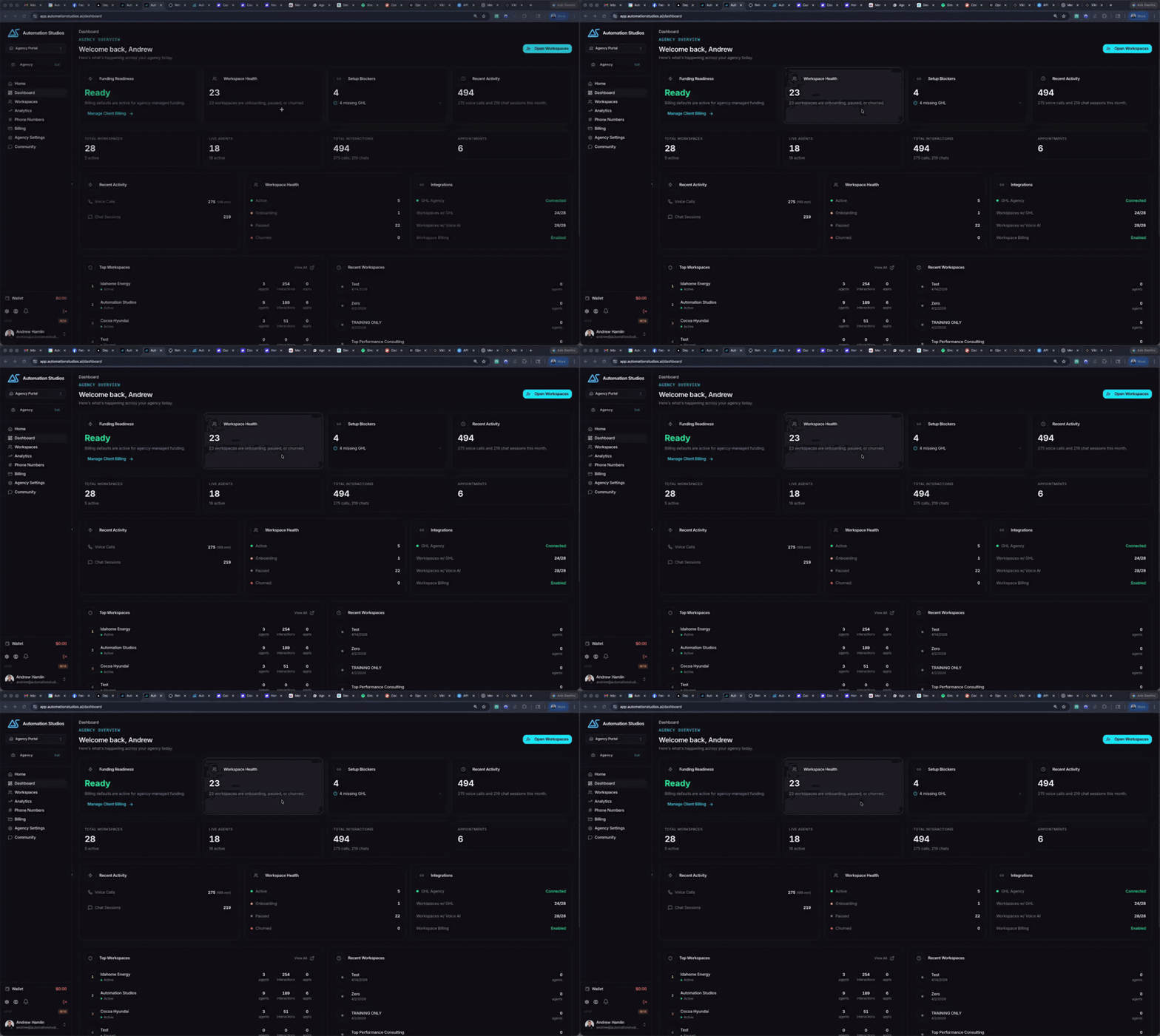
Update: Tech Fix Tuesday 4/14/2026 is still on
My bad guys I got my schedule mixed up, Tech Fix Tuesday is still on today! Please join at 2pm! Today @ 2pm https://us06web.zoom.us/j/87503140912?pwd=DASK8ICyf28hHgUGG9qeICEMRpIbRu.1
1
0
Apr 14 •
New AI Chat/Voice Widget and Support Update
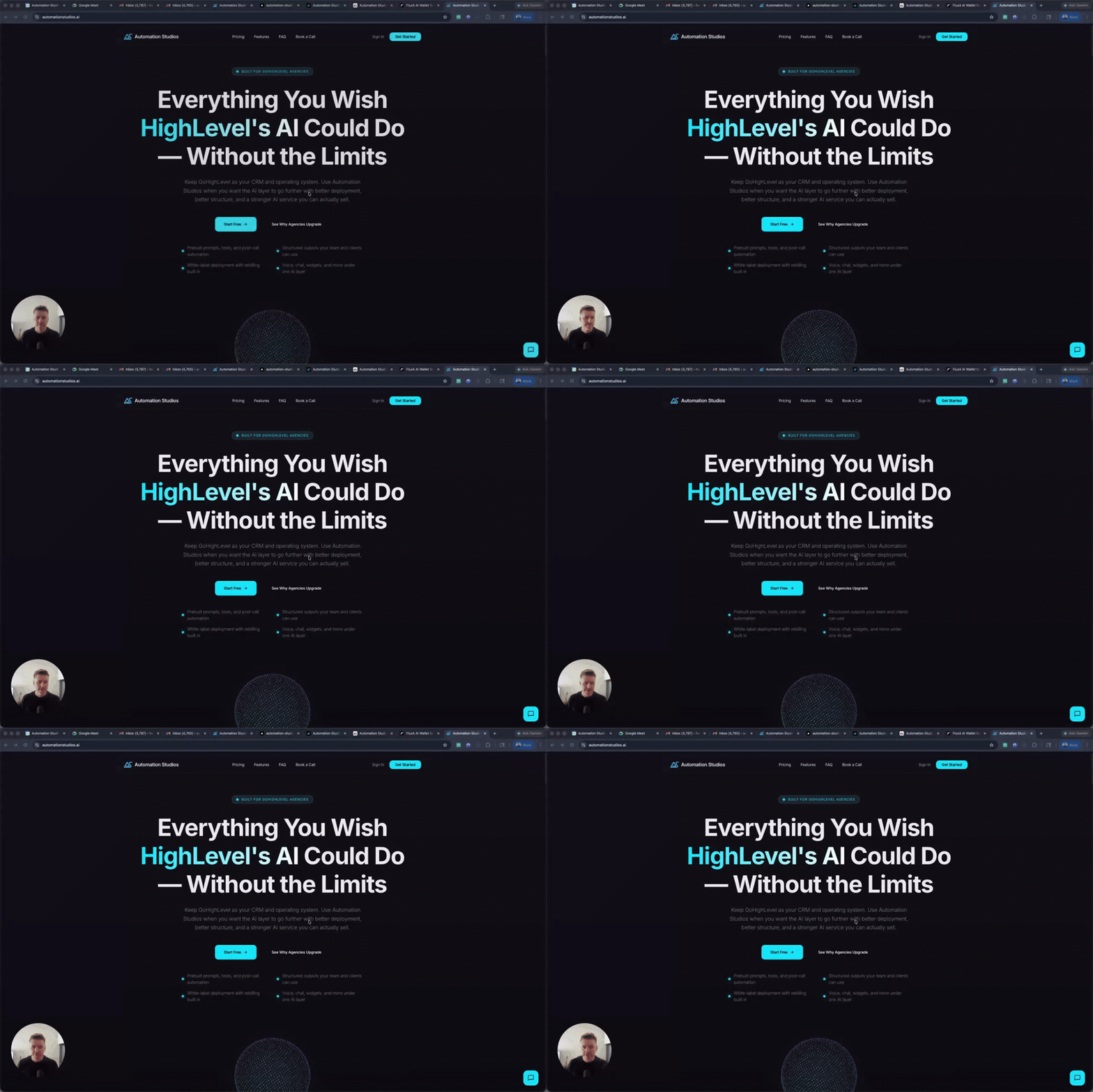
Hey guys, I just gave an update from Automation Studios on our new chat/voice widget. It auto identifies contacts in your GoHighLevel account and can pull prior live chat, SMS, and conversations. In this video I show how to create the widget, copy the code, and as well as some support updates.
2
0
1-10 of 29
Active 14d ago
Joined Feb 1, 2026
Powered by