Activity
Mon
Wed
Fri
Sun
Aug
Sep
Oct
Nov
Dec
Jan
Feb
Mar
Apr
May
Jun
Jul
What is this?
Less
More
Memberships
AI Accelerator
19.7k members • Free
SOLIDWORKS Accelerator
2.3k members • Free
109 contributions to SOLIDWORKS Accelerator
Apr 17 •
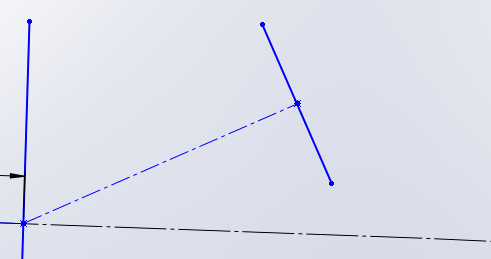
sketch pattern automation
Hi all, i need to draw manually 10's of these line that needs to coincide with the curvature. in the image you see black defined curve, where the undefined blue sketch must be coincide. first i sketch a dash line then a midpoint line that is perpedicular to the dash line, and then coincide with the curvature. this method is laborious, is there a way to automate or use any feature to swift the work. thank you in advance.

1 like • Apr 18
when you are inside the sketch, use Linear Pattern tool type the s key to open the command panel, and search.

1 like • Dec '25
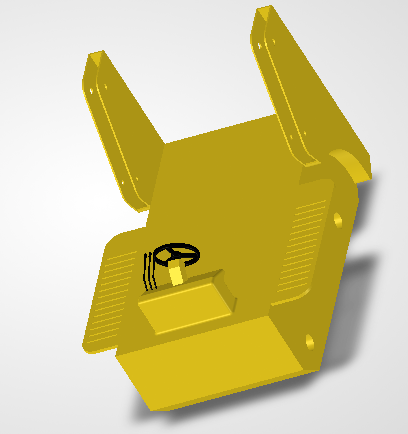
That's really cool and the model looks clean. Is it a toy, or a fullsize bobcat?

Dec '25 •
How to decide what plane to start a new drawing
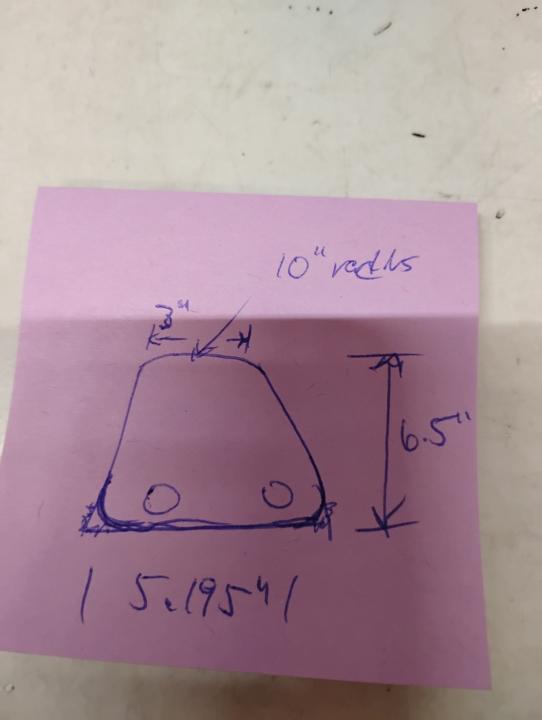
How do I decide, basically, where to start when starting a new drawing? So everyone knows I am 100% completely green to SolidWorks. This is probably a difficult answer to answer. Please see the attached photo. I would think that one would start on a top plane? I have experience with AutoCad and Architectural drawing and you pretty much always start with a 2D floor plan view but 3D mechanic drafting tends to very how a person would start drawing a part
2 likes • Dec '25
It is up to you, but for example if you want to 3d print, the natural oriention is to put the 'base' of your model on the Front plane. Otherwise think of how the object naturally sits on a floor or table, and make the table the Top plane (unlike for 3d printing)

Oct '25 •
Sketch in an Assembly Question
Hi. The part in this assembly has a path made out of many circles. If you look closely you'll see a rebuilt circle. That's the place where a fixed bar shall come and follow the path of many circles. Now I can't figure out how I should draw a path so it won't interfere with the bar or rebuilt circle. I made the cut extrude with many circles by turning the part a bit and draw a circle on the rebuilt circle and then fixed it and exiting the sketch and then rotating it a bit and go back to add another circle.

1 like • Dec '25
@Xander Steyn spline is the best way, unless you want to figure out the parametric equation (which would take me all week I'm sure)
1 like • Nov '25
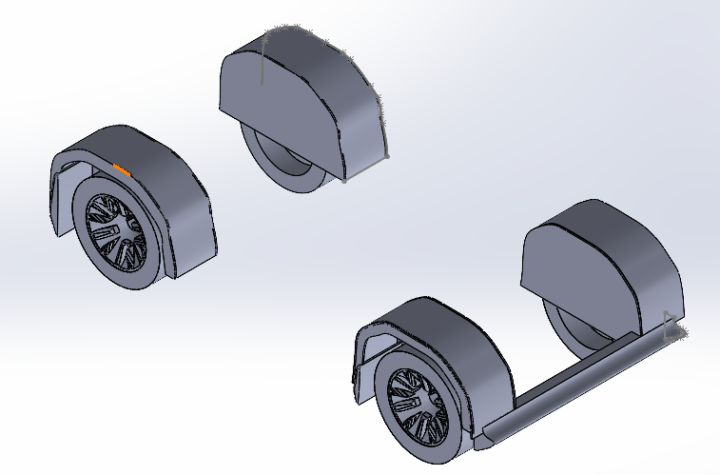
nice one. will you be moving this into a assembly or working in a single part file?
1-10 of 109

@jess-davis-6173
A CAD dilletente. Never became an engineer like I was supposed to.
Active 79d ago
Joined Oct 4, 2024
Powered by