Activity
Mon
Wed
Fri
Sun
Aug
Sep
Oct
Nov
Dec
Jan
Feb
Mar
Apr
May
Jun
Jul
What is this?
Less
More
Owned by Don
Stop being the best-kept secret in your industry. The free WAVES system that turns content into pipeline for founder-led B2B companies.
For B2B founders: turn content into qualified pipeline. Visibility, authority, and systems, with coaching, a CRM, and a 30-day fast start.
Memberships
Neural Architects
3.9k members • Free
Vibe Coders Club
898 members • Free
Skool of Business Execution
43 members • Free
AI Developer Accelerator
11.3k members • Free
The RoboNuggets Community
1.1k members • $97/month
Community Builders - Elite
217 members • $99/month
AI for LinkedIn - evyAI.com
1.8k members • Free
Skoolers
166.4k members • Free
The SEO Elite Circle
676 members • $997/y
12 contributions to AI for LinkedIn - evyAI.com

Feb 17 •
Joe Apfelbaum is Thrilled to be speaking at GCUC in New York City, April 13–15, 2026
We’ll dig into what’s actually shaping the future of work; community, flexibility, and the people that make it all work. Learn more and grab your ticket: na.gcuc.co


2 likes • Feb 17
Congratulations Joe

Sep '25 •
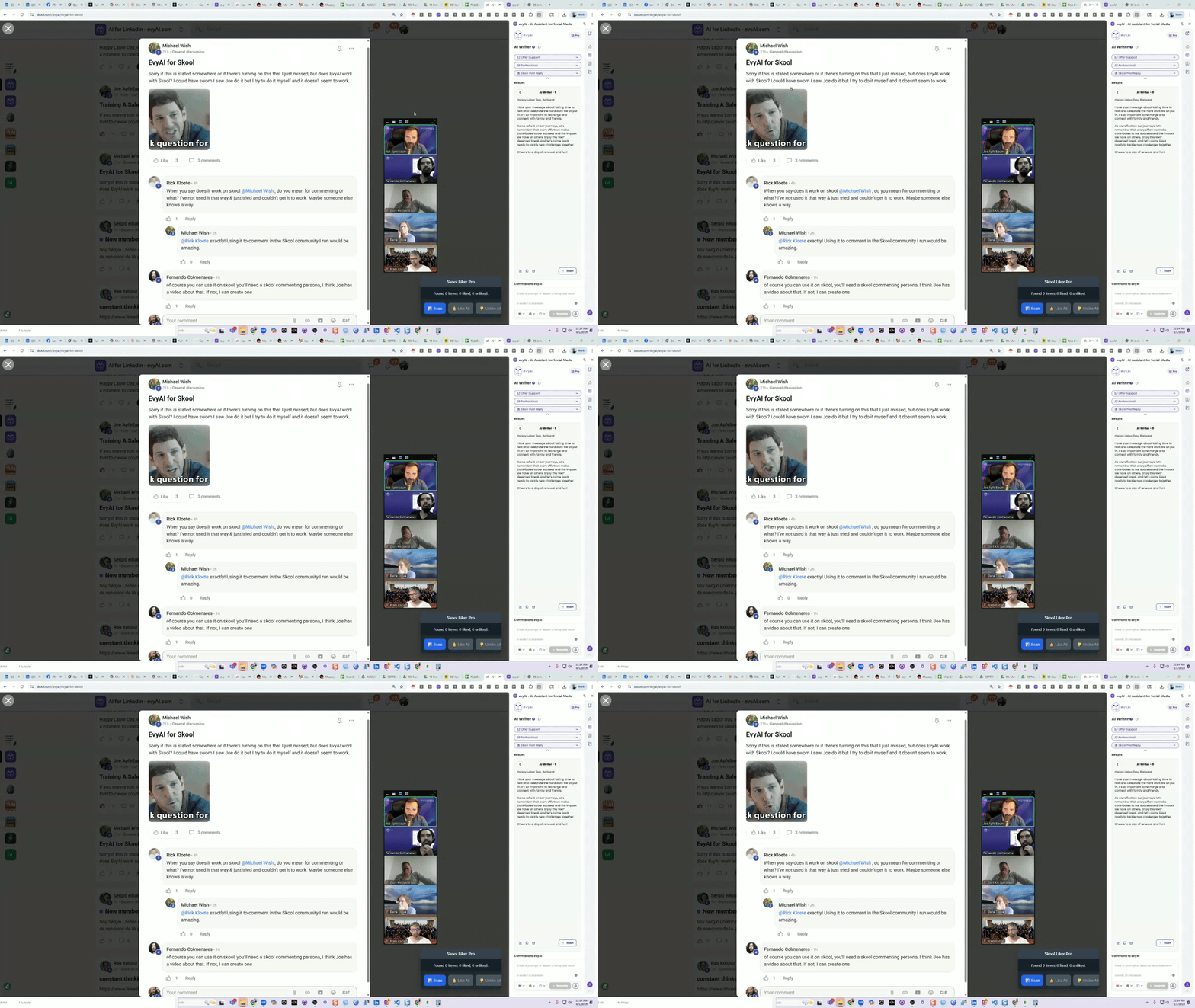
How to use AI to comment on Skool Community Posts
This is is how you use evyAI to comment on skool community posts quickly. In this video, we dive into how to effectively use evyAI AI within the school community to generate supportive and engaging content. To start, simply open the evyAI side panel, select your content goals, and choose a friendly tone. The persona created for this purpose, "school post reply," is designed to help you respond as a supportive community member. Once you've selected the text you want to reply to, just right-click and send it to the side panel. You can choose your language and the model you want to use, then hit generate. This will create a thoughtful comment that you can easily insert into the community discussion. The persona is tailored to encourage positive interactions, focusing on casual and genuine language. With the recent increase in character limits, you have even more room to express your thoughts and support. For quick responses, keyboard shortcuts can streamline the process, allowing you to engage with community members efficiently. This tool is versatile and can be used across various platforms, not just within the school community. Feel free to explore these features and start fostering a welcoming environment for everyone involved!
3 likes • Sep '25
I am so glad, @Joe Apfelbaum that you posted this. I too was going crazy that I must have missed something and this is an awesome feature. (Not written by EvyAI this time)
2 likes • Sep '25
@Joe Apfelbaum This is one of those things. Midday on a holiday, I thought, why don't I try to use evyAI on Skool? I've seen Joe do it before. So I bring up school and I bring up evyAI and I click like I normally do in the comment box and it doesn't come up with the context pop up on the right hand side. So I know based on going to one of the help calls that it's not going to work. So I leave the area I was and I find another post I want to comment on where I then find again that the context is not loaded into evyAI. This is the moment that I started to think 🤔 I should have paid more attention on one of those Joe zooms where he was demonstrating it. Hopefully this did bring you some laughter. I am smiling the whole time, lesson on how to use the tool that I will not forget. I appreciate you Joe.
Aug '25 •
Training A Sales Rep for 90 minutes
If you wanna join in... Join me on zoom at www.highenergyzoom.com which redirects to http//www.zoom.us/j/7185691036

3 likes • Aug '25
@Elena Titova I always pick up little things on these calls.
1 like • Aug '25
@Joe Apfelbaum Skool games hacks via Joe, I love it.
Apr '25 •
What is your most important post of the year?
Leave a comment with your most important post of the year.

3 likes • Apr '25
https://www.linkedin.com/posts/dondavis_cogins0fybcjcfxqkc5d6oif5-r8tbdcdvjiyxej3vc-activity-7313200996900356096-4tdH?utm_source=share&utm_medium=member_desktop&rcm=ACoAAABbJnwBgyXqUqcFiAyjFJxPrGXljzOBVQ0
Feb '25 •
Fourth Posting Party of 2025 [POST YOUR LINKS!]
Dear Friends, this is the Fourth POSTING PARTY of the year. 04 of 25! YES we will be doing this 25 times this year.. Hope you can make them all! Go ahead and POST your LinkedIn Post you want us to review in the comments. Here are a few guidelines. 1. Make sure you LIKE this post as soon as you see it. 2. For each post that you COMMENT on, make sure you like that comment! 3. Remove the UTM tracking links from the end of the post. (Anything after the ? from the link delete) 4. If you dont have a new post, post an old post for us to engage with. Dont stress about it. 5. Mention some of the people you met at the event on LinkedIn in the comment of your post for fun 6. Do not say DONE as a comment on this post each time you comment as it will get annoying, a like on each comment is enough please. I appreciate each and every one of you for engaging, liking, commenting and showing up to the event. It means the world to me to have you Here are a few tips for a succesful posting party. 1. Show up on camera to the zoom event. 2. Be active in the Zoom chat 3. Prepare a solid 15 second elevator pitch 4. Drink water so you have energy. 5. Stay for the full event and dont run off in the middle If you can do those 5 things you will be have a great time at the posting party! Thank you for joining us!
![Fourth Posting Party of 2025 [POST YOUR LINKS!]](https://media3.giphy.com/media/v1.Y2lkPTQ3ZDA4Y2UwZnpjOWNidWcxZDBsdXpteWY0OG5qNHJiOHBpdTdzbmhhdWJ5M2MxeSZlcD12MV9naWZzX3NlYXJjaCZjdD1n/3KC2jD2QcBOSc/100.gif)
1 like • Feb '25
@Lana Sanderson Done
0 likes • Feb '25
@Katherine Robinette Done
1-10 of 12

@don-davis-9351
Don Davis, founder of a top Digital Media Marketing firm, author, and awarded leader in Healthcare and Life Sciences.
Active 5h ago
Joined Dec 23, 2024
Denver, Colorado
Powered by