

1d •
How I Build Websites in 15 Minutes Using Claude
Recorded myself building a full site today and figured I'd share the flow in case it helps anyone here. The basic idea is using Claude to do the thinking and Claude Code to do the building, then dropping it into Go High Level. How it goes: Start with a Claude project. Drop in 2-3 competitor sites and run them through Perplexity to get a breakdown of what's working and what's not. That becomes your knowledge base. Add your business info, then ask Claude to map out the page layout and content based on the competitor analysis. Keep web search on and turn connectors off so it doesn't waste context. Hand the plan to Claude Code, which builds the HTML and CSS clean enough to drop straight into Go High Level as a custom code block. Few things to watch for once it's in GHL: - Strip the document-level HTML wrappers from the top of the code or your forms will break on slower connections - Set the margins on your section, row, and column to zero or you'll get awkward spacing - Check mobile view separately. Desktop and mobile margins are independent in GHL, and this is where most sites look broken on a phone - The SEO title, description, keywords, and schema markup all get pasted into the SEO tab, not left in the HTML Repo I'm using is here if you want to clone it and run it yourself: https://github.com/drleadflow/site-builder-template Hope this saves someone a few hours.
0
0

Feb 17 •
🔥 How to Embed Google Docs Directly Into Your GHL Website (Step-by-Step)
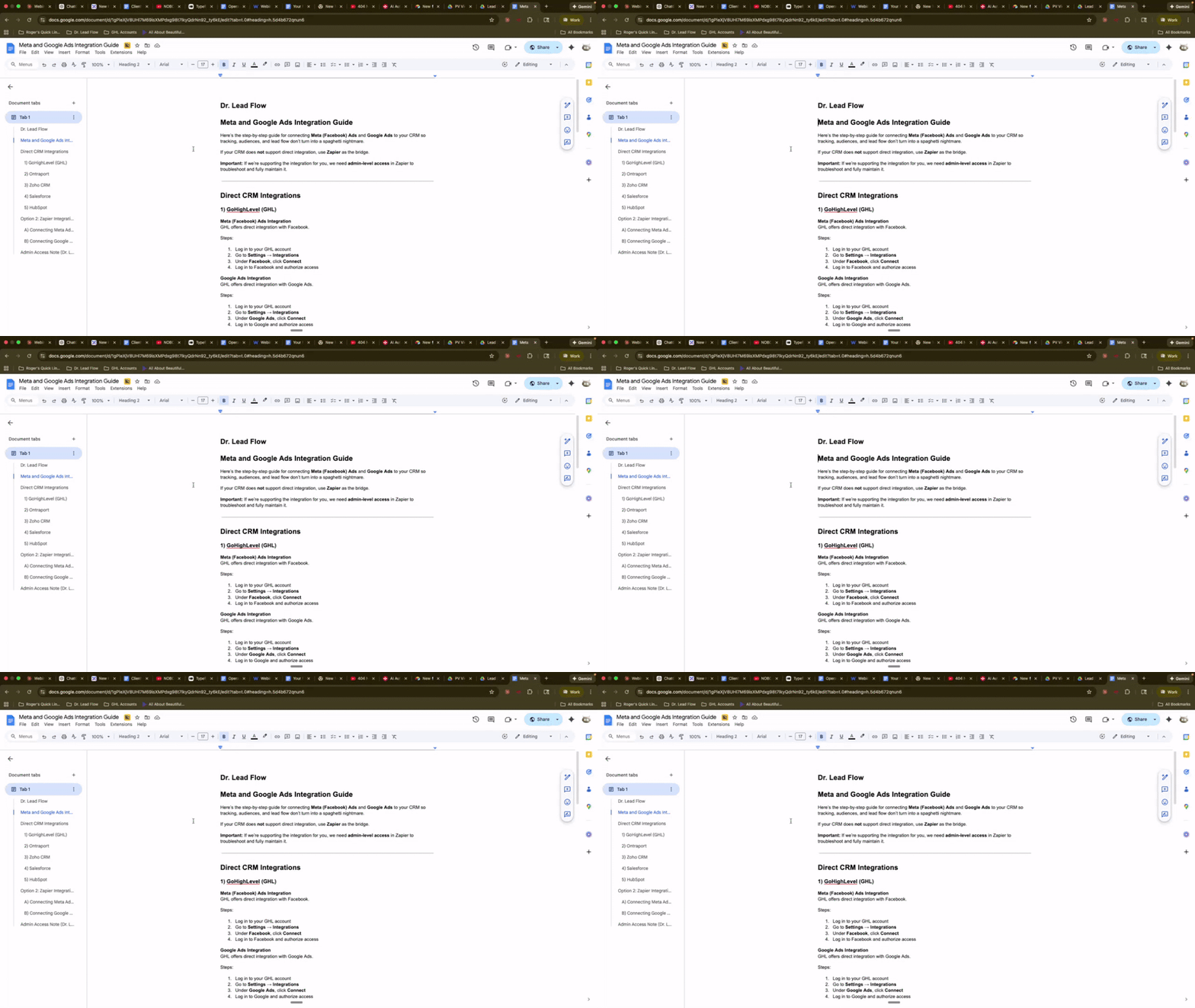
Ever wanted to display a Google Doc right on your website — like a clean, professional framed window? Here's exactly how to do it inside GoHighLevel's site builder. Takes about 5 minutes. Step 1: Get Your Google Doc Embed Link 1. Open your Google Doc 2. Go to **File → Share → Publish to the web** 3. Click the **Embed** tab 4. Click **Publish** 5. Copy the link inside the iframe code — you only need the part that looks like this: `src="https://docs.google.com/document/d/e/XXXXX/pub?embedded=true"` That `src` link is the only thing you'll swap into the code below. Step 2: Paste This Code Into GHL Inside GoHighLevel: - Open your Website or Funnel - Add an **HTML / Custom Code** element - Paste the code below - Replace `PASTE_YOUR_GOOGLE_DOC_LINK_HERE` with your Google Doc embed link - Hit Save and Preview ```html <div style="padding:24px 16px; display:flex; justify-content:center;"> <div style=" width:100%; max-width:820px; border:15px solid #000000; border-radius:18px; overflow:hidden; background:#ffffff; box-shadow:0 18px 45px rgba(0,0,0,0.20); "> <div style=" border:6px solid #4a90c0; border-radius:12px; overflow:hidden; background:#ffffff; "> <iframe src="PASTE_YOUR_GOOGLE_DOC_LINK_HERE" width="100%" height="950" style="border:0; display:block; background:#ffffff;" loading="lazy" title="Google Doc Embed" ></iframe> </div> </div> </div> ``` That's it — your Google Doc now lives inside your site like a clean framed window. Step 3: Customize the Look (Optional) Want to match your brand? Here's what to tweak: Outside border thickness → Find `border:15px solid #000000;` → Change `15px` (thinner = `8px`, thicker = `20px`) Outside border color → Change `#000000` to any hex color (example: brand blue = `#4a90c0`, white = `#ffffff`) Blue accent border → Find `border:6px solid #4a90c0;` → Change thickness or swap the color Corner roundness → Find `border-radius:18px;` and `border-radius:12px;` → Higher number = rounder, lower = sharper
1
0
Jan 26 •
The A2P Question I Get Constantly (Start Here)
If you’ve ever asked me: - “Where do I even start with A2P?” - “How do I get more numbers?” - “Why won’t it let me finish setup?” This is your answer. This video covers Step 1 of A2P: purchasing your phone number and verifying your ID. Think of it like getting the keys before you try to start the car. No number, no A2P. What this video shows ✅ Where to buy a new number inside DrLeadFlow ✅ How to filter by area code and turn on SMS, MMS, and Voice ✅ The ID verification flow (QR code, ID photo, selfie) so your purchase actually goes through Do this before anything else Do not start brand or campaign registration until this step is done. Otherwise you’ll be halfway down the road… missing a tire. Drop a comment if you want Video #2 to be the A2P registration walkthrough (brand + campaign) and I’ll post it next.
1
0

Jan 10 •
🗓️ GHL's New Service Calendar: Card-On-File & No-Show Fees Are HERE
If you've been waiting for a better way to handle no-shows and protect your bookings, Go High Level just delivered. The new Service Calendar is a game-changer, especially for anyone running appointments where cancellations hurt your bottom line. What's New One Calendar, Unlimited Flexibility: - Services – Create as many as you need (40+, no problem) - Staff – Assign unlimited team members to specific services - Resources – Track rooms, equipment, IV bags, etc. - Add-ons – Let clients add upsells during booking - Locations – Multi-location support with location-specific services The Big One: Card-On-File Payment Option: Under Global Settings > Payment Settings, you now have three options: 1. Online payment 2. Pay in person 3. Card on file ← This is huge This means you can collect card info at booking and charge later for no-shows or late cancellations. How to Charge a No-Show Fee: 1. Go to the Contact record 2. Click Payments on the right side 3. Hit Actions > Charge Now 4. Enter description (e.g., "No-Show Fee") and amount 5. Select the card on file 6. Confirm That's it. Done manually in seconds. Protecting Yourself Legally: Add consent language to your booking form. Example: "I understand this consultation is free and a card is required to reserve my appointment. I will not be charged unless I cancel or reschedule within 24 hours, arrive more than 30 minutes late, or do not show. In those cases, I authorize a $29 schedule protection fee." This gives you documented consent before charging. Automation Note: Full automation requires a Zapier connection for now. GHL hasn't built native automation for card-on-file charges yet, but the manual process takes about 10 seconds per no-show. How to Access: 1. Go to Calendars > Calendar Settings > Services 2. If you don't see it, check Labs (agency admins) or contact your account owner to enable it Drop a 🙋 below if you're planning to implement this, or ask questions if you need help setting it up!
0
0

Dec '25 •
⚠️ GHL Calendar Bug - How to Block Off Holiday Times (Workaround)
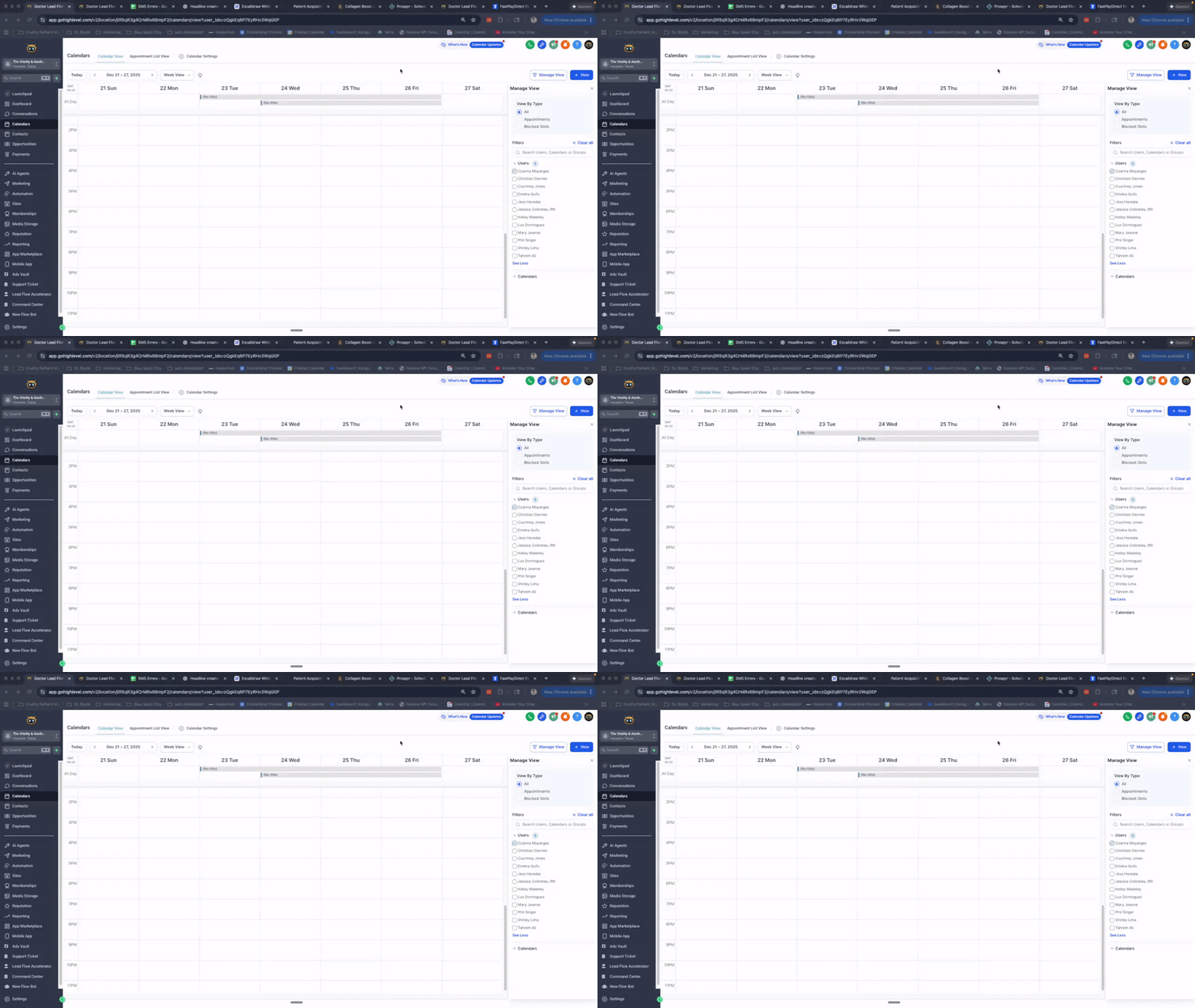
There's currently a platform-wide issue with Go High Level calendars - the normal calendar settings for blocking off days aren't working. Here's how to work around it so no one books on Christmas or other holidays: The Fix: 1. Go to Calendars on your main page 2. Click the blue "Add" button 3. Select "Blocked Off" (NOT a regular appointment) 4. Choose the correct team member the calendar is assigned to (Check this under Calendar Settings → Availability → see whose name is listed) 5. Name it (e.g., "Christmas") 6. Set Start Time: 1:00 AM 7. Set End Time: 11:59 PM (same day) 8. Click Block Time Done! That day is now blocked and no one can book. Action item: Go do this now for any upcoming holidays you need blocked off. Drop a comment if you have questions!
1
0
1-26 of 26

skool.com/10ksidehustle
Escape the grind and build a self-running, high-income health business using AI, systems, and smart leverage.
Leaderboard (30-day)
1

+4
2

+3
Powered by