
27d • General discussion
How to Download Your Templates — Read This First 📥
All templates and resources are inside the Classroom — here's how to access and download them.
TO DOWNLOAD A FILE:
- Click the Classroom tab at the top of the community
- Select the module you want to access (they unlock weekly — Module 1 is available immediately)
- Click the lesson you want
- Scroll down to find the attached file — click to download
- Open in Google Docs, Microsoft Word, or Excel — all templates are fully editable
REPLACING PLACEHOLDERS: Every template uses [PLACEHOLDER] text in gold brackets. Simply replace each placeholder with your own details before using. Example: Replace [COMPANY NAME] with your business name | Replace [LOGO HERE] with your actual logo
HAVING TROUBLE? Post in the community feed and tag @Alisha — we'll get back to you as soon as possible.
0
0 comments
How to Download Your Templates — Read This First 📥
powered by
skool.com/systems-that-scale-3226
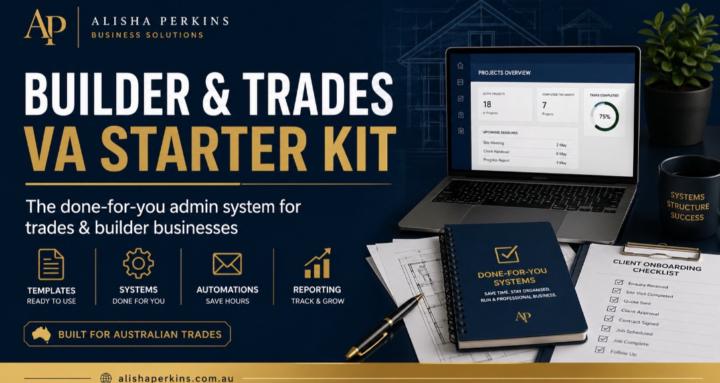
Done for you admin and operations systems built for Australian trades and builder businesses. Templates, SOP, trackers and scripts, ready to use today
Suggested communities
Powered by