Assistable.ai
Private
3.4k members
Free

Over 110,000+ GoHighLevel installs & top 1% on Skool
We'll get you lightyears ahead with your agency using powerful voice and chat AI directly inside of GoHighLevel.
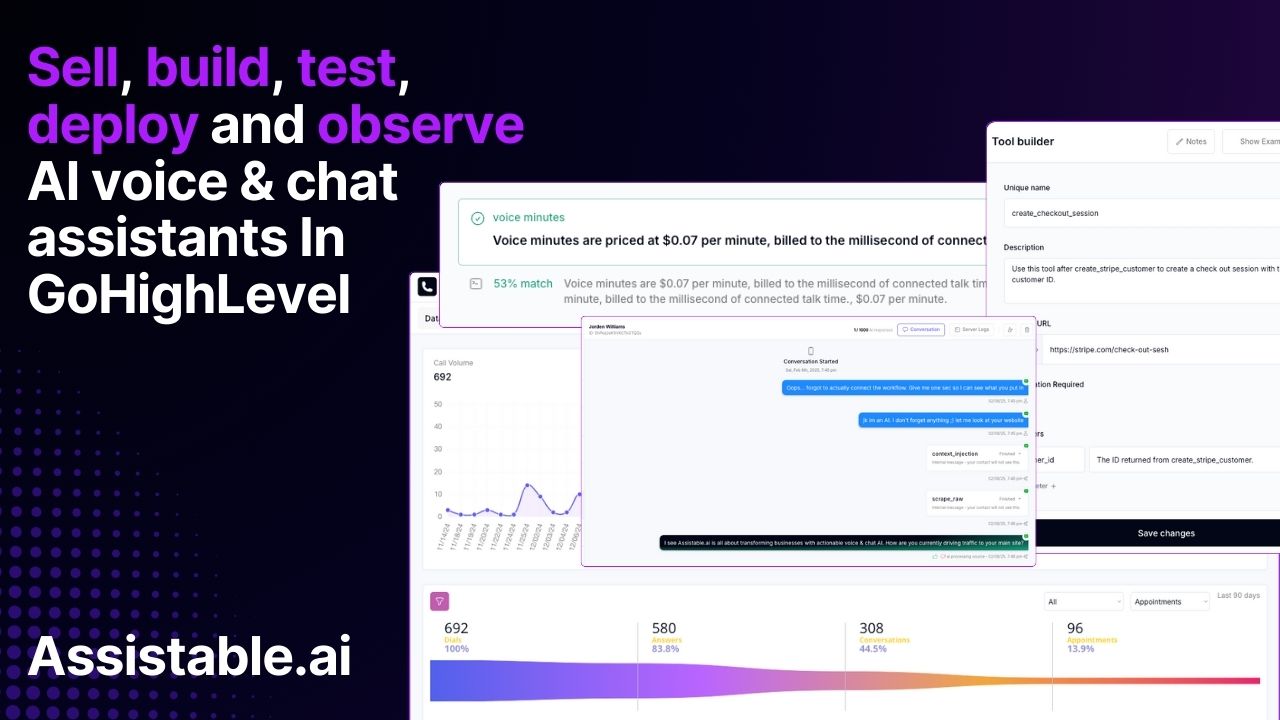
Assistable.ai is the world's only full-stack AI platform for GoHighLevel. We let GHL agencies deploy voice + chat AI in minutes - no coding, snapshot or prompting required.
✅ Build, test and deploy actionable chat AI in GoHighLevel with no workflows - only tags
✅ Build, test and deploy actionable inbound and outbound voice AI in GoHighLevel with no webhooks - only 1 workflow action
✅ Enjoy a suite of pre-built tools to get started
✅ Build custom actions using API endpoints to connect your AI to any system
✅ Re-bill clients for voice minutes to create revenue for your agency
✅ Build & scale resources like bots and custom tools using our 'Copy By ID' system

skool.com/assistable
We give you the most dominantly unfair advantage in the agency space. The most installed GoHighLevel AI ever.
Powered by