13d • 📽️ AI Video Generations
How I Created a Photorealistic AI Influencer Step-by-Step 🔥
🔥 New video is live!
In this video, I show the full step-by-step workflow for creating a photorealistic AI influencer that can be used for UGC-style ads.
This is the workflow I cover:
✅ Creating the AI influencer in Higgsfield
✅ Using Nano Banana Pro for realistic character images
✅ Building front, side, and back reference photos
✅ Re-prompting everything with Claude into JSON prompts
✅ Creating a custom Swedish voice in ElevenLabs
✅ Writing a quiet luxury dress ad script
✅ Generating the final video with Seedance 2.0
✅ Testing 1080p vs 4K
✅ Fixing the voiceover and captions in CapCut
The biggest lesson from this video:
If you want realistic and consistent AI influencers, you need strong reference images, a clear character structure, and a good voice workflow.
The video also shows what went wrong with the Swedish voiceover and how I fixed it manually using ElevenLabs + CapCut.
All prompts, JSON prompts, voice prompts, and the full workflow will be added inside the community.
Watch the full video here: YouTube Video Link
After watching, comment below: would you use this workflow to create your own AI influencer? 👇
8
8 comments
How I Created a Photorealistic AI Influencer Step-by-Step 🔥
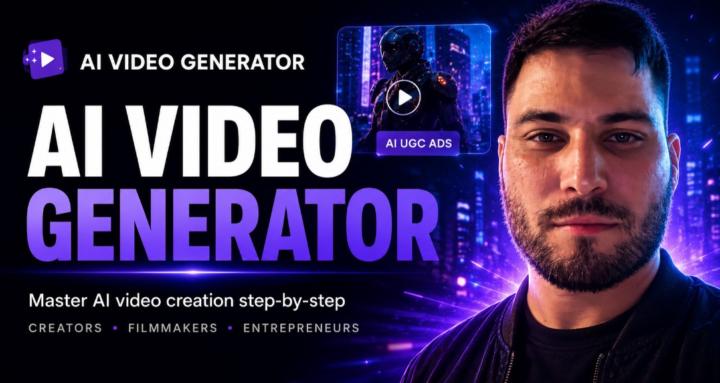
skool.com/ai-video-generator
Welcome to AI Video Generator, a community for creators, marketers, entrepreneurs, and beginners who want to master AI video creation and generation.
Leaderboard (30-day)
1

🔥
+13
2

+11
3

+10
4

+5
5
+5
Powered by