
Pinned

🔥
24h •
the new version of my website
I heard a lot that major business and freelancer having website for better inbound leads and then I learned about website for myself at starting the results are not that much good but now i think it feels good! this is the final look! lets see what you think about this website look and more things you feel? do you have your own website as well? if yes I wanna see how it looks?

Pinned
🔥
1d •
today q/a session
we will have a q/a live session today at 8pm ist directly from skool! where we will discuss all of your questions!!
Poll
8 members have voted

Pinned
🔥
May 19 •
Welcome! Introduce yourself 🎉
Hey everyone , Let's get to know each other! Comment below sharing where about yourself and something you like to do for fun. 😊 To know each other and start learning and building!!


2d •
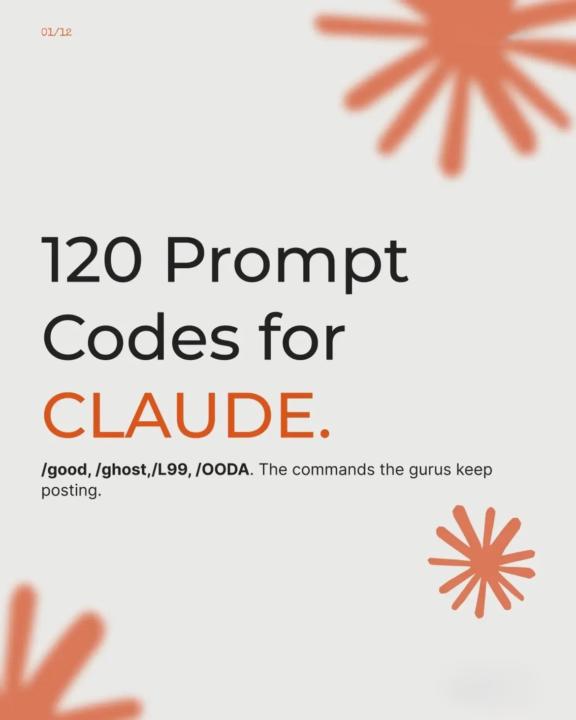
120 Claude Prompt Commands Every Power User Should Know.
If you are using Claude, it's worth moving beyond traditional prompting. A well-structured set of prompt commands can dramatically improve coding, research, writing, business planning, learning and productivity workflows while reducing repetitive prompt writing. This carousel showcases 120 practical Claude prompt commands organized into real-world categories that you can mix and match to produce faster, more consistent and higher-quality results. Whether you are building with Claude Code, AI agents or everyday AI workflows, you will find commands you can start using immediately. Which Claude prompt command would you add to your daily workflow? Share your favorites below.
🔥
May 25 •
Your Complete 30-Day Roadmap to Landing Your First $1,000+ Client
Pinning this for every new member. This is exactly how it works. ━━━━━━━━━━━━━━ Week 1 — Build Proof (Days 1–7) Pick ONE automation tool: n8n, Zapier, or Make. Build ONE simple thing: invoice extractor, doc organizer, or research compiler. Post it in the comments here. Get feedback. That's your proof of work. Week 2 — Book 5 Discovery Calls (Days 8–14) Use this exact 3-message sequence on LinkedIn or Facebook: → Message 1: "Hey [Name], noticed you mentioned struggling with [problem]. Mind if I share something?" → Message 2: "I built a simple automation that handles exactly this. Want to see it?" → Message 3: "Can you do Tuesday or Thursday for a quick call?" That's it. No pitch. No portfolio needed. Week 3 — Close the Deal (Days 15–21) On the call, run this calculator out loud: "How many hours a week does your team spend on [task]? × hourly rate = their monthly cost." Then price yourself BELOW that number. Starter: $500 setup + $100/month Standard: $1,500 + $250/month Premium: $2,500 + $500/month Build something LIVE during the demo. Even 2 minutes = instant credibility. Week 4 — Deliver + Get Testimonial (Days 22–30) Day 1: Core automation live Day 3: Record a Loom walkthrough Day 5: Ask this exact question → "What would you tell someone considering working with me?" That answer = your testimonial. Where are you right now in this roadmap? Drop your week below 👇

1-30 of 123
powered by

skool.com/ai-automation-club-1084
Build AI automations & learn how to make money with AI — even as a beginner.
Suggested communities
Powered by