
Write something
Pinned

Mar 8 •
WELCOME TEAM: Start Here 👇👇👇
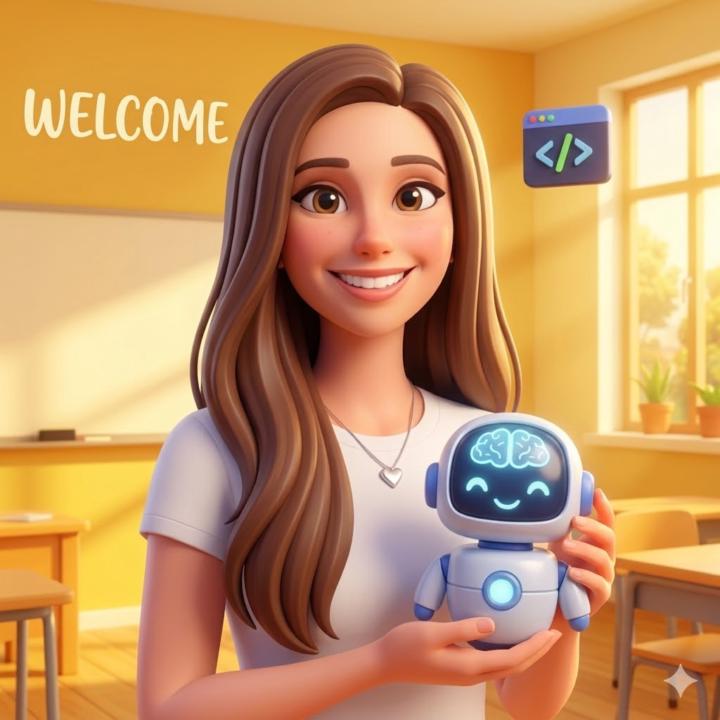
Explore our Free AI Agent community designed to automate your business and daily tasks immediately with NO coding required! Welcome to AI Agents For Beginners (Free)! I am Diana Chen, the founder of this community.🤗 A leading AI specialist with a extensive background in helping businesses and educators implement AI easily and safely. I focus on engineering Google AI Gemini gems and zero code Claude Cowork setups that are immediately powerful yet completely intuitive to beginners without any coding skills. ✅ Where to Start?😃 1. Introduce Yourself Here First > (Include what AI tool are you most interested in learning & job) 2. Then Create Your First AI Assistant Free Here > Creating a no code AI assistant here only takes about 10-15 mins. You GOT THIS! 💡 Pro Tip: The more you comment in this group, the more others will help you out and resources you will unlock here!✨ Welcome to your new AI home!🏡

Pinned
24d •
FREE: 2026 Build Your Own AI Assistant in Gemini
Exciting news.😃 I just launched a brand new free (Gamified) Build Your Own AI Assistant in Gemini! (No code!) Getting started finally will feel clear, and actually fun! You do not need a paid Gemini account or to figure it all out on your own. I already did the heavy lifting for you, and the template is fully customizable so you can make it fit your own business or goals.🙌 Inside, you’ll be able to: ✅ Pick what kind of AI Assistant you want to build ✅ Follow the steps in order without feeling overwhelmed ✅ Customize your assistant for real tasks you want help with ✅ Finally start instead of overthinking it If you’ve been wanting to create your first AI Assistant in Gemini, this is your sign to spend only 5 minutes today creating it. I can't wait to see all of your AI assistants! It will only take 10-15 minutes to create your first one! Start Right Here then share your win with the group to help others in our group!😊 🗺️ Start My Free Build Your Own AI Assistant in Gemini Course >> Can't wait to see what you build!🤩 - Diana


8h •
Intro
Hi all, excited to be here. I'm an English language coach and teen mentor, and would like to learn more about agents to have them help me get important jobs done that I shirk from.

22h •
Intro
I’m Sheila trying to learn AI agents for my business so I won’t be tied down all day to a computer since I’m a travel nurse and in my car the majority of the day
Mar 6 •
Share Your Introduction Post! 👋 Make Friends!
Welcome! So, happy to have you here! Lots of GREAT resources!😃 1) First Introduce yourself in a new post here 👇: ✅ Name & Profession: ✅ What AI tool are you most interested in learning?: 2. Next Free Build Your First AI Assistant Here → 😃 If you are here for Claude Cowork, start here Have fun!🙌
1-30 of 177
skool.com/ai-agents-for-beginners
Join the #1 free AI Agents for Beginners Library. Access plug-and-play Google Gemini Gems to instantly automate tasks and reduce manual work. No code.
Leaderboard (30-day)
1

+41
2

+38
3

+31
4

+29
5

+16
Powered by