4h • 📌 Start Here
🧩 Getting Plugged Into the OPAC Ecosystem
OPAC™ Start is not just a course.
It is your on-ramp into a living ecosystem of Modern Operators building LegalShield® with more structure, better follow-up, cleaner systems, and less guesswork.
This lesson is your “plug-in” checkpoint.
It helps you understand:
• where OPAC Start fits
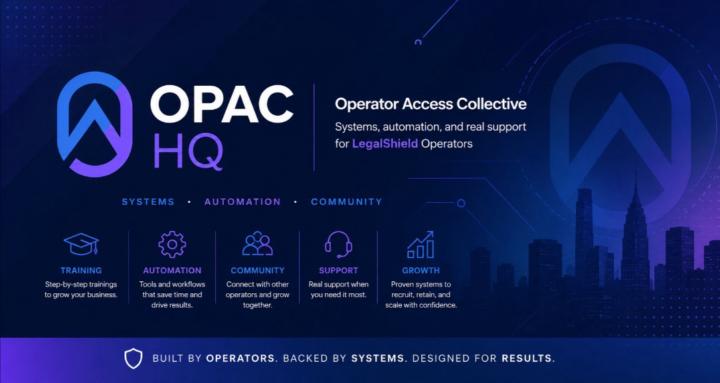
• what OPAC HQ is for
• how the free Facebook group fits in
• what apps you need downloaded
• how the Path Finder helps you understand your build style
• how the Fit Check fits into the bigger public-facing system
Here’s the clean distinction:
Path Finder helps you understand how you may want to build:
Direct Mode, Quiet Mode, or Hybrid Mode.
Fit Check is the application/consideration path for people who may want to plug into OPAC directly.
Before moving forward, make sure you’re plugged in:
✅ You understand the difference between LegalShield®, OPAC™ Start, OPAC OS™, and OPAC HQ
✅ You know OPAC HQ is the community hub
✅ You downloaded the Skool app
✅ You downloaded the Prospect by LegalShield® app
✅ You know when to use the Path Finder
✅ You know when to share the Fit Check
Quick checkpoint:
Drop a comment below with one of these:
“Plugged In” — if you’ve completed the setup
“Need Help” — if you’re stuck on something
“Path Check” — if you’re still unsure whether Direct, Quiet, or Hybrid fits you best
👊 Operator Move:
Don’t just consume the lessons. Get connected to the right tools, the right community, and the right path.
0
0 comments
🧩 Getting Plugged Into the OPAC Ecosystem